Seedance 2.5 AI Video Generator

Create up to 30 seconds in a single generation with ByteDance’s Seedance 2.5. Direct camera movement, synchronized sound, and image guidance in Wizmade.

Sign up for free and get 60 creditsCreate with Wizmade

What makes Seedance 2.5 stand out?

See Seedance 2.5 in motion

Up to 30 seconds in one generation

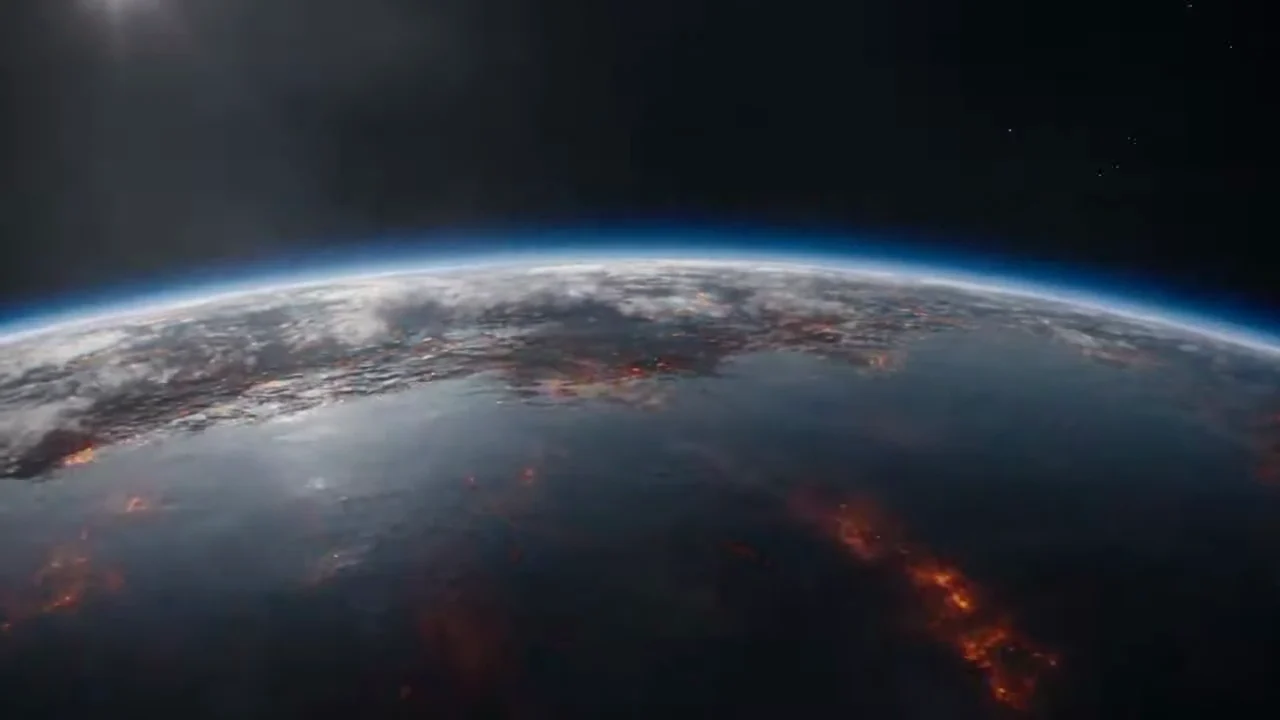
Carry a story through multiple scenes in a single clip. The camera travels from a nebula through prehistoric Earth and back into orbit.

Earth Origins & Cosmic Evolution Zoom · 30s
Example prompt

30-second seamless evolutionary journey in one continuous camera movement: begin inside deep-space golden nebula stardust, pull forward through a spinning protoplanetary disk coalescing into a glowing molten planet, cool rapidly into churning oceans and coral reefs filled with prehistoric fish, rise through fern jungles past dinosaurs to an upright ape on a cliff at dusk, and zoom smoothly backward through atmosphere into orbit revealing Earth and moons floating in space.
Dialogue that stays in sync across shots

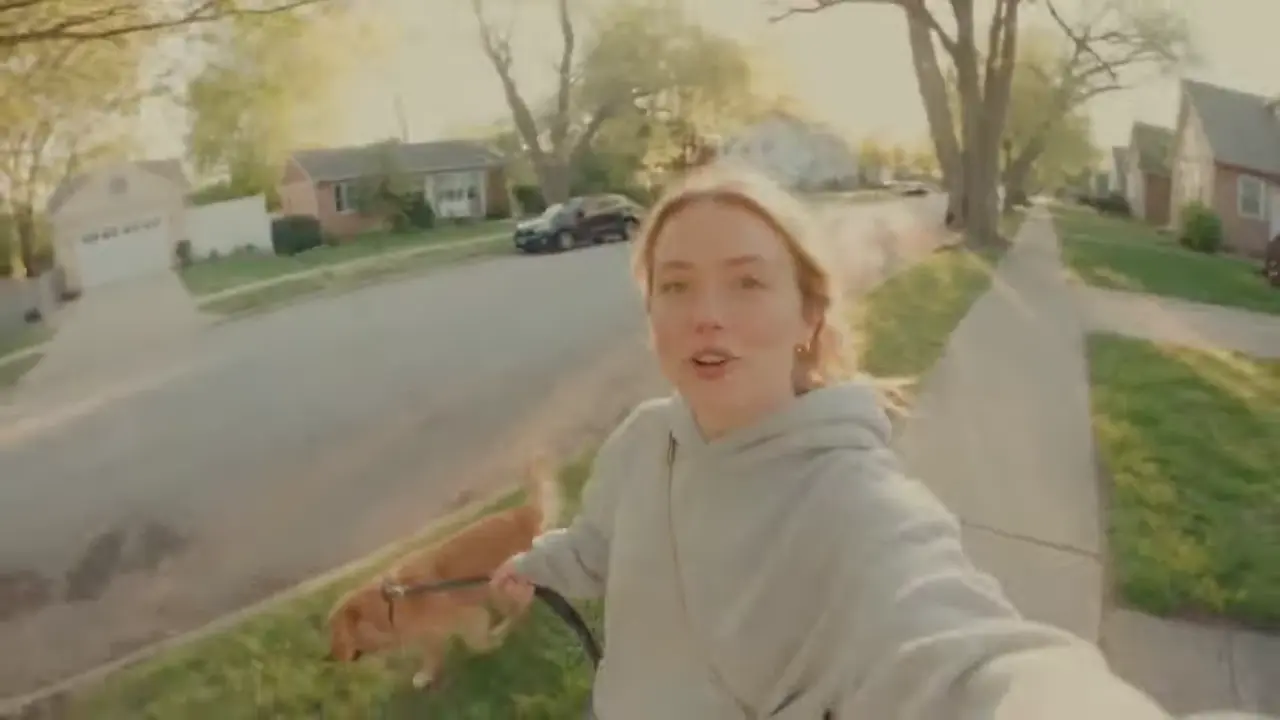
Carry synchronized speech through camera and scene changes. In the dog-walk vlog, listen for the voice as the camera moves from a handheld selfie to a park bench.

Morning Dog Walk Vlog · 15s
Example prompt

15-second warm golden-hour handheld selfie vlog along a quiet suburban sidewalk: a cheerful young woman in a light grey hoodie holds out a wide-angle camcorder while walking her golden retriever on a black leash, pauses beside a park bench where a squirrel perches on a railing, sets the camcorder on the wooden bench to pet her dog, and speaks naturally with smiling eye contact: "Good morning. Someone couldn't wait. Worth waking up early." Crisp natural voice audio and subtle outdoor breeze.

Fluid action and camera movement

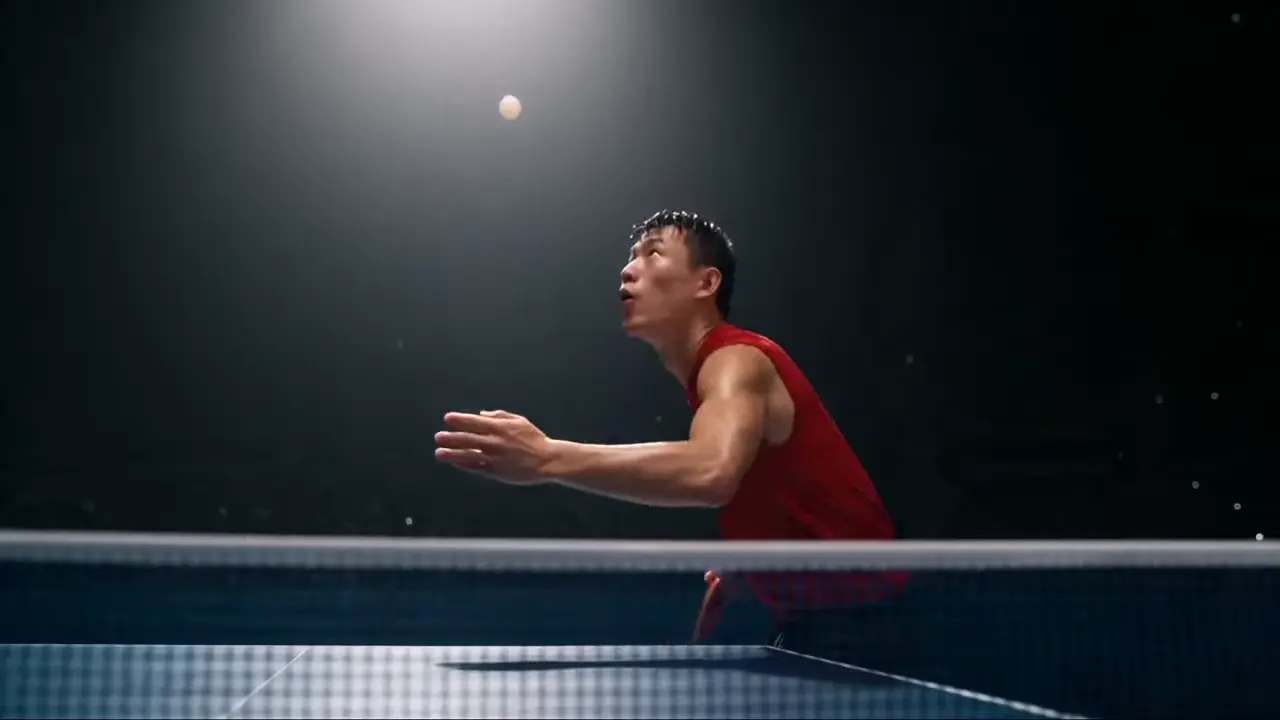
Follow rapid movement through changing camera angles. The table tennis rally cuts between wide views and close-ups while the players keep the exchange going.

Championship Table Tennis Rally · 10s
Example prompt

10-second championship table tennis rally inside a dark indoor arena under dramatic overhead stage lights with the electronic scoreboard set at 10-10. Two players wearing red and blue jerseys trade explosive forehand drives and backhand smashes across a matte dark table; the camera tracks tightly around the net and ramps briefly into slow motion as the white ball spins past with crisp paddle impacts, shoe squeaks, and hushed crowd ambience.

Natural lighting and material detail

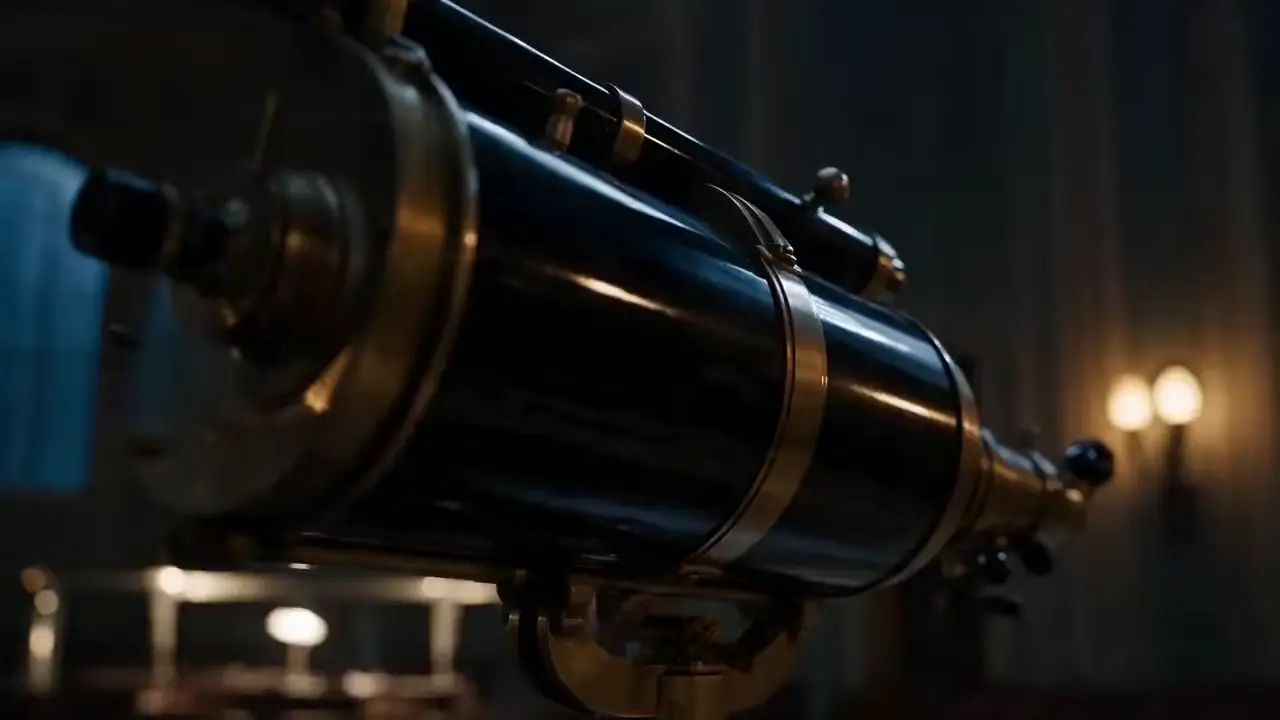
Render directional light, reflections, and textures across close-ups and wide shots. In the planetarium, light catches rippling water and polished brass before the camera reveals the moonlit hall.

Moonlight in the Planetarium · 15s
Example prompt

Inside an old planetarium at night, open on a close-up of ripples in a metal mop bucket. Glide past the polished brass telescope as warm wall sconces reflect along its barrel. Cut to a wide shot of a janitor below tall arched windows as a cool shaft of moonlight crosses the dark hall. Let the moon swell into view while keeping the lighting and reflections consistent across the shots.

Seedance 2.5 vs. Seedance 2.0

Seedance 2.5 generates up to 30 seconds in a single pass. Compare the settings available for each version in Wizmade.

Wizmade settingSeedance 2.5Seedance 2.0
Clip duration4–30 seconds4–15 seconds
Text-only aspect ratios16:9, 9:16, 1:1, 4:3, 3:4, 21:916:9, 9:16, 1:1, 4:3, 3:4
Output resolution480p, 720p, 1080p480p, 720p, 1080p
Image referencesUp to 9 imagesUp to 9 images
AudioSound on or SilentSound on or Silent

Sources ByteDance release notes · Wizmade workbench settings

How to create a video with Seedance 2.5

  1. Step 1

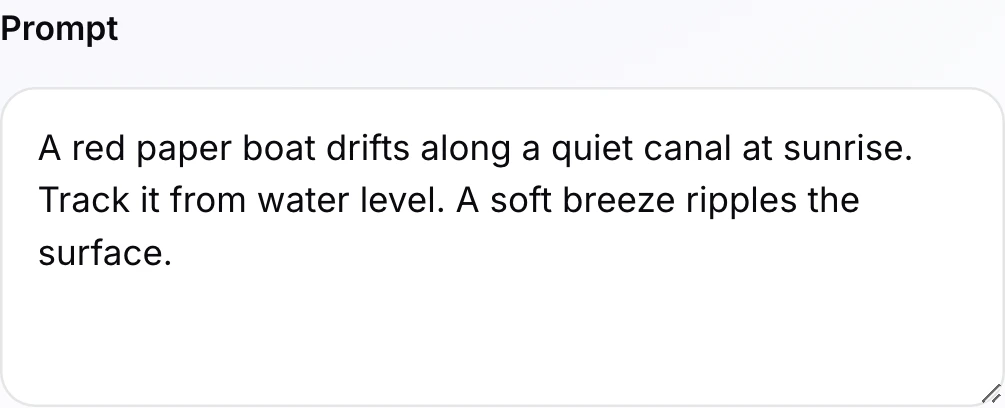
    Describe the scene and camera direction

    Describe the subject, action, camera, and sound. In Text / Image, you can add a start frame. For two anchor frames or multiple guidance images, switch to Start & End or References.

    A filled scene prompt in the Seedance 2.5 workbench.
  2. Step 2

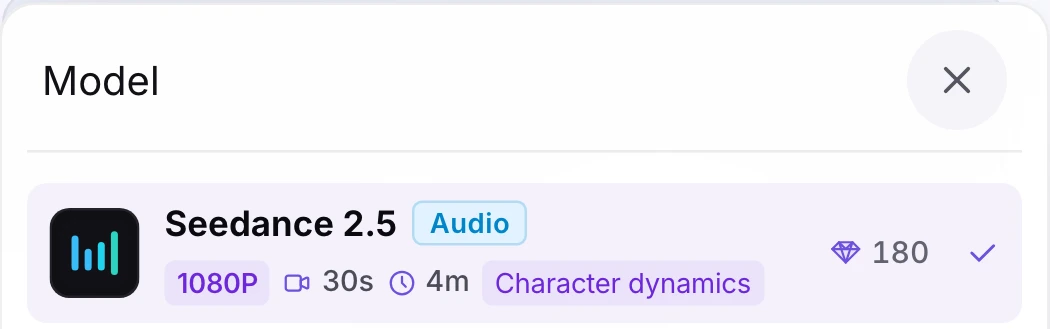
    Select Seedance 2.5

    Open the model picker and select Seedance 2.5. Keep it selected to use the settings and clip lengths shown on this page.

    Seedance 2.5 selected in the Wizmade model menu.
  3. Step 3

    Set the output and review the quote

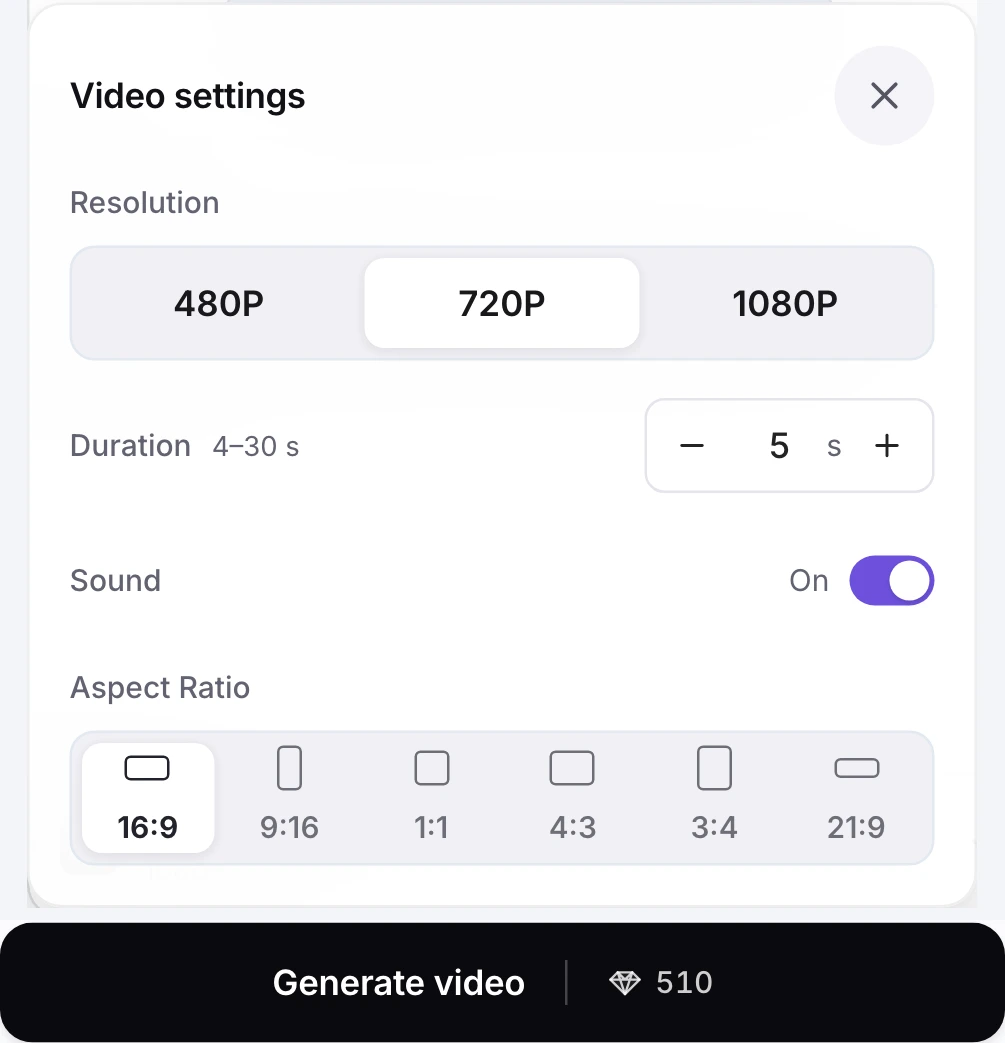
    Open the settings beneath the model selector to choose duration, resolution, framing, and Sound on or Silent. Review the live diamond quote on Generate video before creating.

    Seedance 2.5 video settings and the Generate video quote for 720p, 5 seconds, and sound on.

Seedance 2.5 settings in Wizmade

SpecificationSeedance 2.5 in Wizmade
Supported modesText / Image · Start & End · References
Image guidance rolesOptional start frame (1 image) · Start & End (2 frames) · References (1–9 images)
Clip duration4–30 seconds (1s increments)
Output resolutions480p · 720p · 1080p
Aspect ratios16:9 · 9:16 · 1:1 · 4:3 · 3:4 · 21:9 for text-only prompts and References. Start frames and Start & End use adaptive framing.
Native audioSound on by default · optional Silent toggle
Outputs per submission1 video per request
Credit range (live catalog)180–7,530 credits (480p · 4s from 180 credits · 720p · 5s from 510 credits · 1080p · 5s from 1,255 credits)

Seedance 2.5 FAQ

What is Seedance 2.5, and how does it compare with Seedance 2.0?

Seedance 2.5 is ByteDance’s video model for generating picture and sound together. In Wizmade, it generates up to 30 seconds per clip, compared with up to 15 seconds for Seedance 2.0. It also adds a 21:9 option to the text-only workflow.

Can I use images with Seedance 2.5?

Yes. In Text / Image, add an optional start frame. Choose Start & End for two anchor frames, or References for up to nine images that guide the subject, props, or style.

Does Seedance 2.5 generate sound and speech?

Yes. Describe the dialogue, music, or ambient sound you want in the prompt. Sound is on by default. Select Silent in the workbench if you want a video without audio.

What resolutions and aspect ratios are available?

Wizmade supports 480p, 720p, and 1080p outputs. Choose a ratio in Text / Image with no start frame or in References. When you add a start frame or use Start & End, framing follows the source image.

How does credit pricing work for Seedance 2.5?

Seedance 2.5 pricing scales with output resolution (480p, 720p, or 1080p) and clip duration (4 to 30 seconds). Every setting adjustment immediately updates the diamond quote displayed on the workbench button before you submit.

Can I generate a video from text alone?

Yes. Keep Text / Image selected and leave the start frame empty. Describe the scene, action, camera movement, and any sound you want.

When should I use Start & End instead of References?

Use Start & End when you have specific opening and closing frames. Use References when you want images to guide the look of a subject or scene throughout the clip.

Can I reuse a prompt from a video example?

Yes. Copy the full prompt or use Try this prompt with Text / Image and an empty start frame. The prompt stays editable, and your model, settings, and images stay in place.

Does opening this page or trying a sample prompt spend credits?

No. Playing showcase videos, inspecting prompts, testing quote estimates, or loading a prompt into the workbench is free. Credits are quoted and authorized only when you explicitly create and submit a generation.

From a single prompt to a 30-second clip with synchronized sound.

Bring your next idea to life

Start with a prompt or an image. Create your video right here.

Create a video