
A simple mark
Limit the first brief to one recognizable symbol and a small palette.
Wizmade’s AI Logo Generator prepares raster logo concepts from a brand brief and an optional image reference. Describe the name, mark, colors, and intended use, then review the supported canvas settings. Inspiration examples show possible design directions rather than proving a generated result.
Wizmade’s AI Logo Generator prepares raster logo concepts from a brand brief and an optional image reference. Describe the name, mark, colors, and intended use, then review the supported canvas settings. Inspiration examples show possible design directions rather than proving a generated result.
Limit the first brief to one recognizable symbol and a small palette.
Test the concept at icon and header sizes after generation.
Use the image to discuss direction before final typography, vector drawing, or trademark checks.
Follow the steps in the workbench above. Each screenshot shows the complete interface for that step.
Enter a brand name and the intended logo direction. Add a reference image only if it helps communicate the mark or visual style.
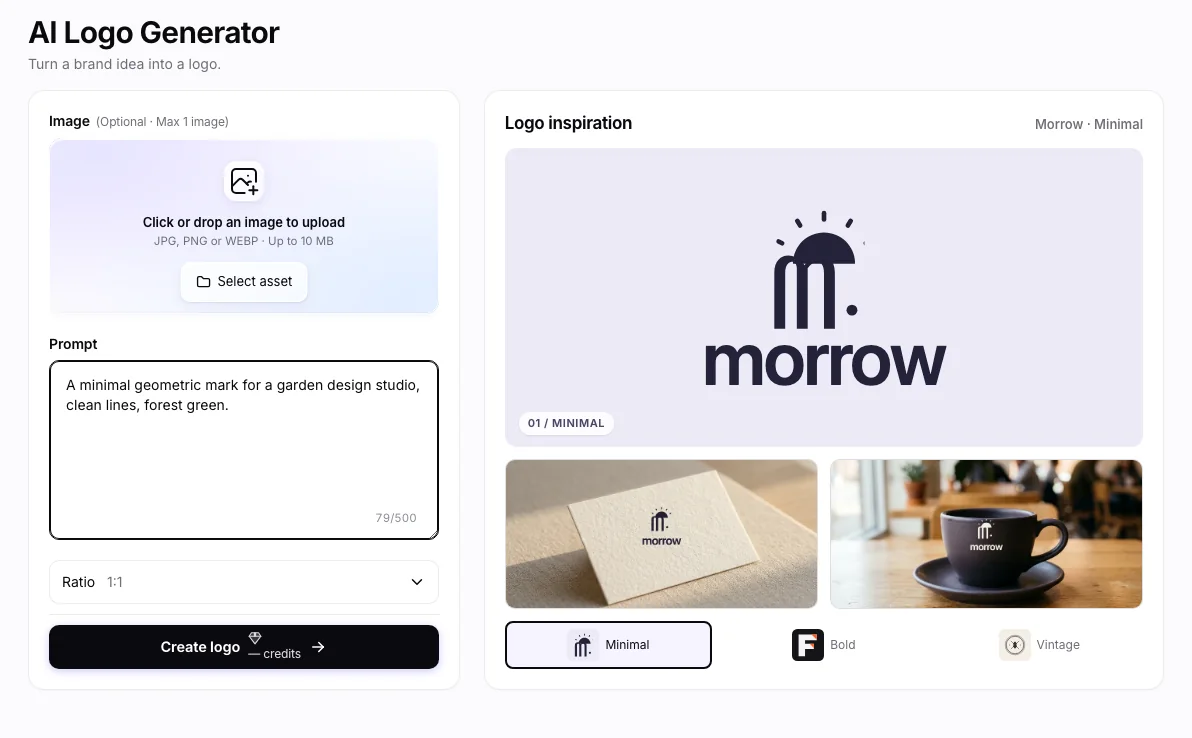
Describe the symbol, typography, palette, and background. Browsing the inspiration examples lets you compare directions without changing your brief.
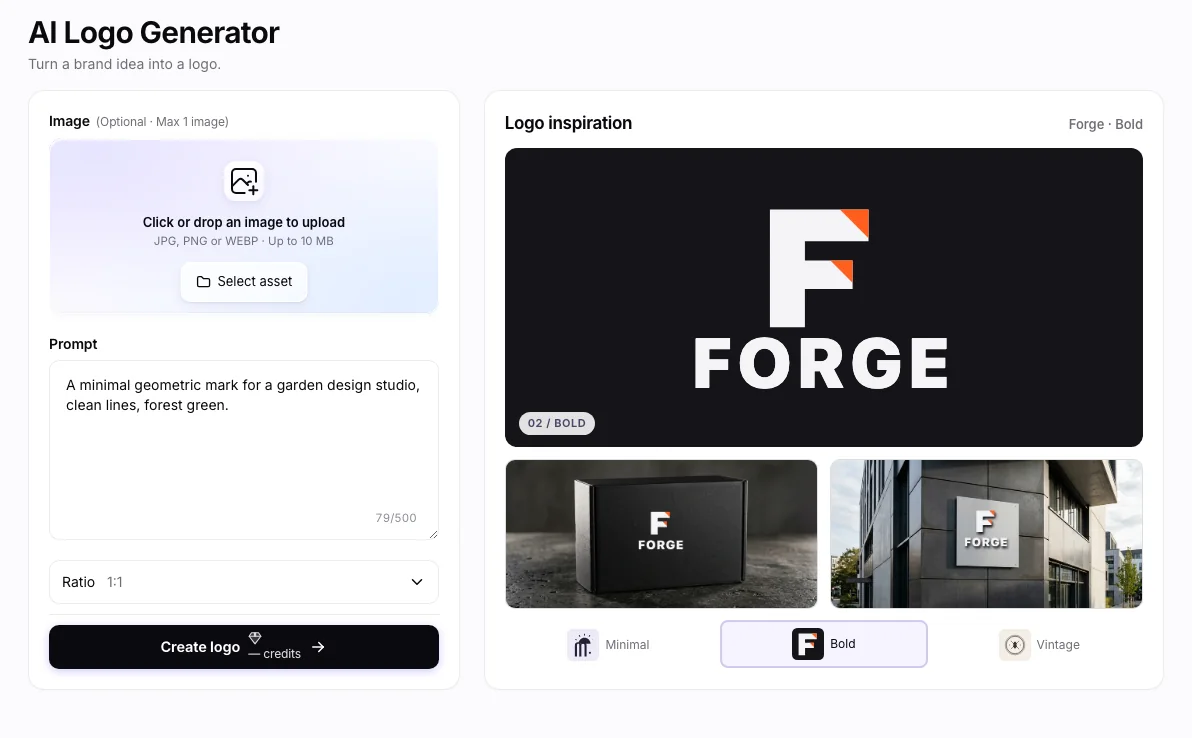
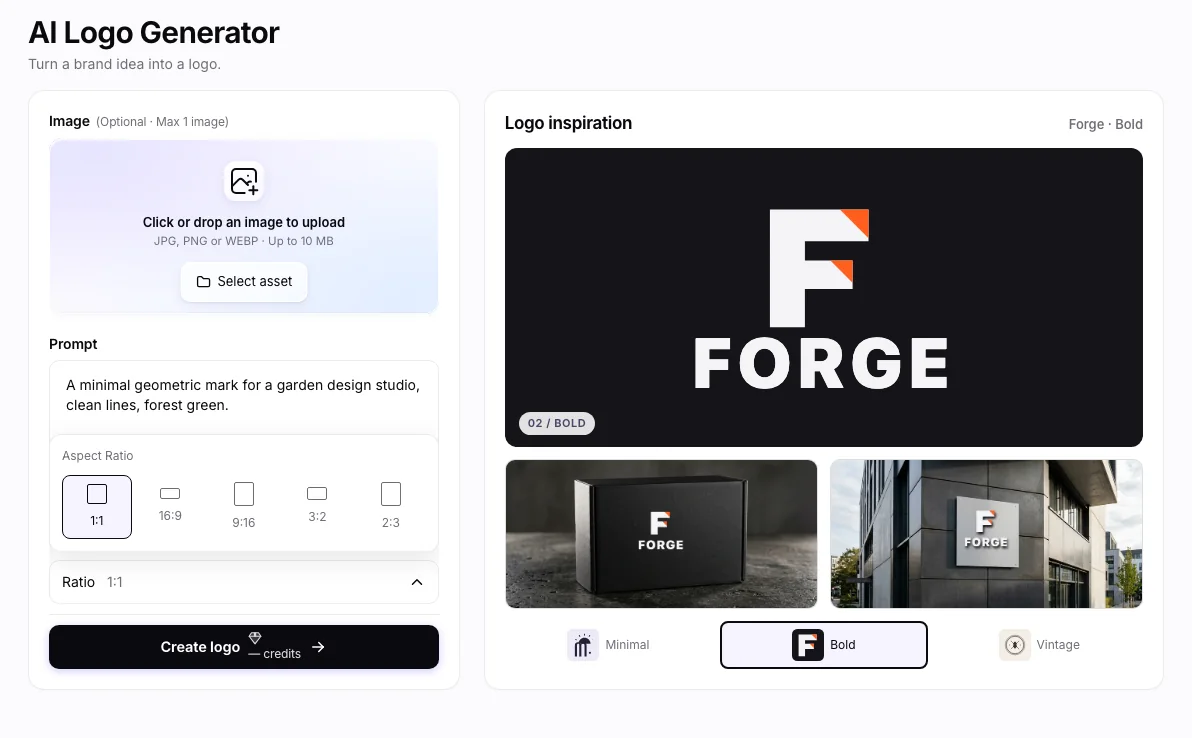
Open the aspect-ratio control, review the prompt and any reference, then check the displayed 💎 amount before Create.
A vector-style image is not an SVG or editable vector file. Generated lettering can be inaccurate; logo uniqueness, trademark availability, and usage rights require separate review.
Wizmade’s AI Logo Generator prepares raster logo concepts from a brand brief and an optional image reference. Describe the name, mark, colors, and intended use, then review the supported canvas settings. Inspiration examples show possible design directions rather than proving a generated result.
The generation workflow produces image concepts. It does not promise editable vector paths, SVG export, or trademark clearance.
Check the 💎 amount displayed beside the creation action after selecting your inputs and settings. Do not assume that another tool or model has the same cost.
You can prepare the available inputs in the public workbench. Complete sign-in when requested before starting a task, and review the displayed credit cost before submitting.
A vector-style image is not an SVG or editable vector file. Generated lettering can be inaccurate; logo uniqueness, trademark availability, and usage rights require separate review.
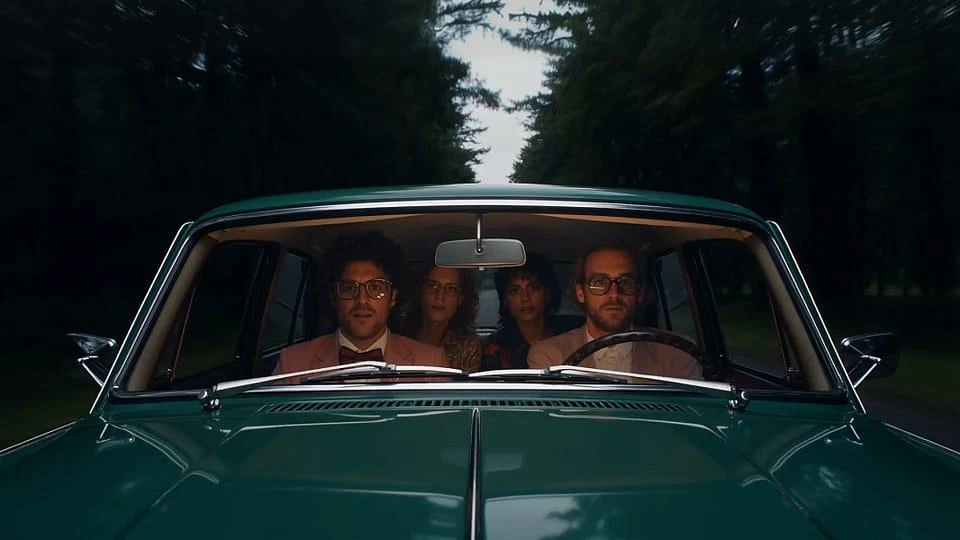
Wizmade’s AI Video Generator prepares short clips from a written scene or image references. Choose Text to Video to invent the scene or Image to Video to guide its appearance. Model capabilities determine the available reference methods, duration, resolution, ratio, and outputs.
Explore AI tool →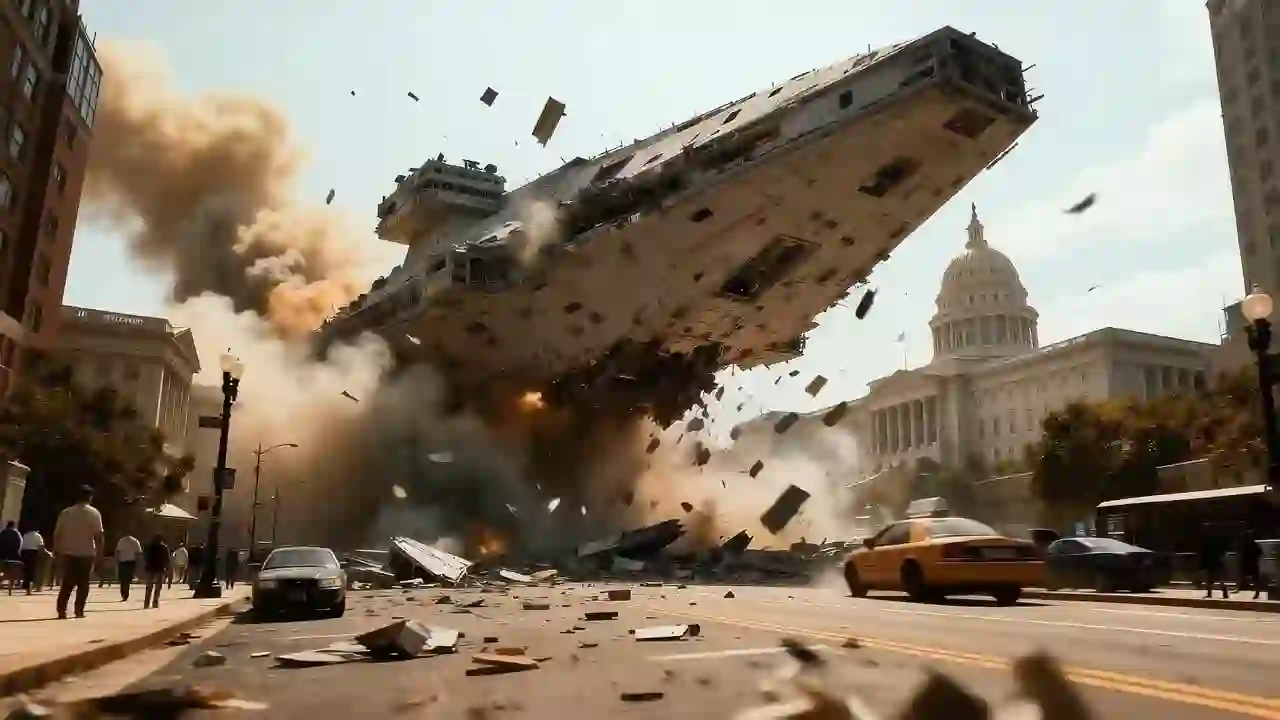
Wizmade’s Text to Video creates a video request from a written scene without requiring an image. Describe who or what moves, where it happens, and how the camera sees the action. Select a video model and the parameters it supports before reviewing the credit amount.
Explore AI tool →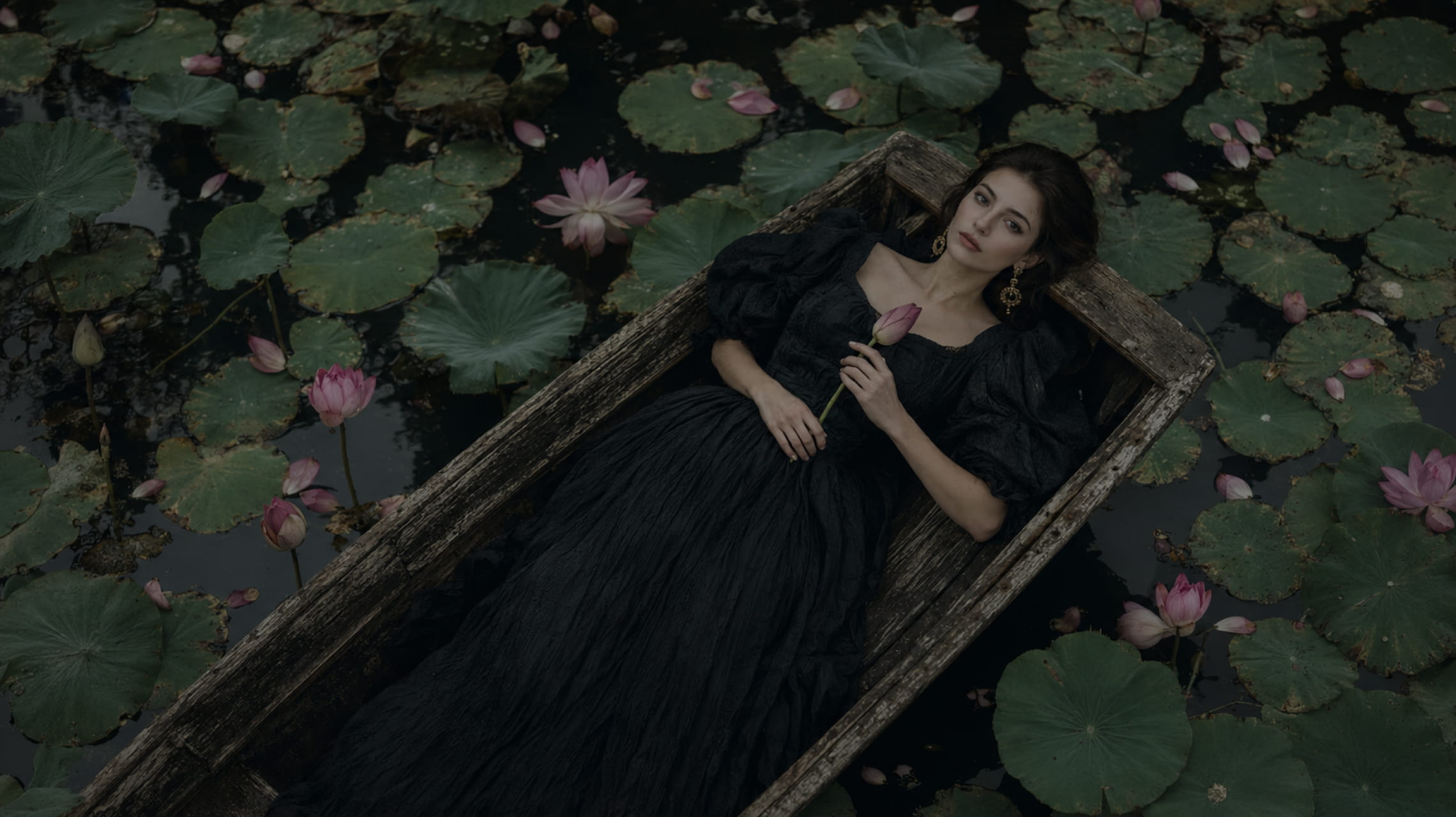
Wizmade’s Text to Image starts with your words. Describe the subject, setting, lighting, and composition, choose an available image model, then set its supported output parameters. The images below illustrate creative directions; your results will depend on the brief, selected model, and settings.
Explore AI tool →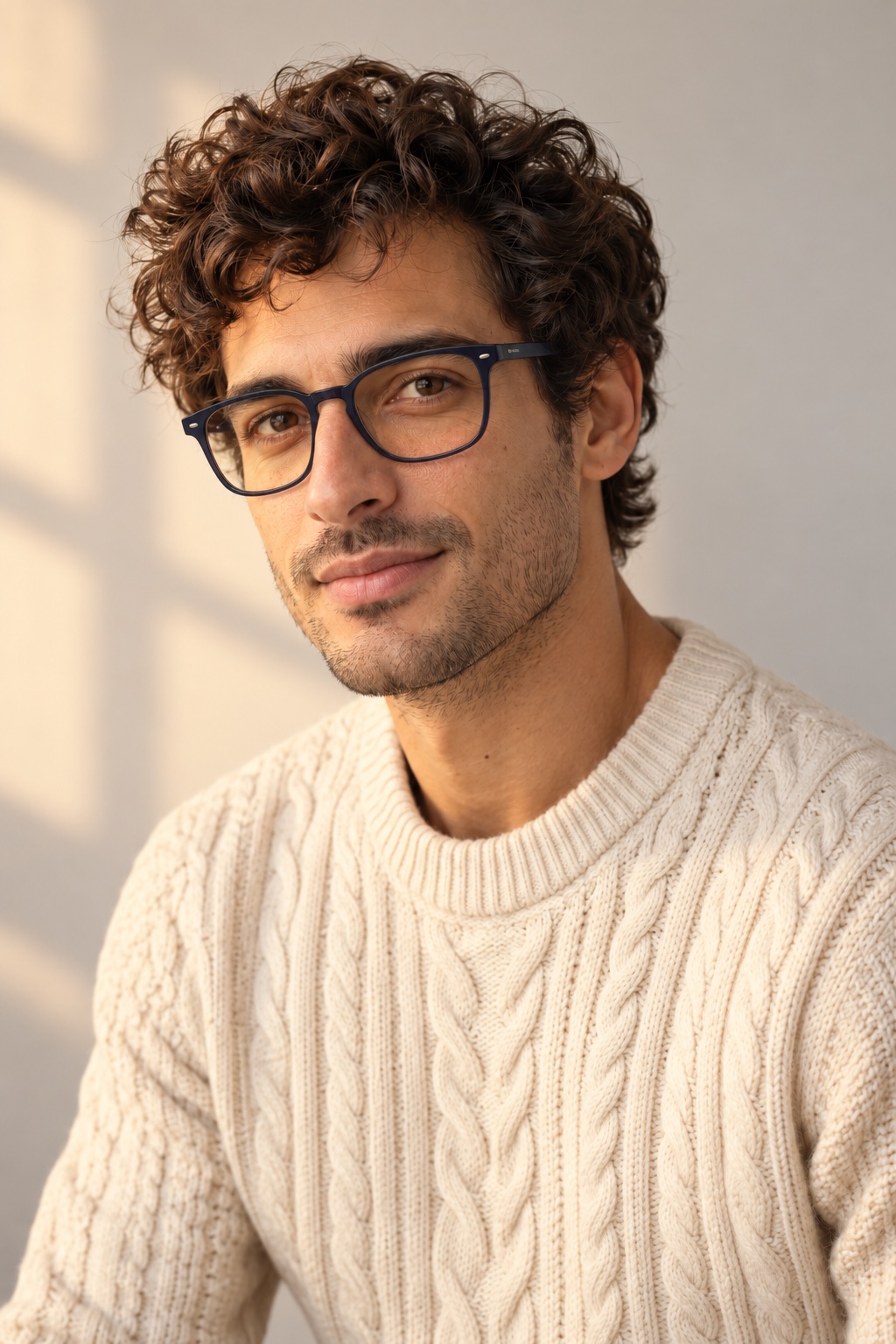
Wizmade’s Image Editor provides a canvas with Edit, Background, and Watermark modes for a supplied image. Choose the mode that matches your task and describe or mark the area to change. Canvas previews and example media are distinct from completed image-processing results.
Explore AI tool →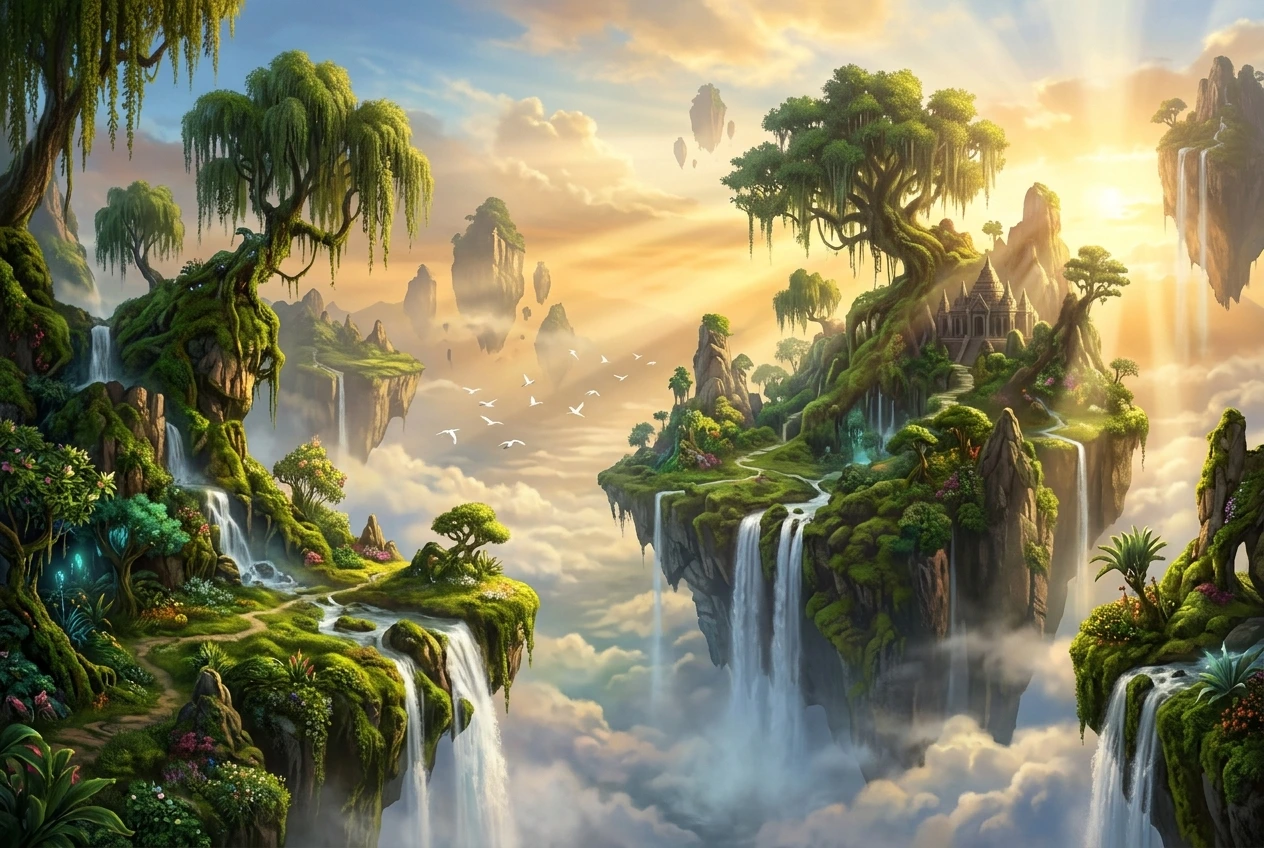
Wizmade’s Image to Prompt workspace places an image preview beside an editable prompt. Upload a reference and write a visual description of its subject, composition, colors, and lighting. Review your text, copy it, or carry it into Image Studio as the starting point for a new creation.
Explore AI tool →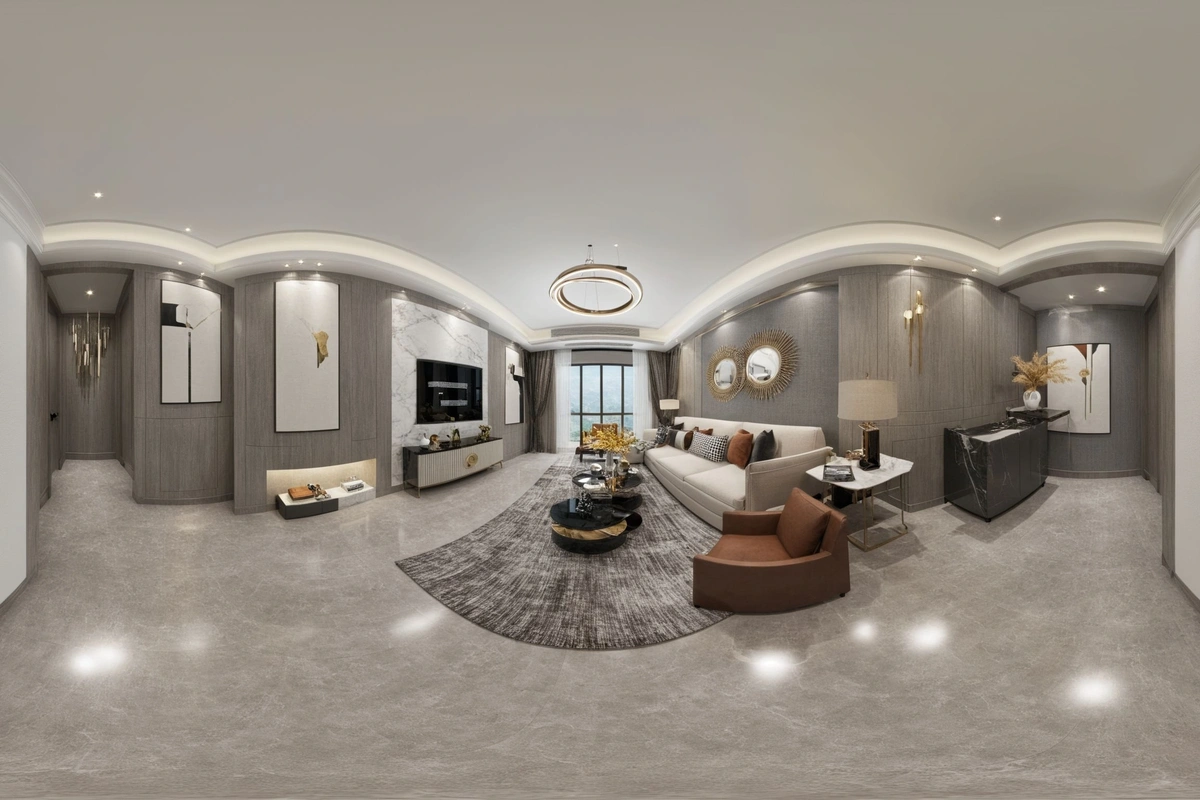
Wizmade’s Image Expander uses an image and a chosen frame to prepare an expanded composition. Upload a source or use the example, then choose the target ratio and size. The output panel stays separate from the input so you can distinguish the source from a completed expansion.
Explore AI tool →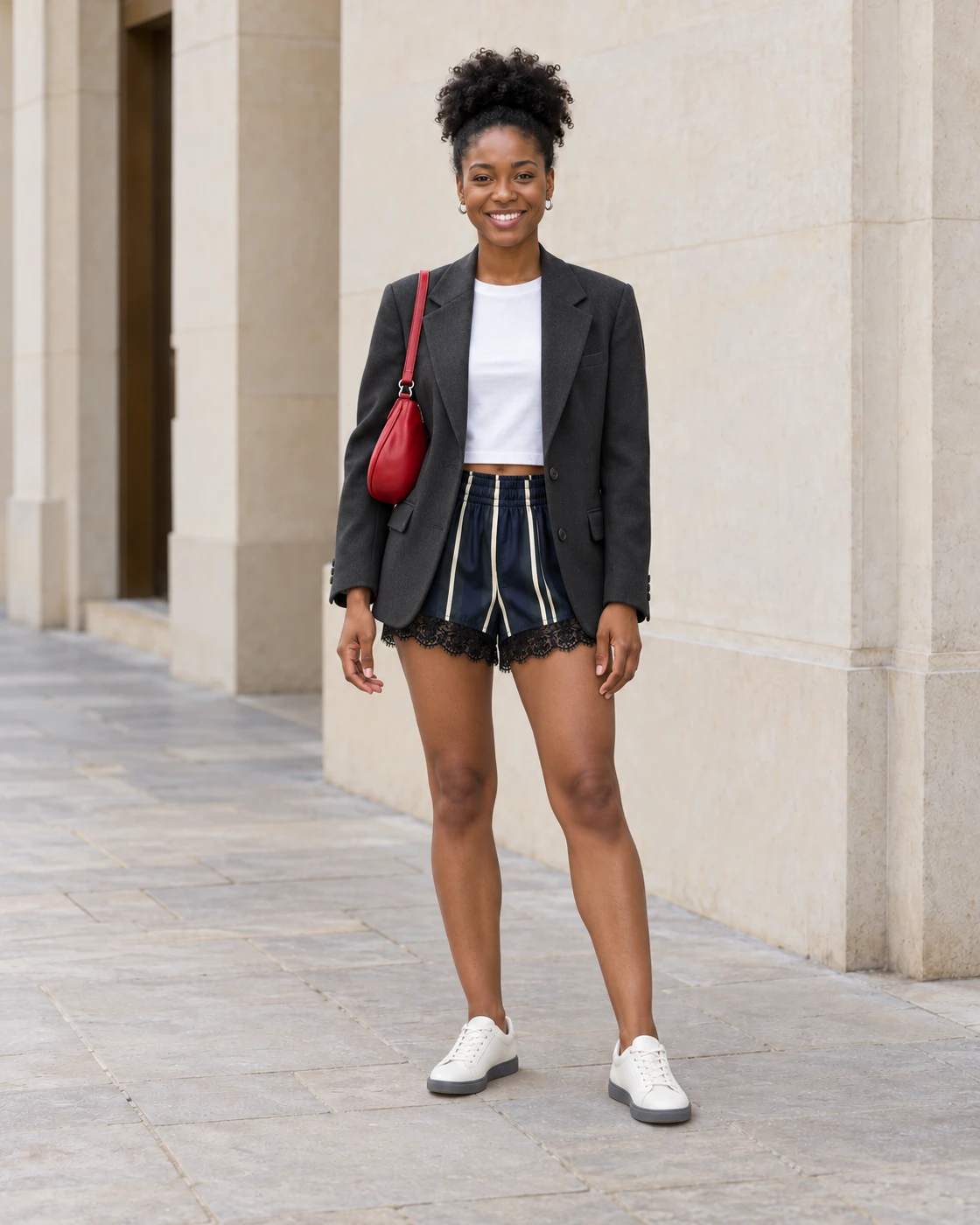
Wizmade’s AI Clothes Changer uses a person image and a clothing direction to prepare an outfit variation. Add the person first, then choose clothing from Upload, Presets, or Custom. The clothing source guides the request while the person image supplies the subject and pose.
Explore AI tool →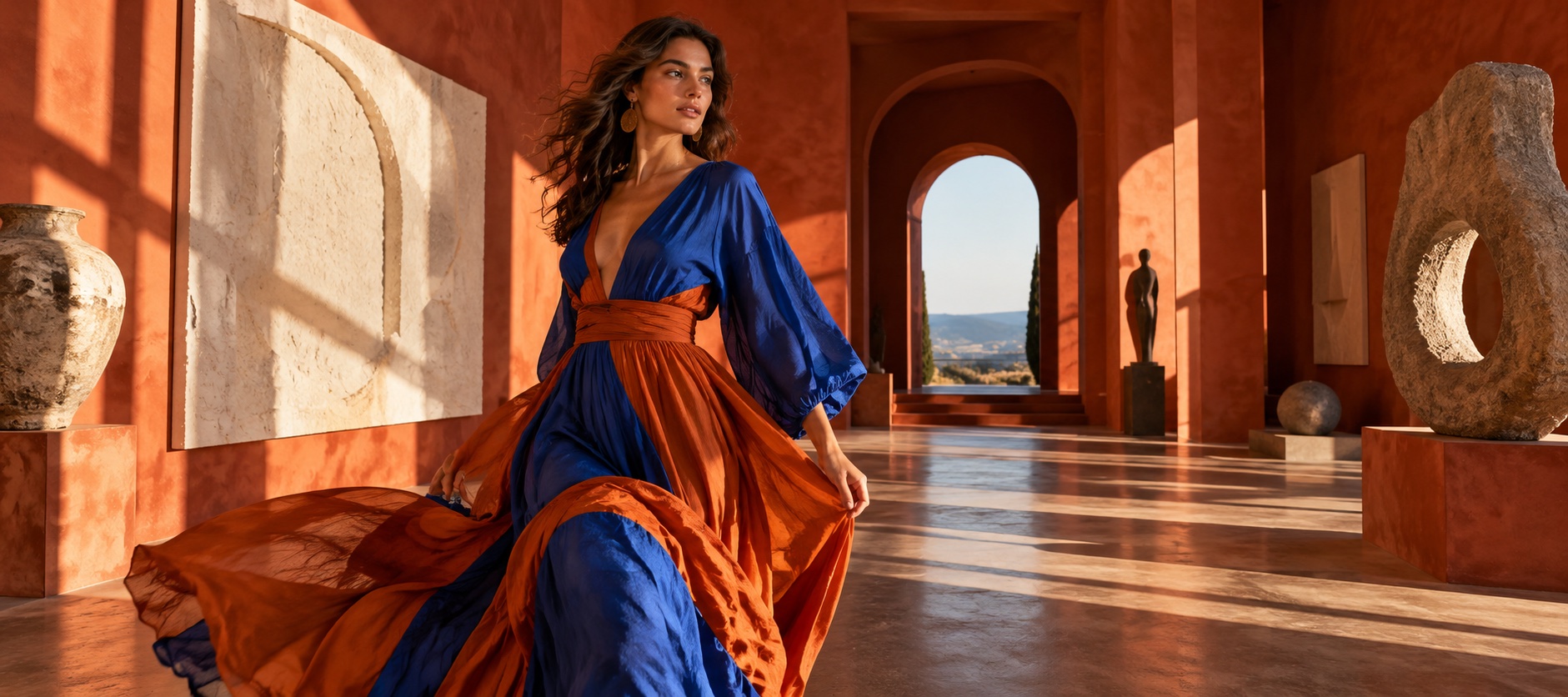
Wizmade’s AI Headshot Generator uses a portrait reference and a selected headshot style to prepare a new image. Choose Presets for a supplied direction or Custom for a written brief, then select the supported aspect ratio and review the credit amount.
Explore AI tool →Return to the workbench to review your inputs and available settings.