
A visible outfit area
Avoid heavy occlusion and tightly cropped images when the clothing needs to change.
Wizmade’s AI Clothes Changer uses a person image and a clothing direction to prepare an outfit variation. Add the person first, then choose clothing from Upload, Presets, or Custom. The clothing source guides the request while the person image supplies the subject and pose.
Wizmade’s AI Clothes Changer uses a person image and a clothing direction to prepare an outfit variation. Add the person first, then choose clothing from Upload, Presets, or Custom. The clothing source guides the request while the person image supplies the subject and pose.
Avoid heavy occlusion and tightly cropped images when the clothing needs to change.
Name the garment, material, color, and fit in a custom description.
Review hands, garment edges, logos, fabric patterns, and the retained face.
Follow the steps in the workbench above. Each screenshot shows the complete interface for that step.
Add a clear photo of the person whose outfit should change. Check that the body area to be dressed is visible.
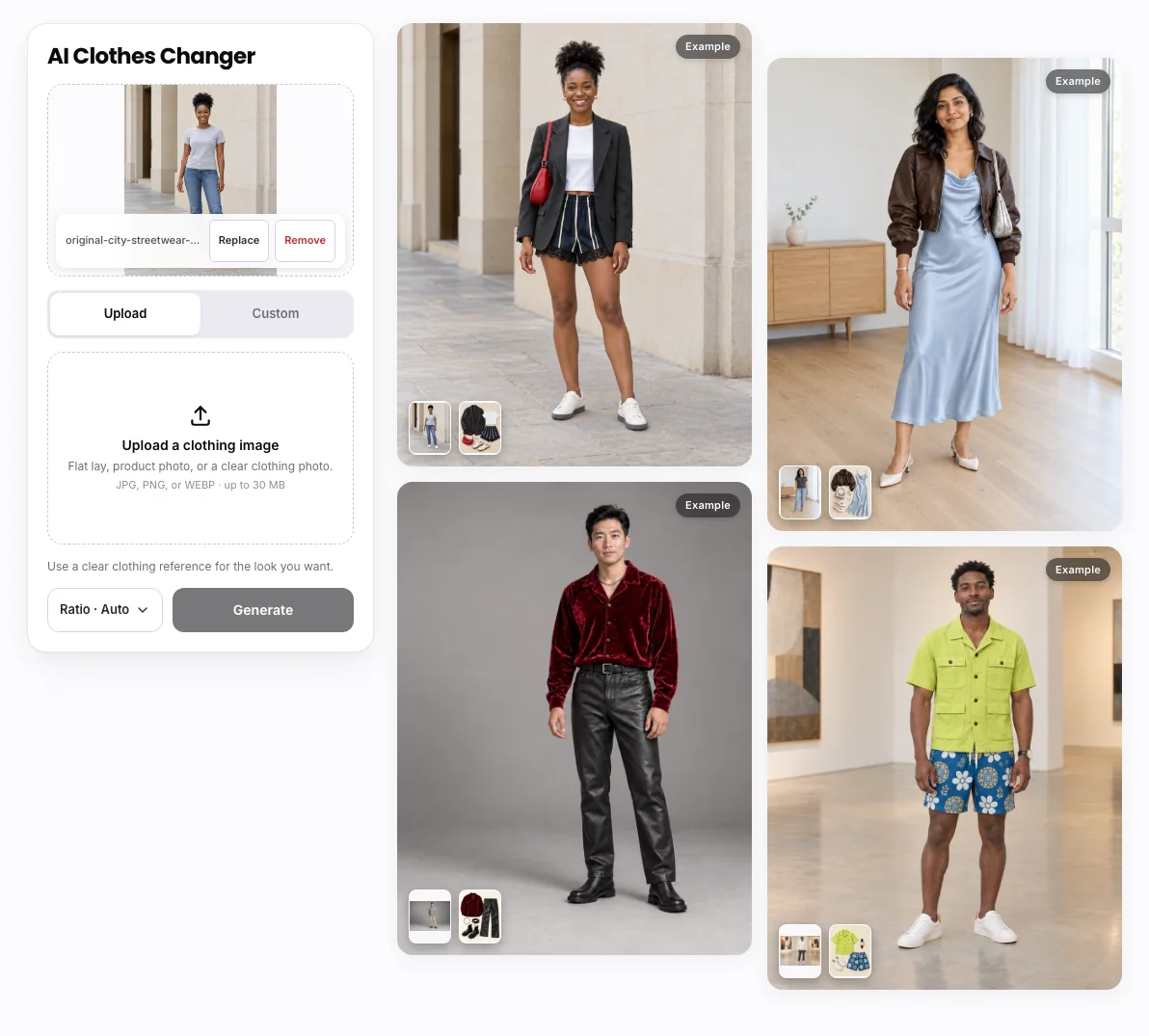
Use Upload for a garment reference, Presets for a supplied clothing example, or Custom for a written outfit description.
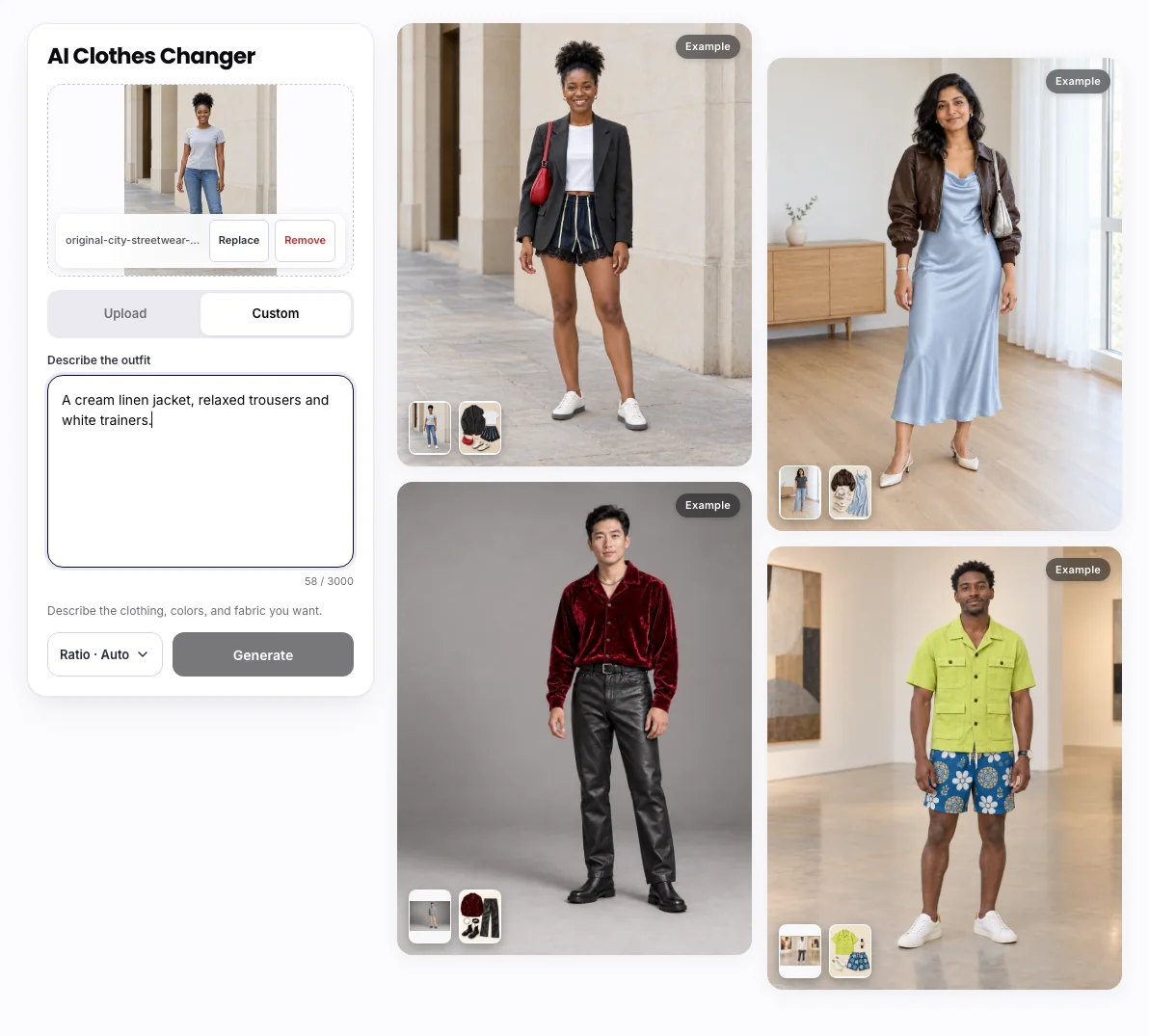
Review the person and clothing inputs, set the available aspect ratio.
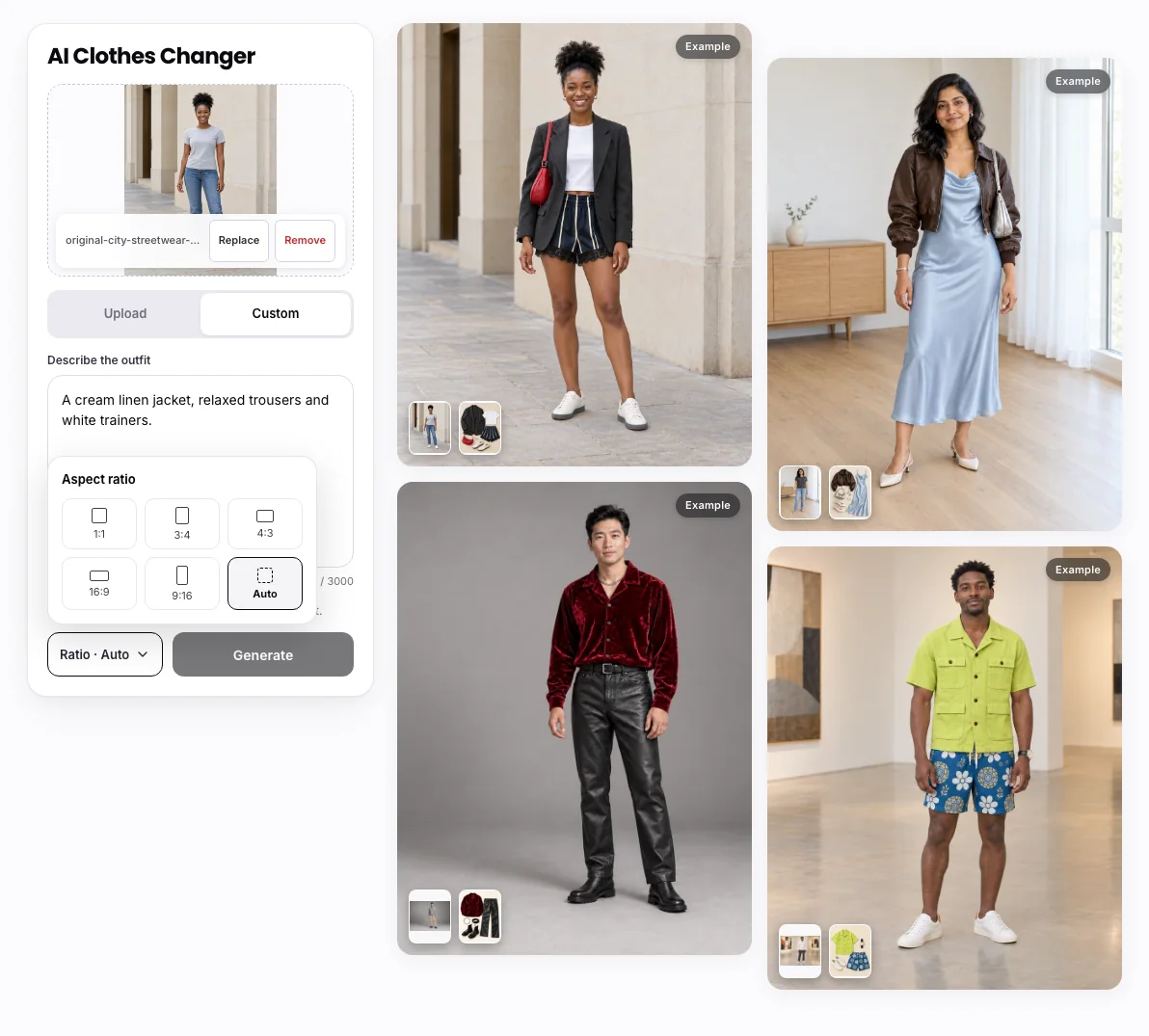
This creates a visual outfit concept, not a measurement or fit prediction. Fabric appearance, identity, pose, and body details can change.
Wizmade’s AI Clothes Changer uses a person image and a clothing direction to prepare an outfit variation. Add the person first, then choose clothing from Upload, Presets, or Custom. The clothing source guides the request while the person image supplies the subject and pose.
Yes. Use the clothing Upload option after adding the person image. Presets and Custom offer alternative ways to specify an outfit.
Credit requirements depend on the operation and configuration. Preparing inputs does not create an output. Check the current plan and any creation quote before confirming a task.
You can prepare the available inputs in the public workbench. Complete sign-in when requested, and review the available settings before submitting.
This creates a visual outfit concept, not a measurement or fit prediction. Fabric appearance, identity, pose, and body details can change.
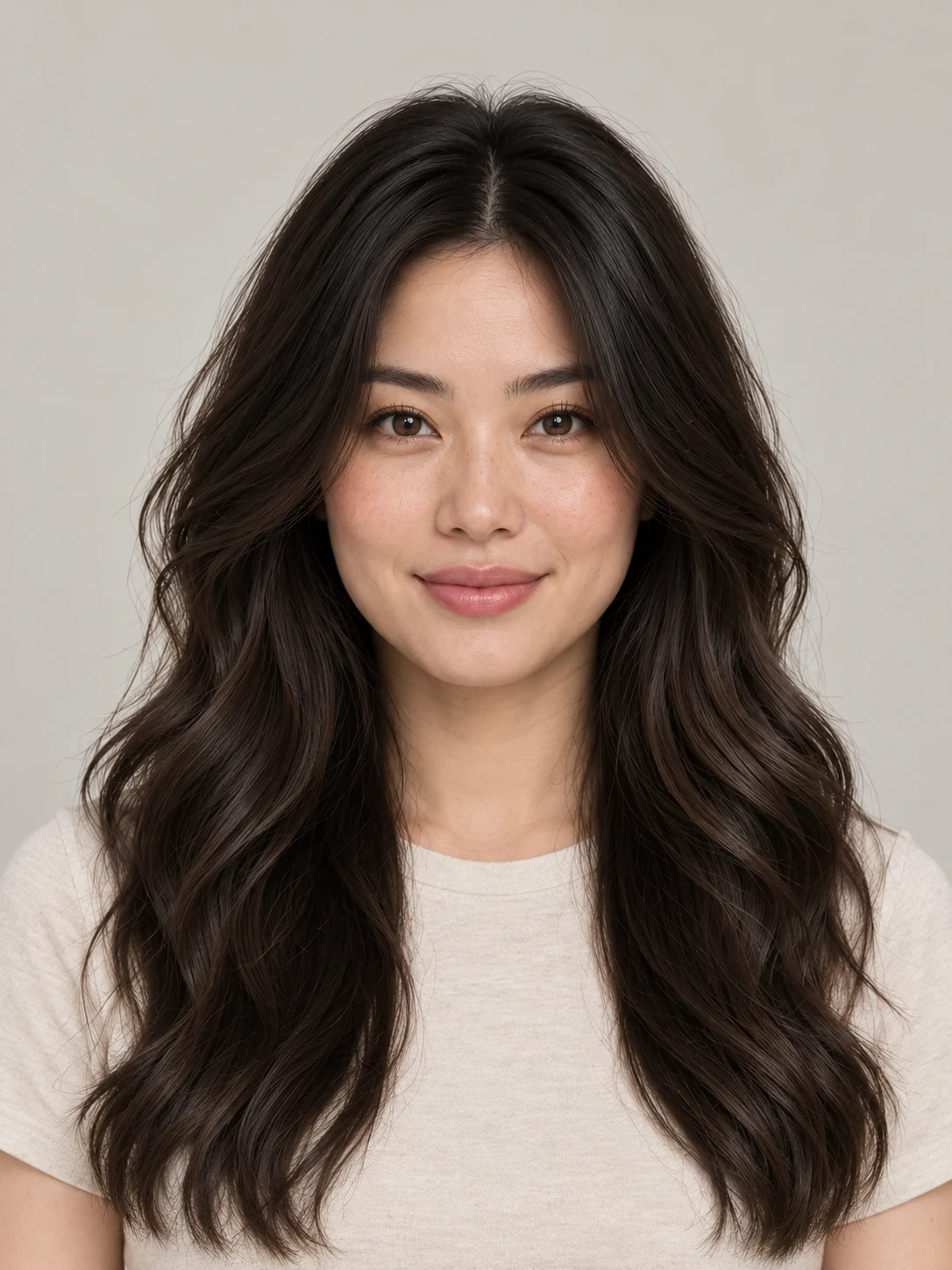
Wizmade’s AI Hairstyle Changer prepares a portrait variation with a different haircut or color. Upload a clear portrait, browse Women or Men presets, or use Custom to describe the desired hair. Review framing and credits before generating a hairstyle concept.
Explore AI tool →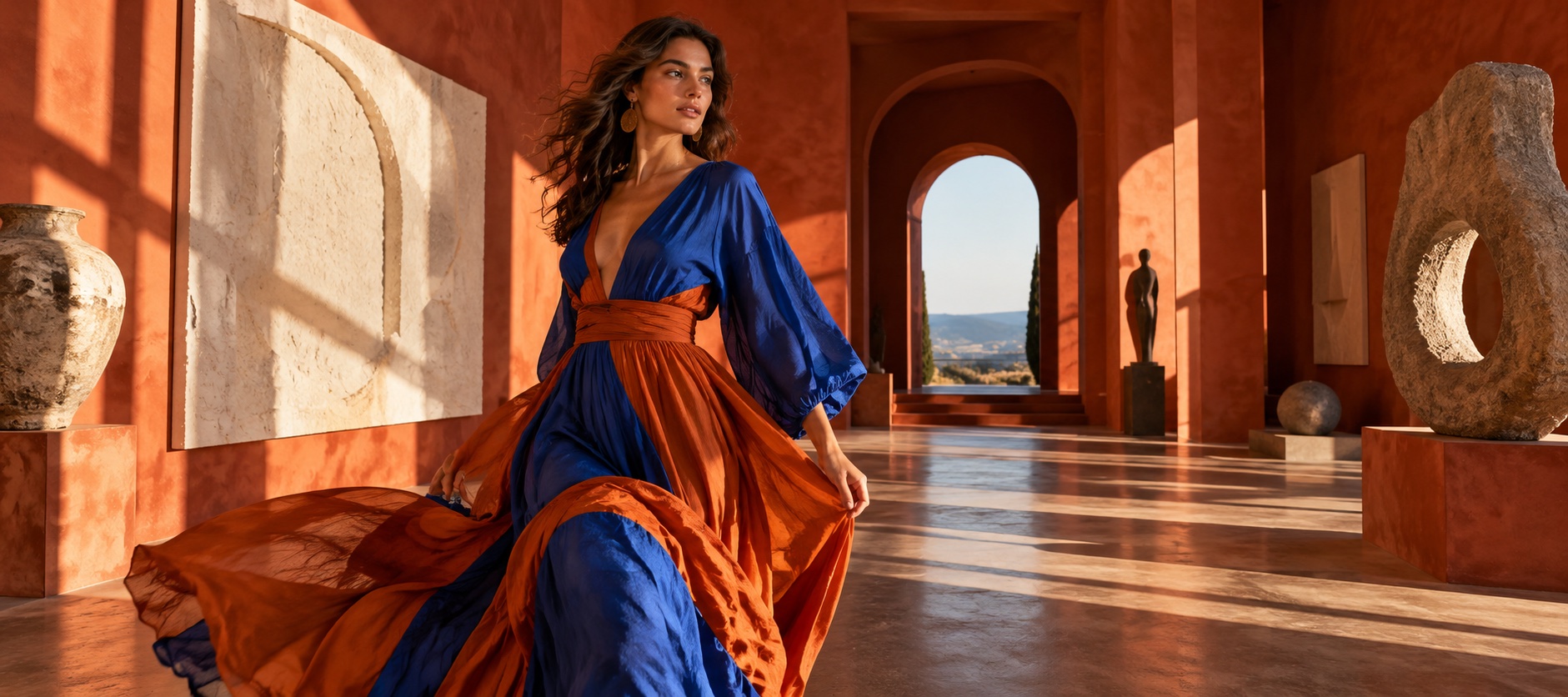
Wizmade’s AI Headshot Generator uses a portrait reference and a selected headshot style to prepare a new image. Choose Presets for a supplied direction or Custom for a written brief, then select the supported aspect ratio and review the credit amount.
Explore AI tool →Wizmade’s AI Avatar Generator starts from a portrait photo to create a reusable avatar record. Upload a suitable photo, name the avatar, and confirm you have permission to use the likeness. Creating an avatar is separate from adding a script or audio to make an avatar video.
Explore AI tool →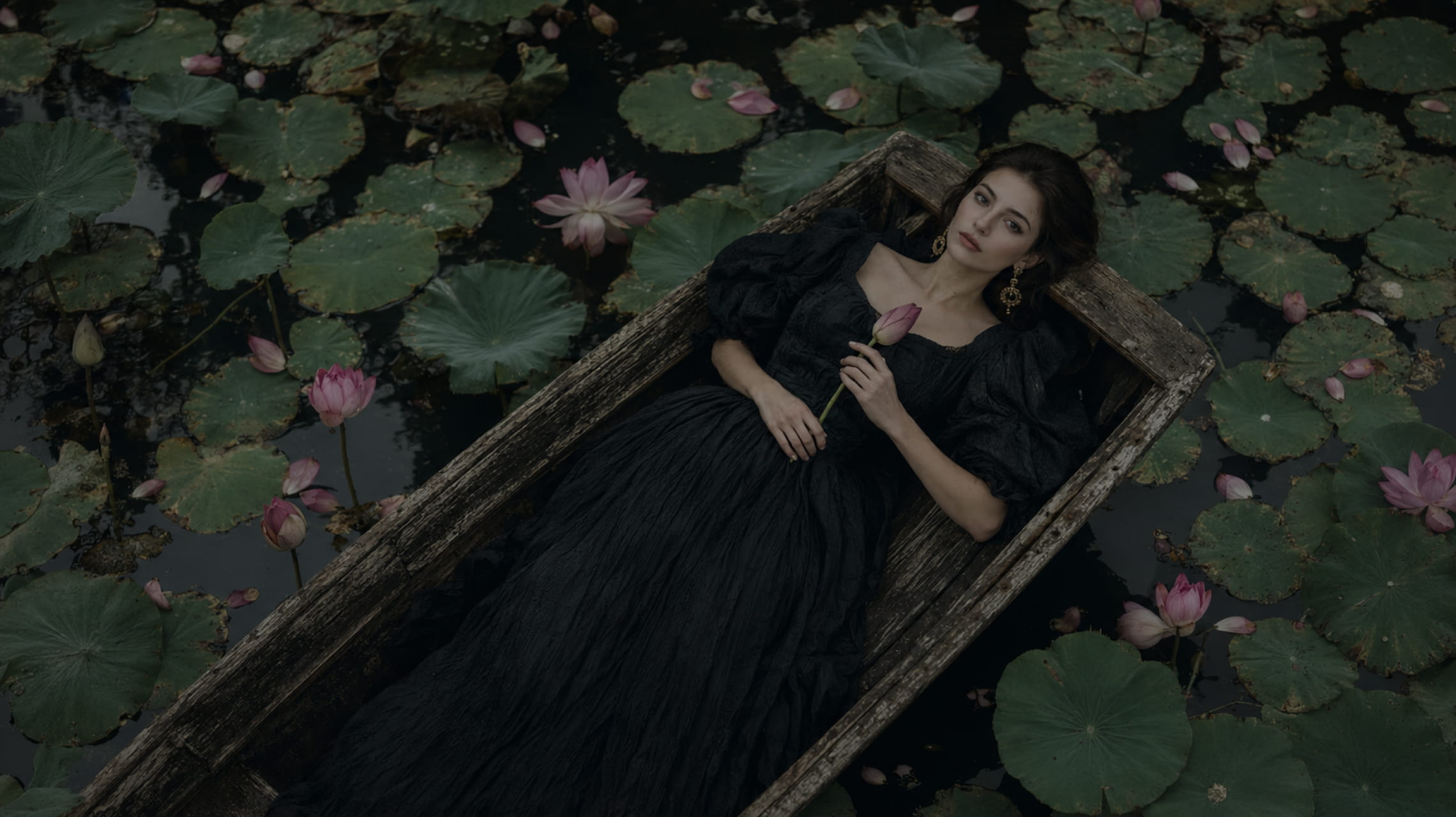
Wizmade’s Text to Image starts with your words. Describe the subject, setting, lighting, and composition, choose an available image model, then set its supported output parameters. The images below illustrate creative directions; your results will depend on the brief, selected model, and settings.
Explore AI tool →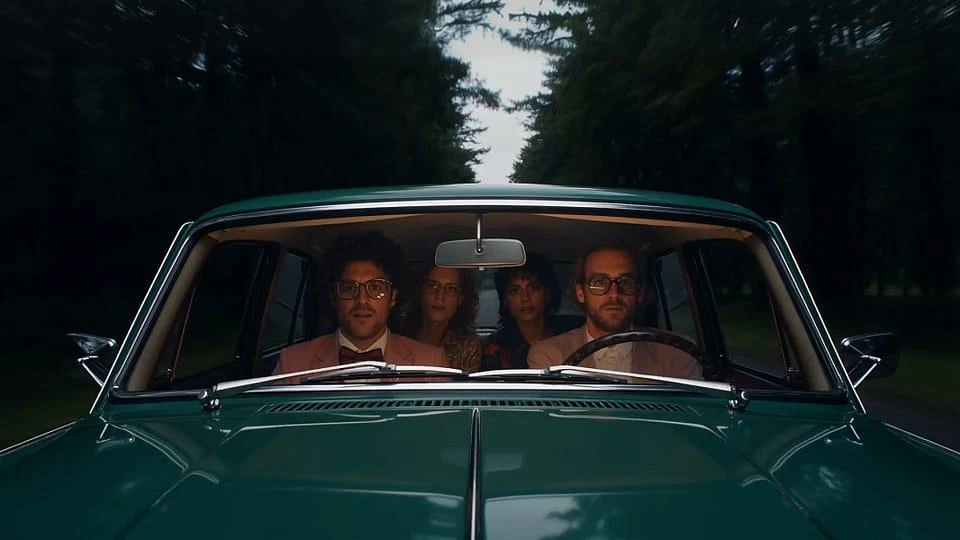
Wizmade’s AI Video Generator prepares short clips from a written scene or image references. Choose Text to Video to invent the scene or Image to Video to guide its appearance. Model capabilities determine the available reference methods, duration, resolution, ratio, and outputs.
Explore AI tool →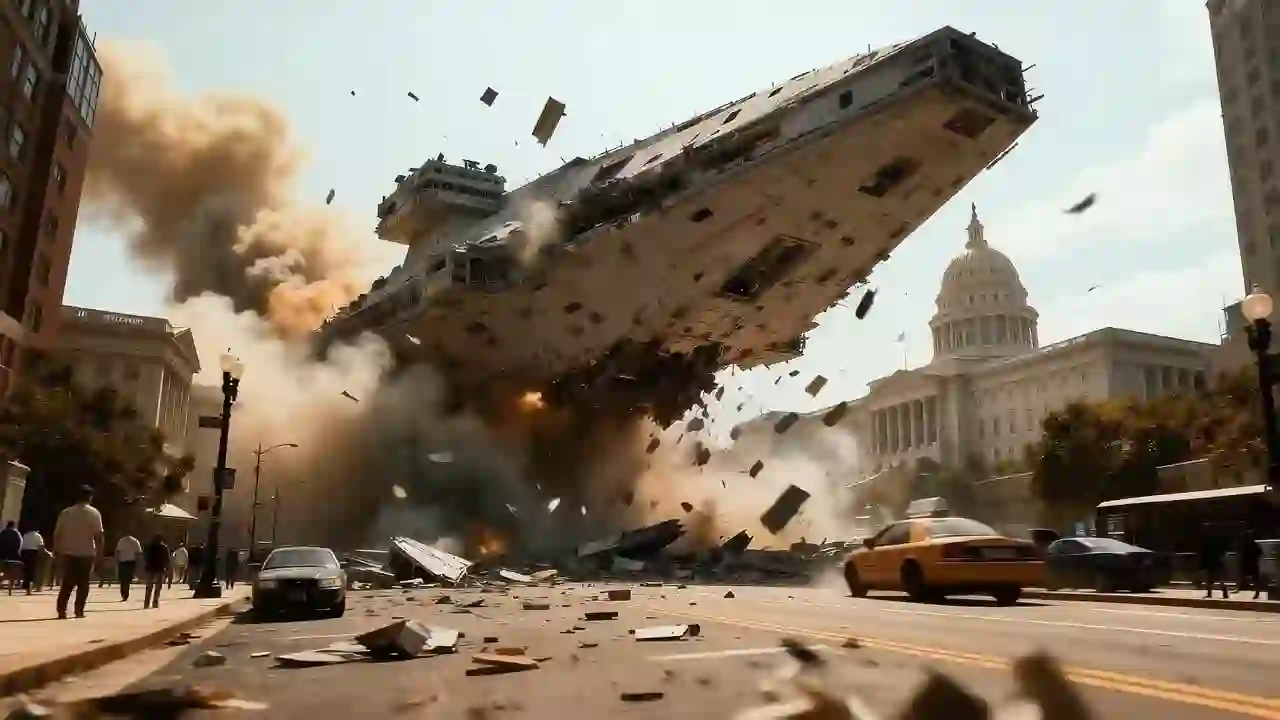
Wizmade’s Text to Video creates a video request from a written scene without requiring an image. Describe who or what moves, where it happens, and how the camera sees the action. Select a video model and the parameters it supports before reviewing the credit amount.
Explore AI tool →
Wizmade’s Image Editor provides a canvas with Edit, Background, and Watermark modes for a supplied image. Choose the mode that matches your task and describe or mark the area to change. Canvas previews and example media are distinct from completed image-processing results.
Explore AI tool →
Wizmade’s Image to Video uses visual references and a motion brief to prepare a clip. The workbench offers Start Image, Between Images, and Reference Images. The selected model determines which methods are available and which duration, resolution, and output settings you can use.
Explore AI tool →Return to the workbench to review your inputs and available settings.