
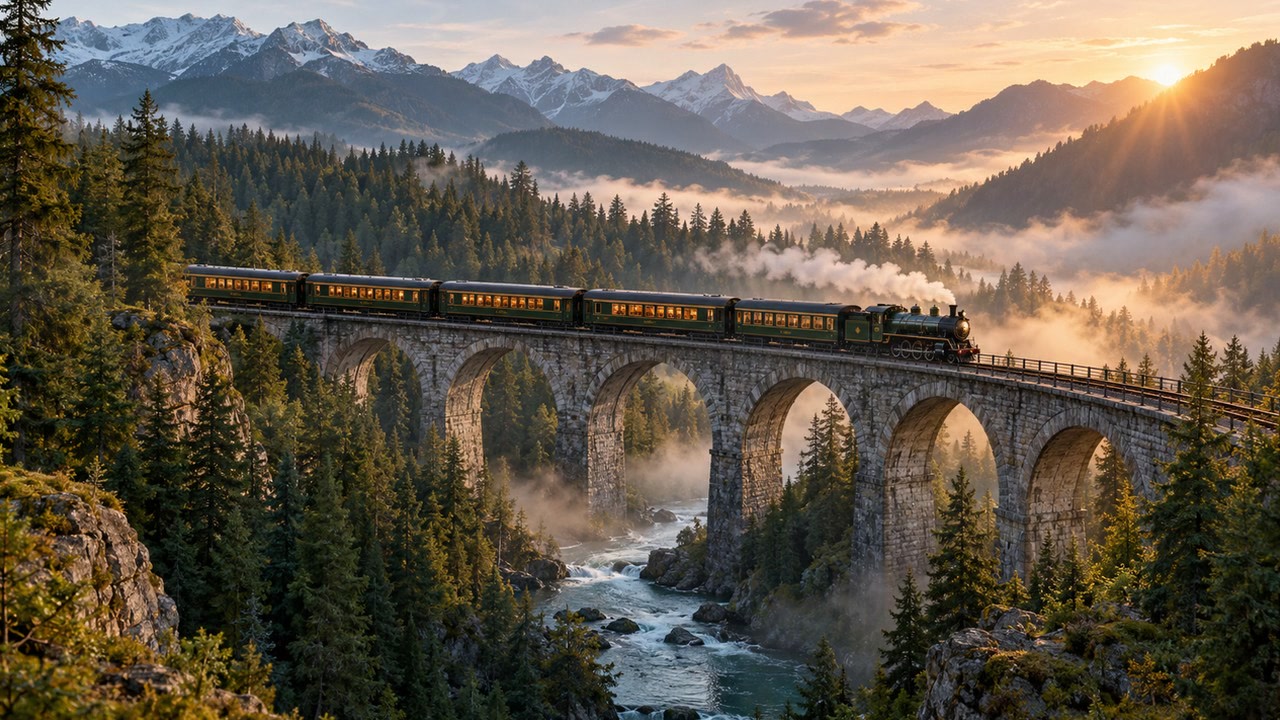
Highland Alpine Express at Dawn
Prompt: Cinematic wide-angle tracking shot of a crimson passenger locomotive gliding along mountain tracks surrounded by misty pine forests, soft morning golden rays breaking through canopy fog, 1080p photorealism
Wizmade’s AI Video Generator prepares short clips from a written scene or image references. Choose Text to Video to invent the scene or Image to Video to guide its appearance. Model capabilities determine the available reference methods, duration, resolution, ratio, and outputs.
Example images and editable briefs for inspiration. Adapt a brief in the workbench to explore your own composition.
Prompt: Cinematic wide-angle tracking shot of a crimson passenger locomotive gliding along mountain tracks surrounded by misty pine forests, soft morning golden rays breaking through canopy fog, 1080p photorealism
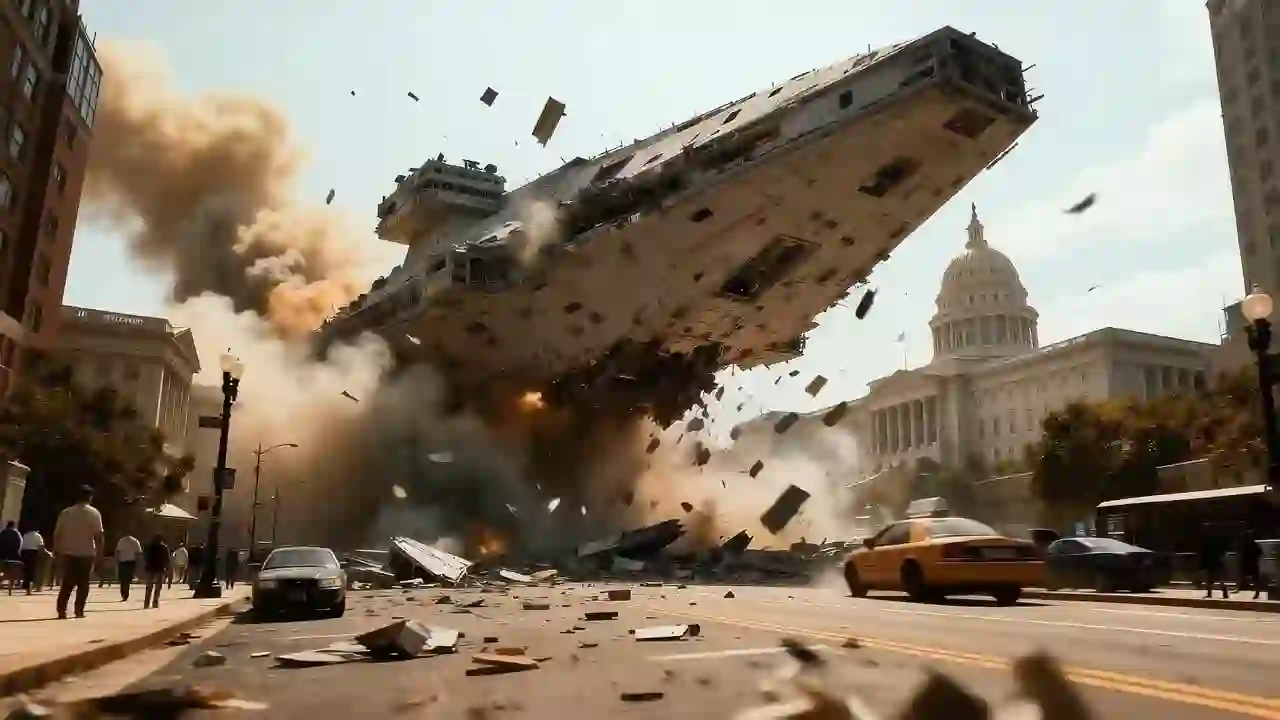
Prompt: Sleek aerodynamic autonomous hover-car gliding through rain-slicked futuristic streets lined with towering holographic neon signs, reflections on wet asphalt, cinematic camera tracking, 60fps fluid motion
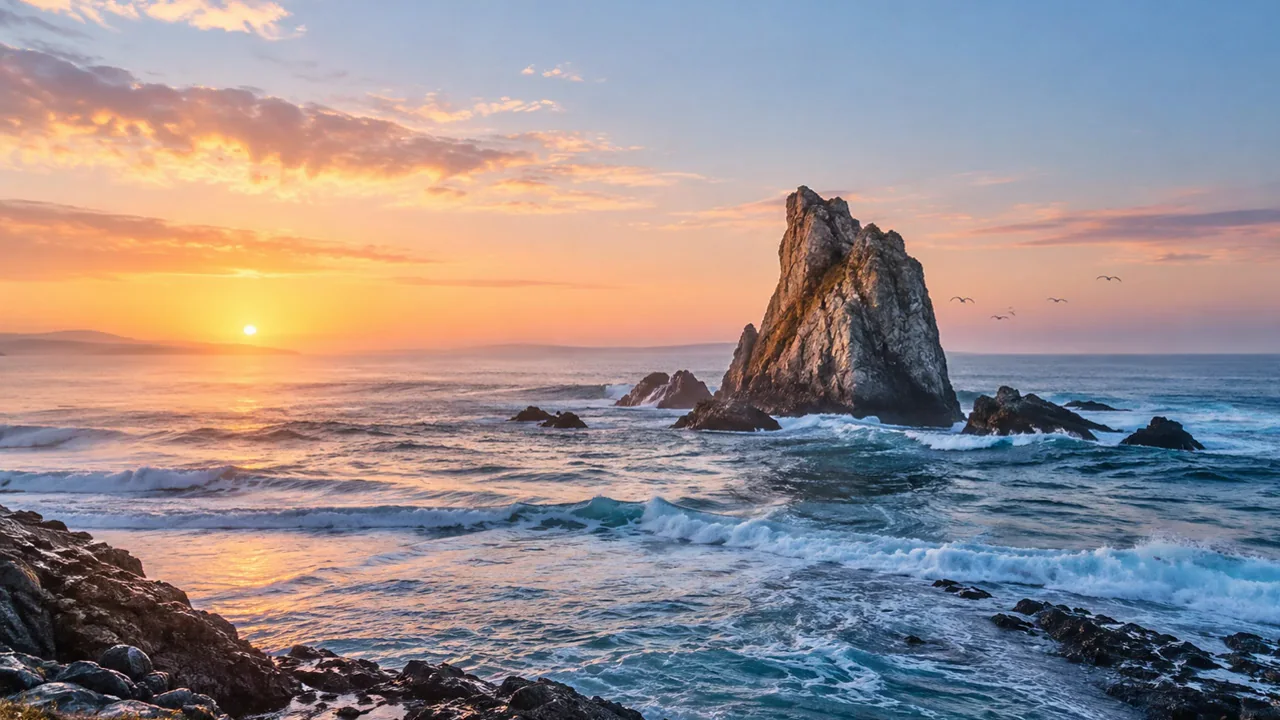
Prompt: Low-angle dynamic tracking camera chasing a vintage silver sports car along winding Pacific coastal cliffs at golden hour, ocean waves crashing below, warm lens flare, filmic motion blur
Wizmade’s AI Video Generator prepares short clips from a written scene or image references. Choose Text to Video to invent the scene or Image to Video to guide its appearance. Model capabilities determine the available reference methods, duration, resolution, ratio, and outputs.
A focused action and a single camera direction are easier to evaluate than a multi-scene brief.
For image-guided work, describe how visible subjects move rather than introducing many new objects.
Check motion continuity, faces, text, and the first and last frames.
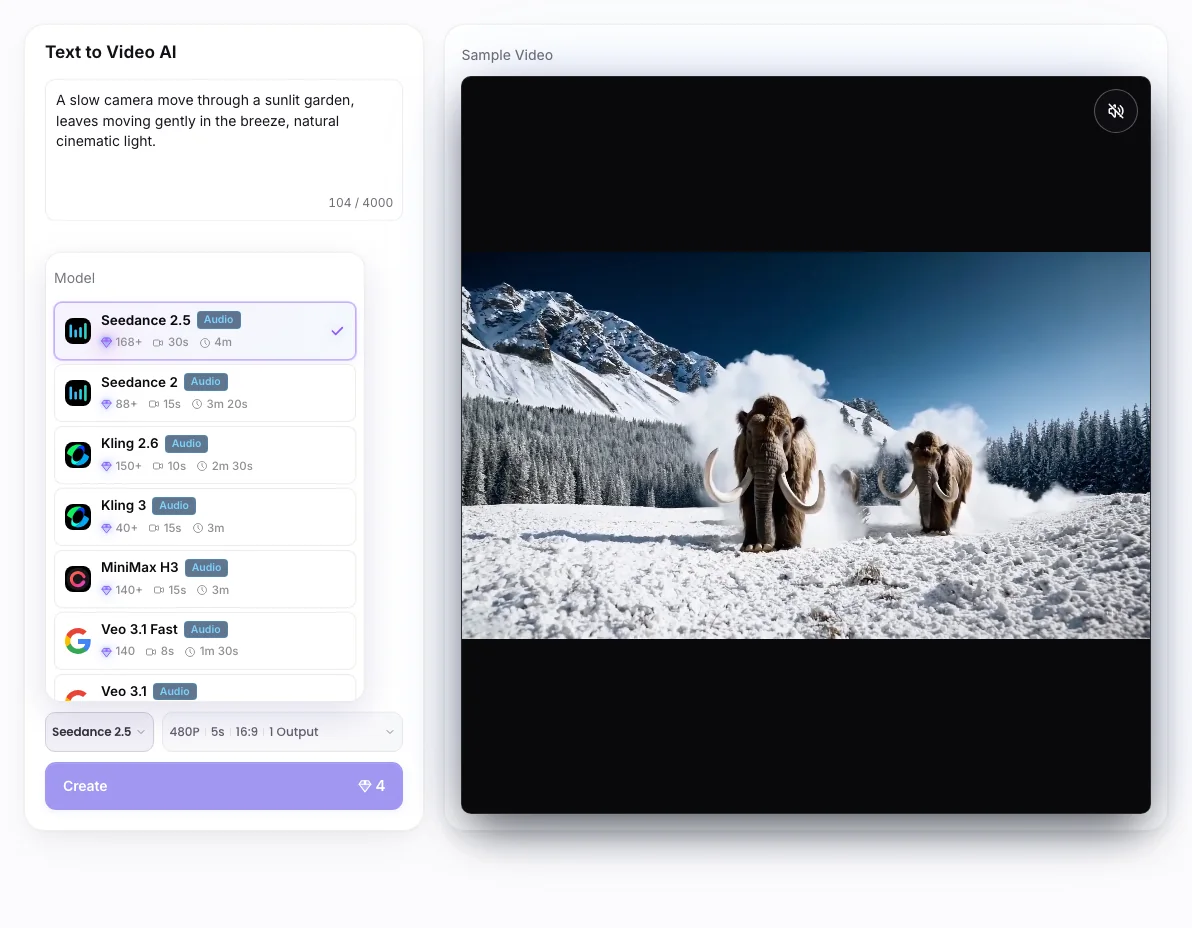
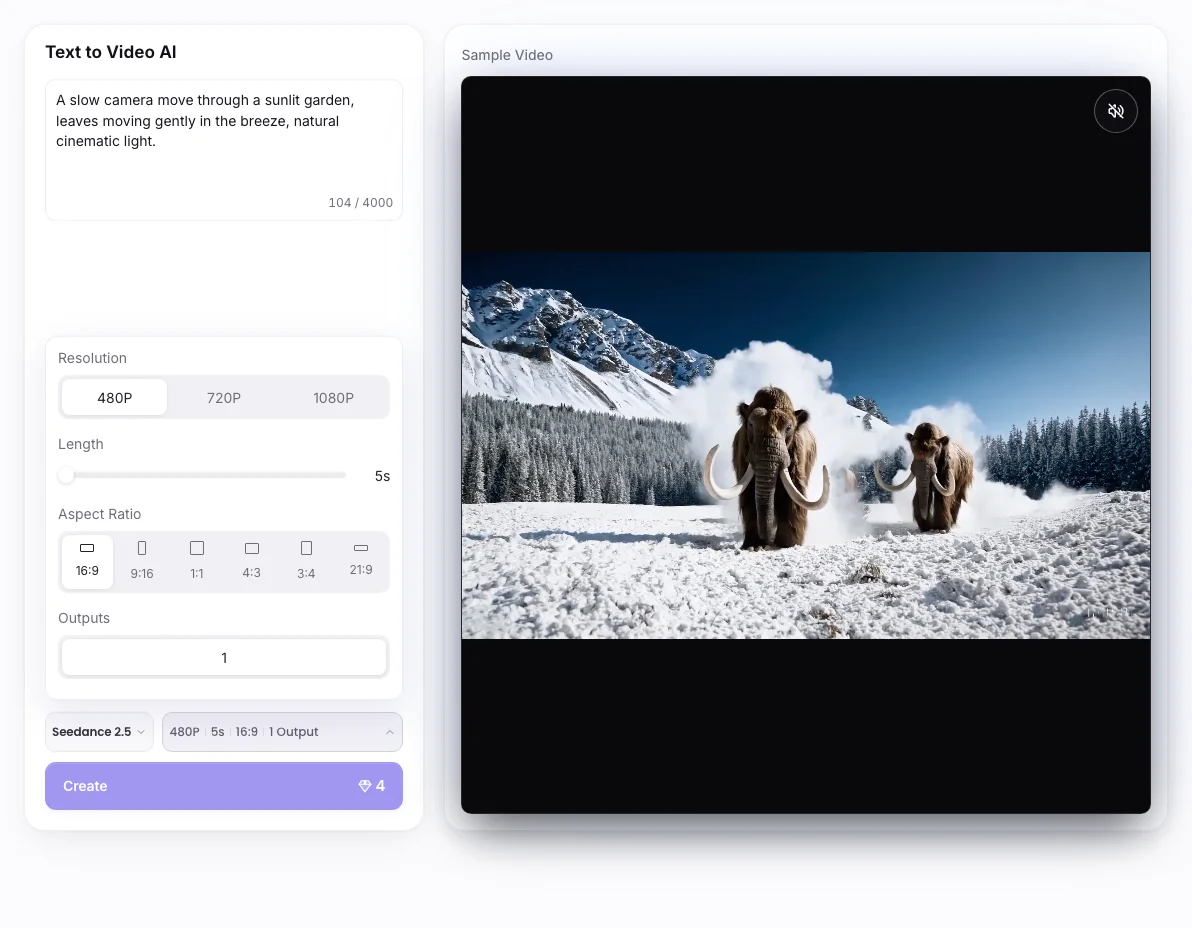
Follow the steps in the workbench above. Each screenshot shows the complete interface for that step.
In Text to Video, describe the subject and one visible action. Switch to Image to Video if a source picture should guide the scene.
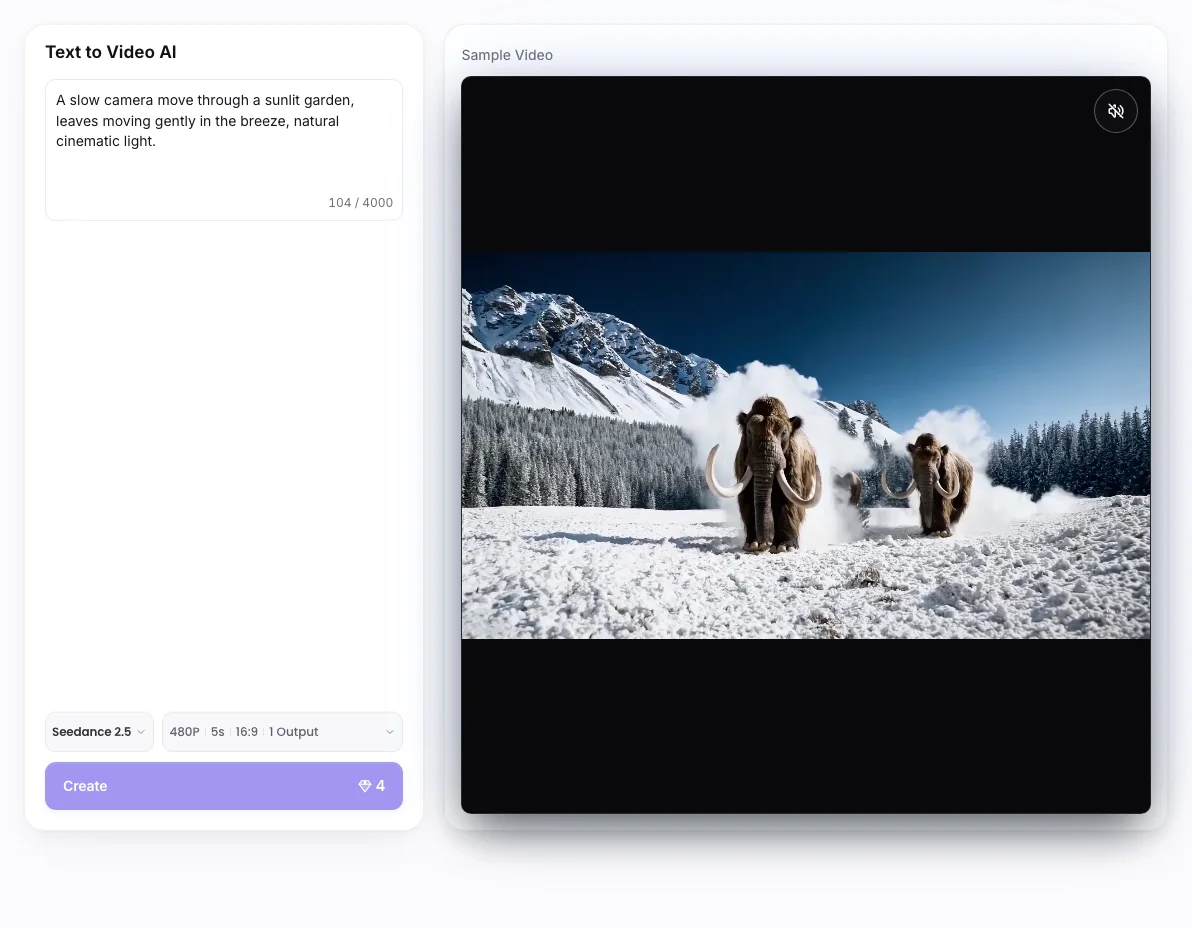
Open the model menu and compare scenario tags. Available input methods and output settings change with the model.
Open Parameters and choose supported aspect ratio, resolution, duration, and outputs. Review the 💎 amount before Create.
Longer duration, audio, resolution, and image-reference methods vary by model. Example videos illustrate creative directions and do not guarantee the same motion or result.
Wizmade’s AI Video Generator prepares short clips from a written scene or image references. Choose Text to Video to invent the scene or Image to Video to guide its appearance. Model capabilities determine the available reference methods, duration, resolution, ratio, and outputs.
Specify subject + visible action + setting + camera direction. For example: a cyclist crosses a quiet bridge at dawn while the camera tracks slowly alongside.
Check the 💎 amount displayed beside the creation action after selecting your inputs and settings. Do not assume that another tool or model has the same cost.
You can prepare the available inputs in the public workbench. Complete sign-in when requested before starting a task, and review the displayed credit cost before submitting.
Longer duration, audio, resolution, and image-reference methods vary by model. Example videos illustrate creative directions and do not guarantee the same motion or result.
Wizmade’s Text to Video creates a video request from a written scene without requiring an image. Describe who or what moves, where it happens, and how the camera sees the action. Select a video model and the parameters it supports before reviewing the credit amount.
Explore AI tool →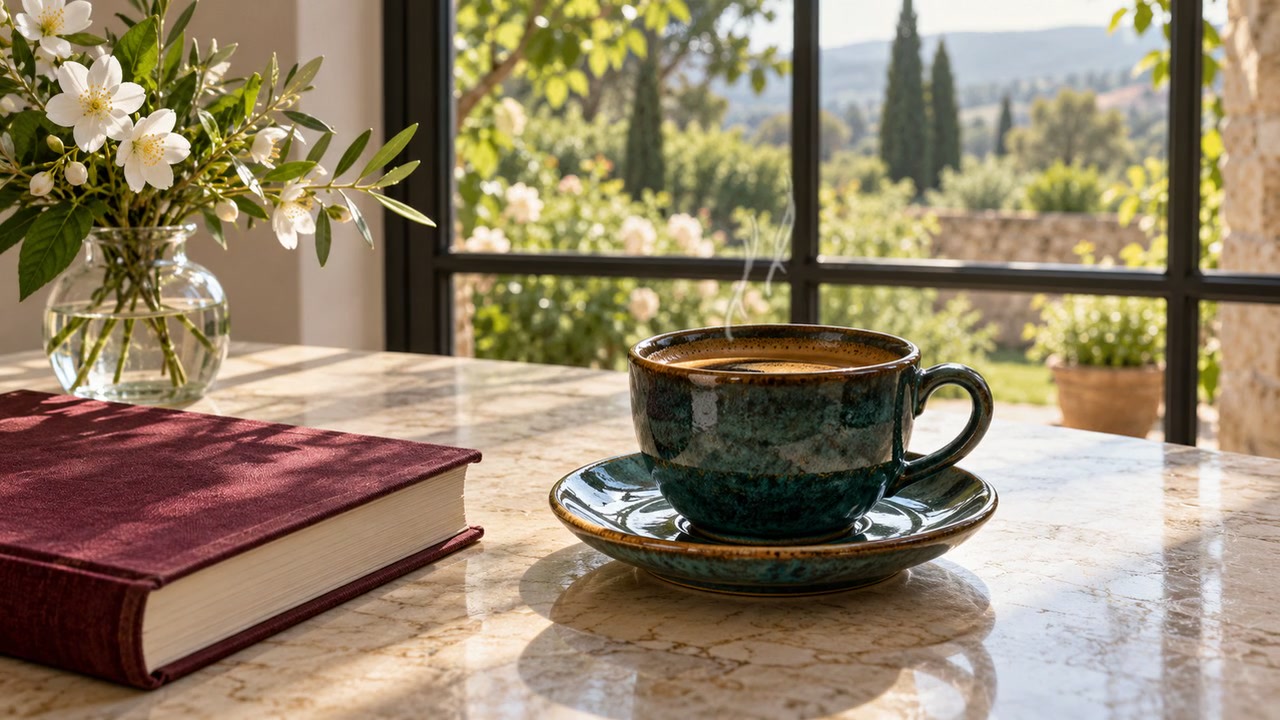
Wizmade’s Image to Video uses visual references and a motion brief to prepare a clip. The workbench offers Start Image, Between Images, and Reference Images. The selected model determines which methods are available and which duration, resolution, and output settings you can use.
Explore AI tool →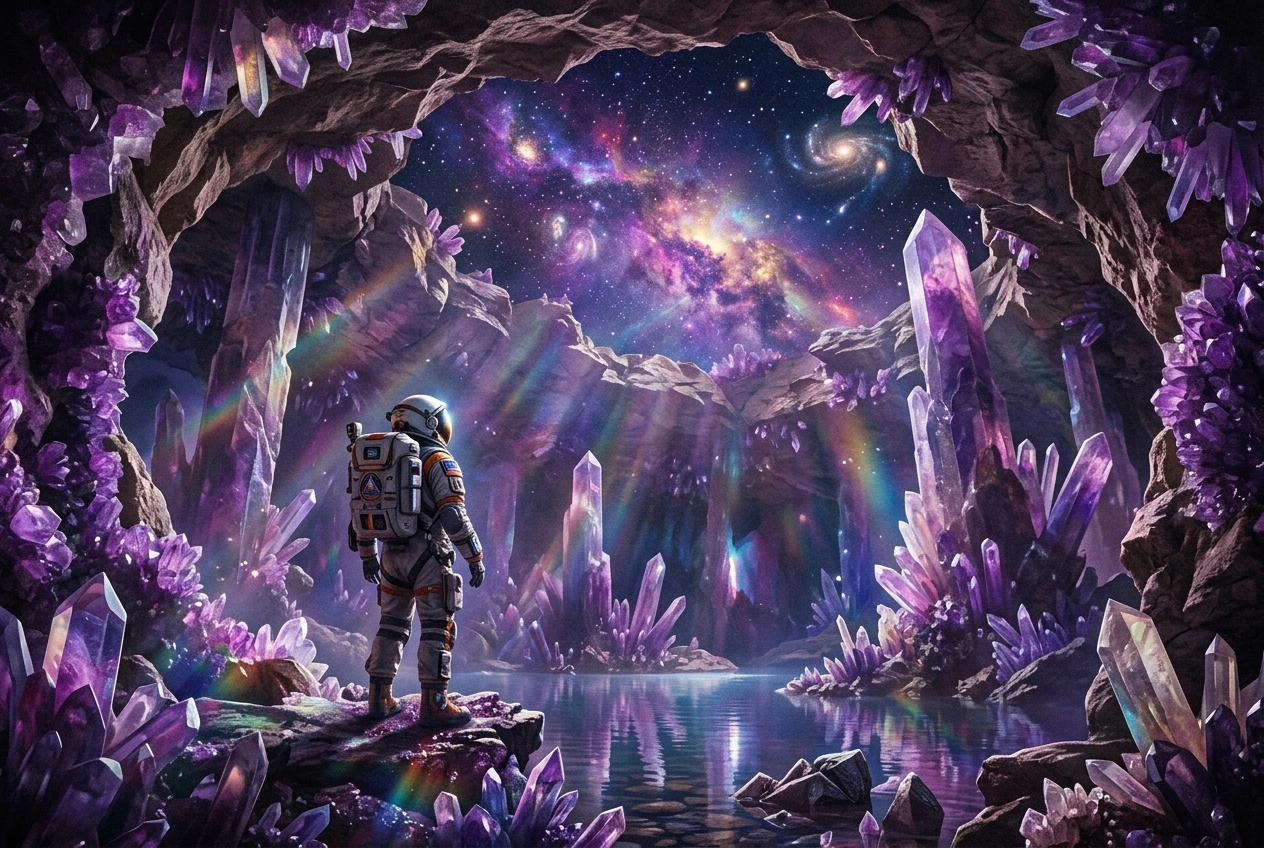
Wizmade’s Video to Video uses a motion clip and a reference image to prepare a new video. The clip supplies movement while the image guides the visual subject. Add an optional prompt, compare available Kling models, and choose a supported resolution before reviewing the credit cost.
Explore AI tool →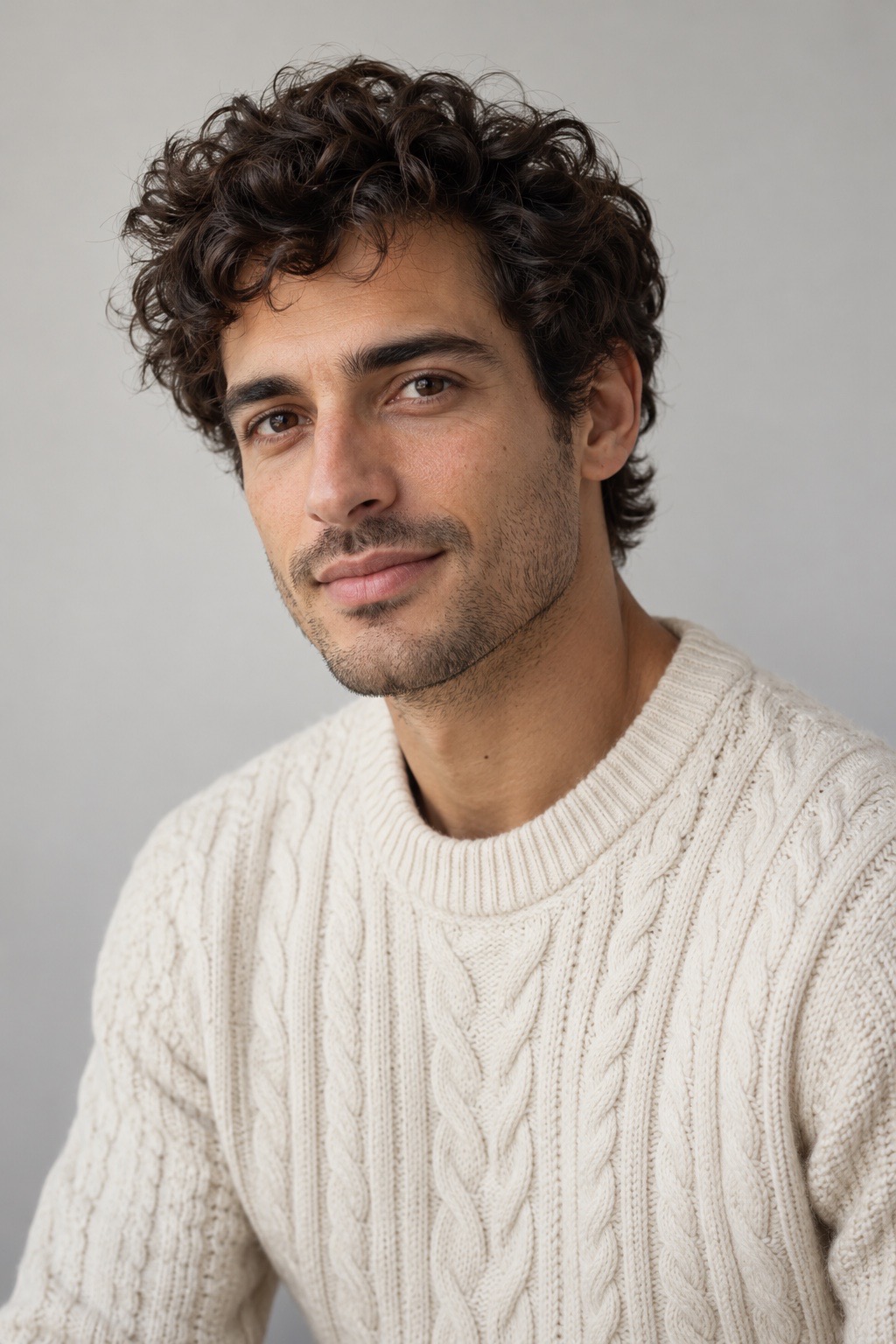
Wizmade’s Lip Sync AI prepares a speaking-video request from a visual source and speech. Supply a portrait or video as supported, then provide speech through uploaded audio or text-to-speech. Review voice, script, and displayed credits before requesting synchronized mouth movement.
Explore AI tool →Wizmade’s AI Video Translator prepares translated speech for an uploaded video. Select a target language, translation engine, translation mode, and subtitle handling. Available languages and processing modes depend on the engine. Review the duration-based credit amount before submitting the translation.
Explore AI tool →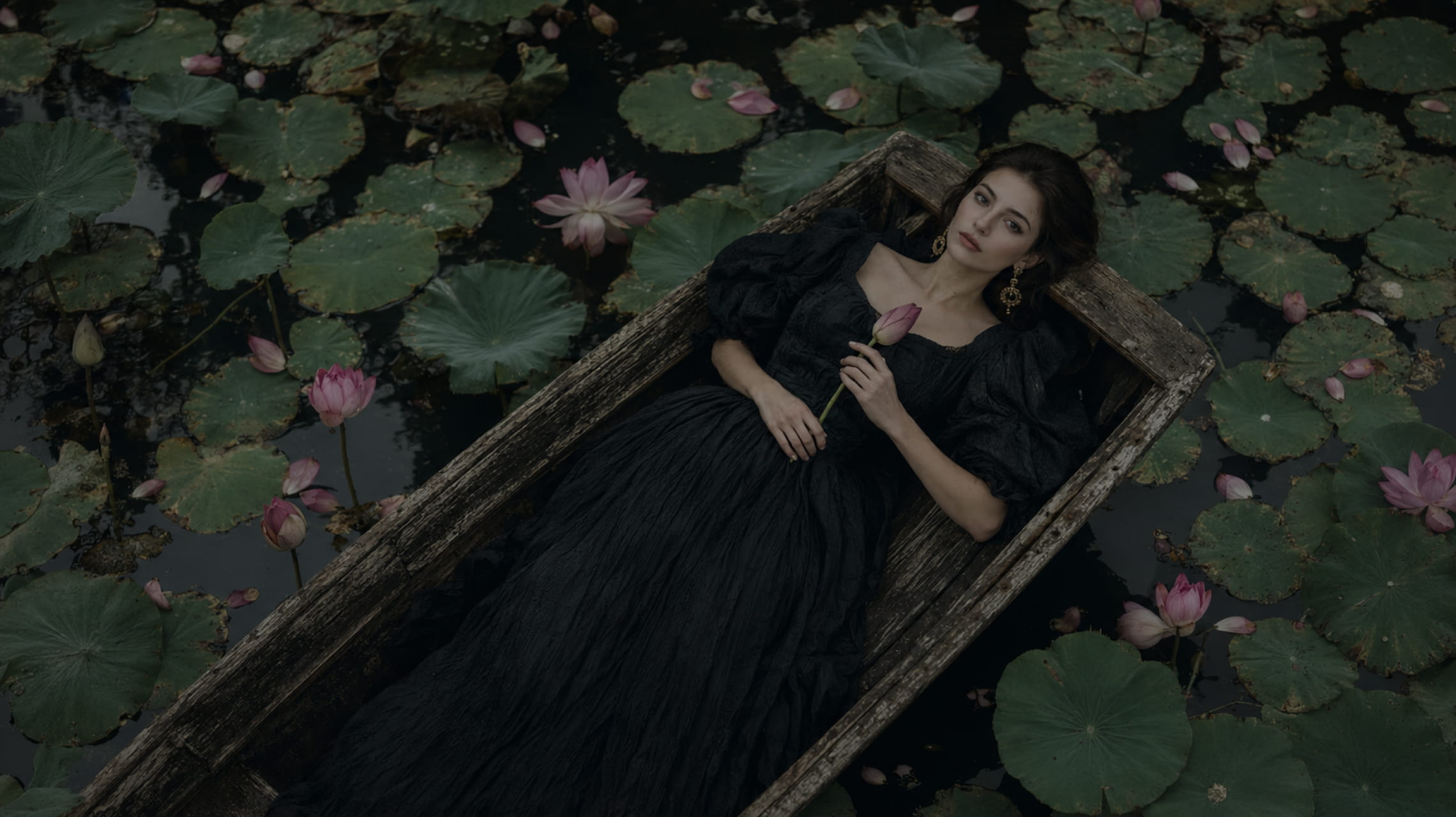
Wizmade’s Text to Image starts with your words. Describe the subject, setting, lighting, and composition, choose an available image model, then set its supported output parameters. The images below illustrate creative directions; your results will depend on the brief, selected model, and settings.
Explore AI tool →
Wizmade’s Image Style Transfer opens the Templates mode of the image workspace. Select a visual preset, supply a reference image, and add optional instructions to prepare a restyled image. This shares the image creation workflow rather than offering a separate style-transfer engine.
Explore AI tool →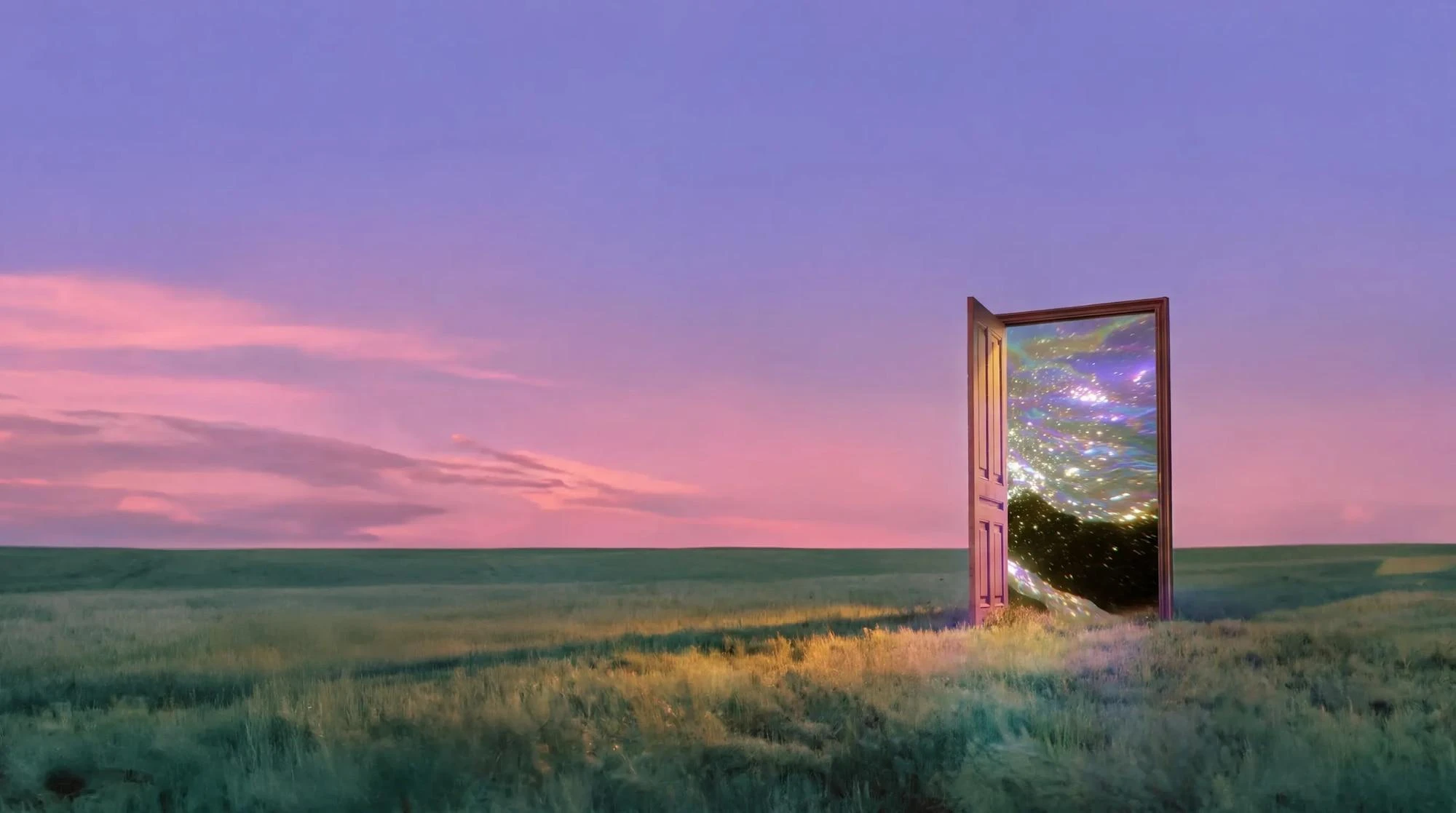
Wizmade’s AI Image Generator prepares still images from text, reference images, or a template direction. Start with the input that fits the task, choose an available model, and review its supported framing and output settings. The examples below illustrate creative directions rather than verified results from a particular model.
Explore AI tool →Return to the workbench to review your inputs and available settings.