
Establish the action
Use visible verbs such as turns, walks, or rises instead of abstract mood alone.
Wizmade’s Text to Video creates a video request from a written scene without requiring an image. Describe who or what moves, where it happens, and how the camera sees the action. Select a video model and the parameters it supports before reviewing the credit amount.
Wizmade’s Text to Video creates a video request from a written scene without requiring an image. Describe who or what moves, where it happens, and how the camera sees the action. Select a video model and the parameters it supports before reviewing the credit amount.
Use visible verbs such as turns, walks, or rises instead of abstract mood alone.
Choose a fixed shot, tracking move, or slow push rather than combining all three.
Change one action or camera cue between attempts so you can identify its effect.
Follow the steps in the workbench above. Each screenshot shows the complete interface for that step.
In Text to Video, describe one scene with a subject, action, setting, and camera cue. Avoid contradicting camera directions.
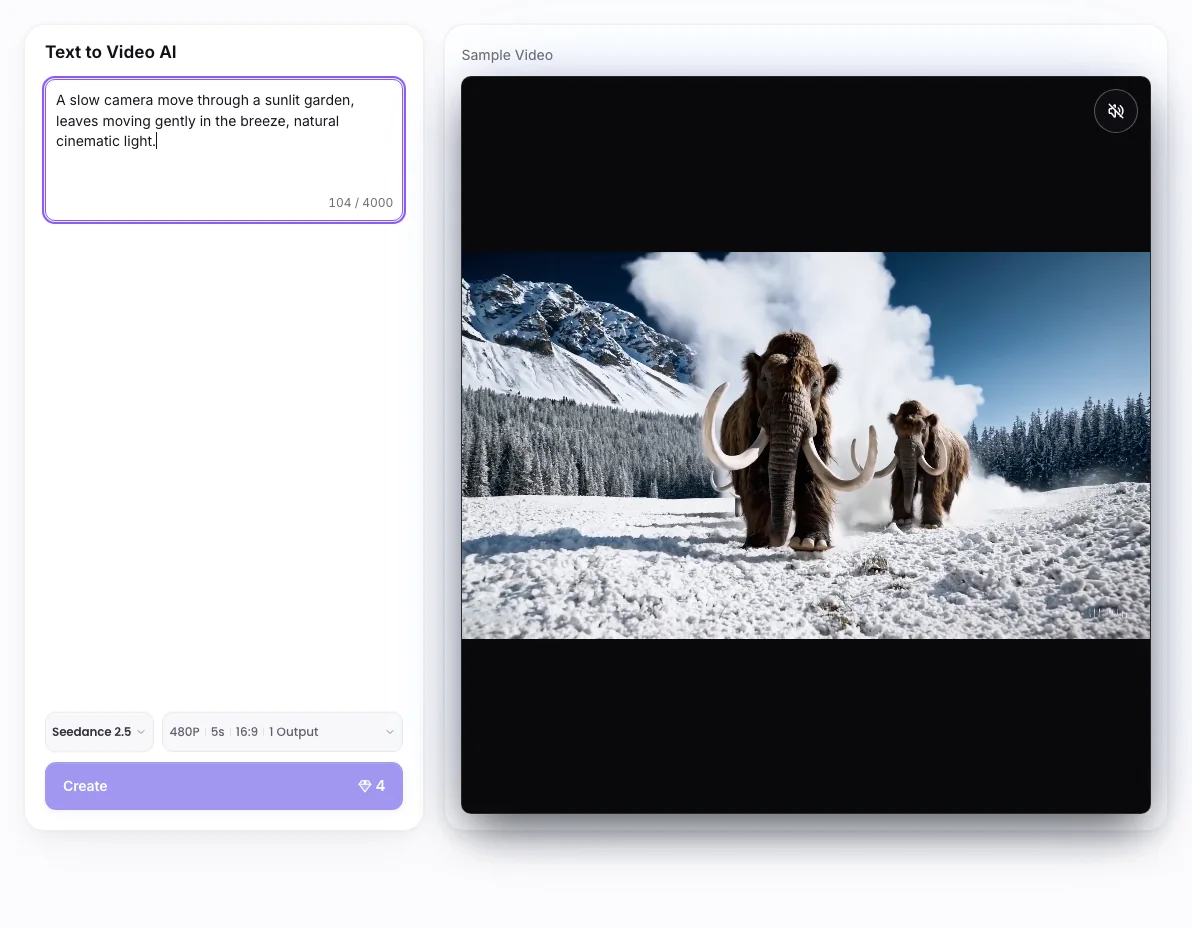
Open the model selector and compare the available tags and capabilities for your intended scene.
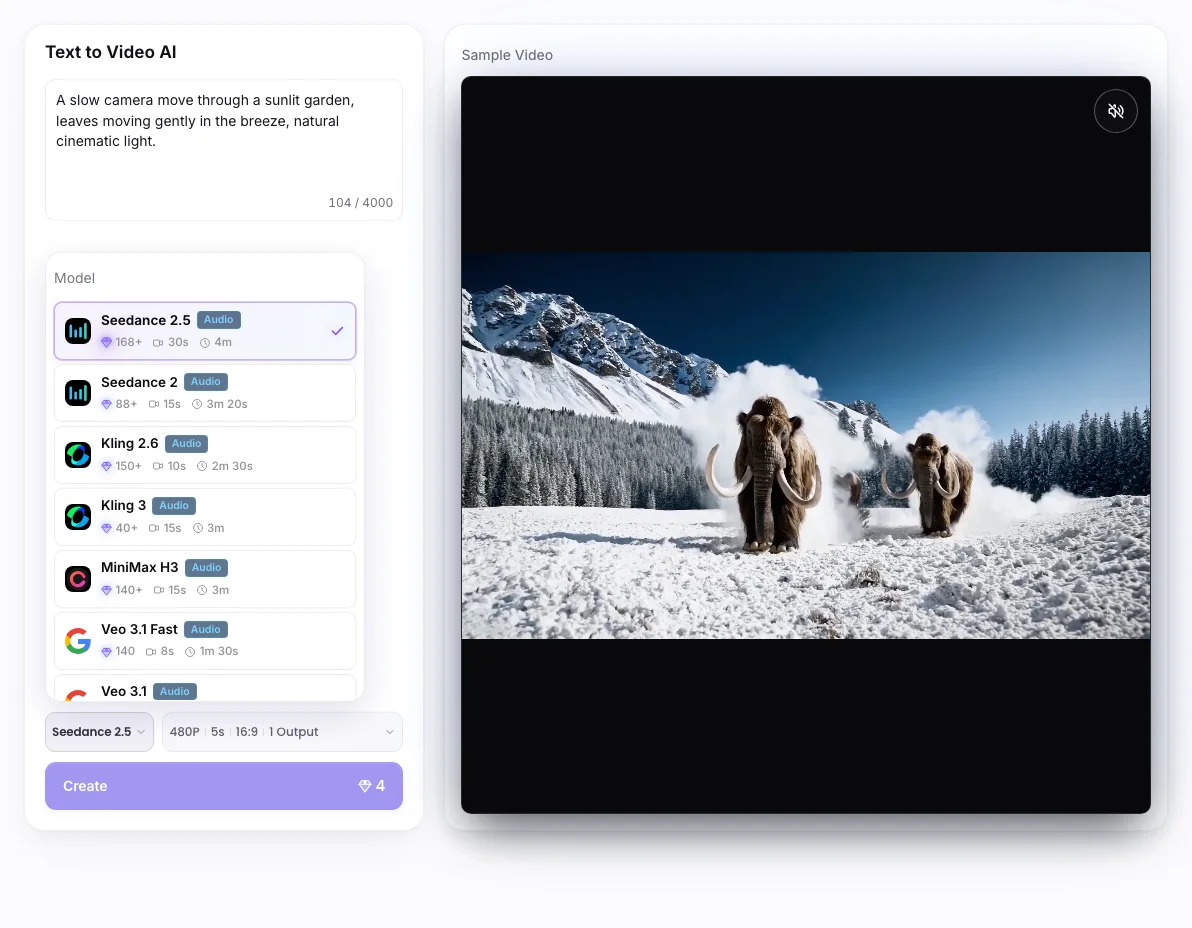
Use Parameters to choose supported duration, aspect ratio, resolution, and outputs. Review the 💎 amount before Create.
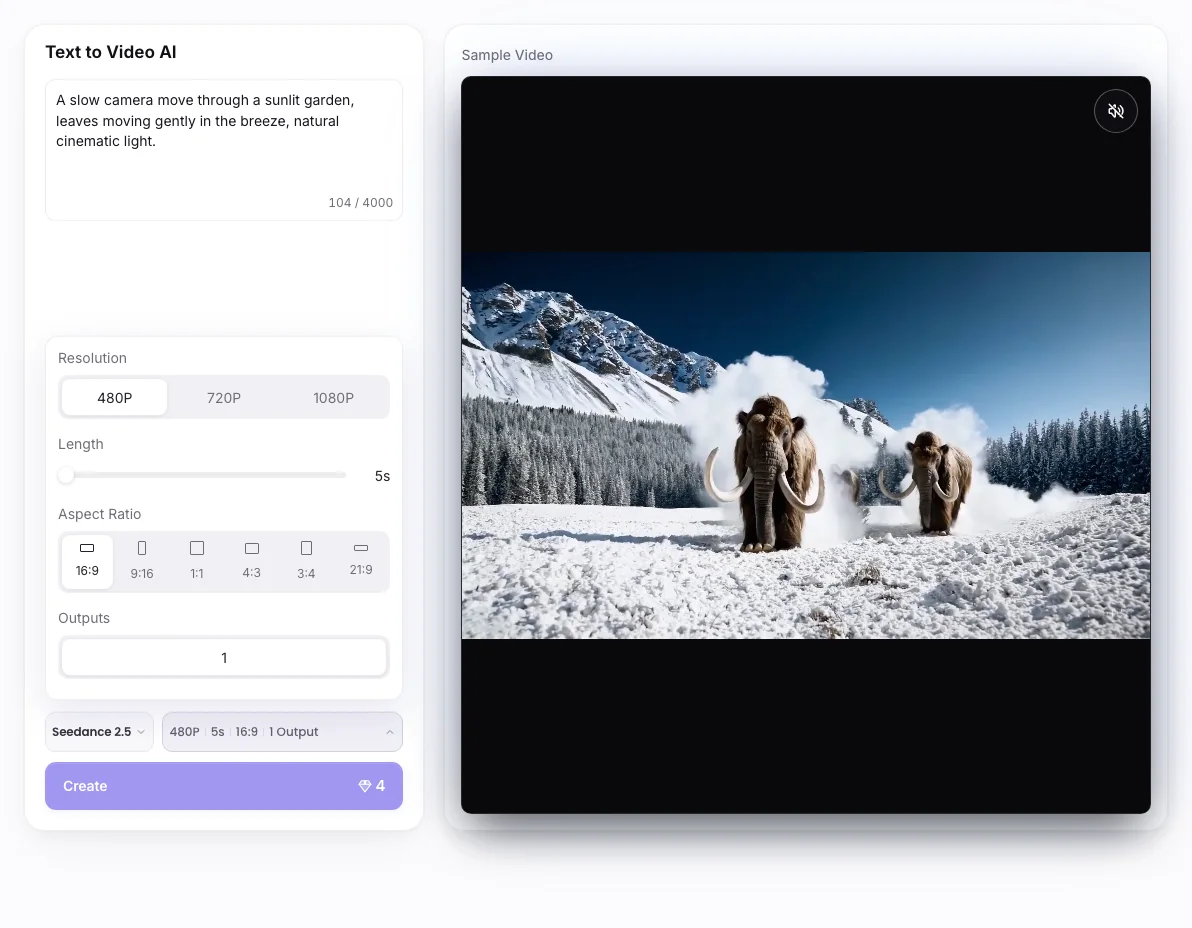
A text prompt does not guarantee exact timing, continuity, readable text, or synchronized audio. Available length and audio options depend on the selected model.
Wizmade’s Text to Video creates a video request from a written scene without requiring an image. Describe who or what moves, where it happens, and how the camera sees the action. Select a video model and the parameters it supports before reviewing the credit amount.
No. This mode begins with text. Use Image to Video when a picture should guide appearance or framing.
Check the 💎 amount displayed beside the creation action after selecting your inputs and settings. Do not assume that another tool or model has the same cost.
You can prepare the available inputs in the public workbench. Complete sign-in when requested before starting a task, and review the displayed credit cost before submitting.
A text prompt does not guarantee exact timing, continuity, readable text, or synchronized audio. Available length and audio options depend on the selected model.
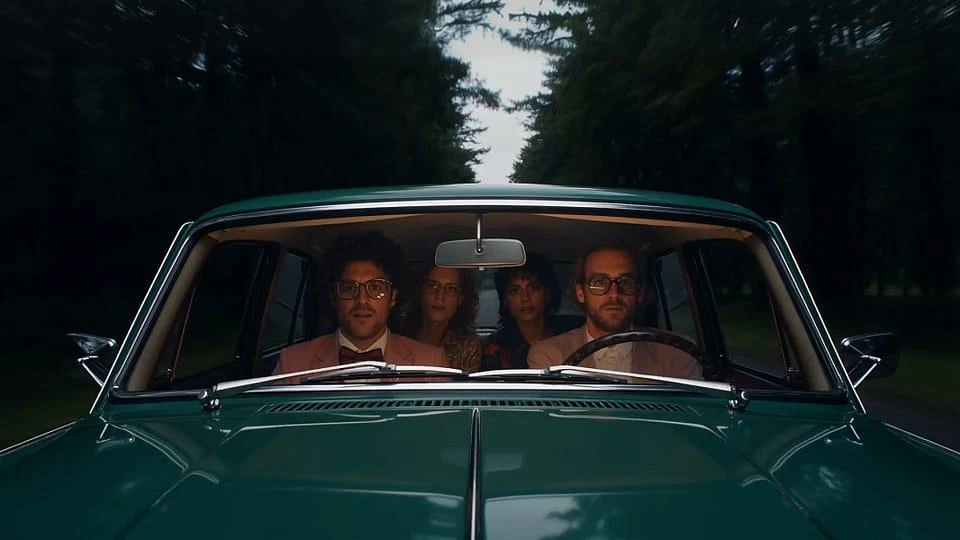
Wizmade’s AI Video Generator prepares short clips from a written scene or image references. Choose Text to Video to invent the scene or Image to Video to guide its appearance. Model capabilities determine the available reference methods, duration, resolution, ratio, and outputs.
Explore AI tool →
Wizmade’s Image to Video uses visual references and a motion brief to prepare a clip. The workbench offers Start Image, Between Images, and Reference Images. The selected model determines which methods are available and which duration, resolution, and output settings you can use.
Explore AI tool →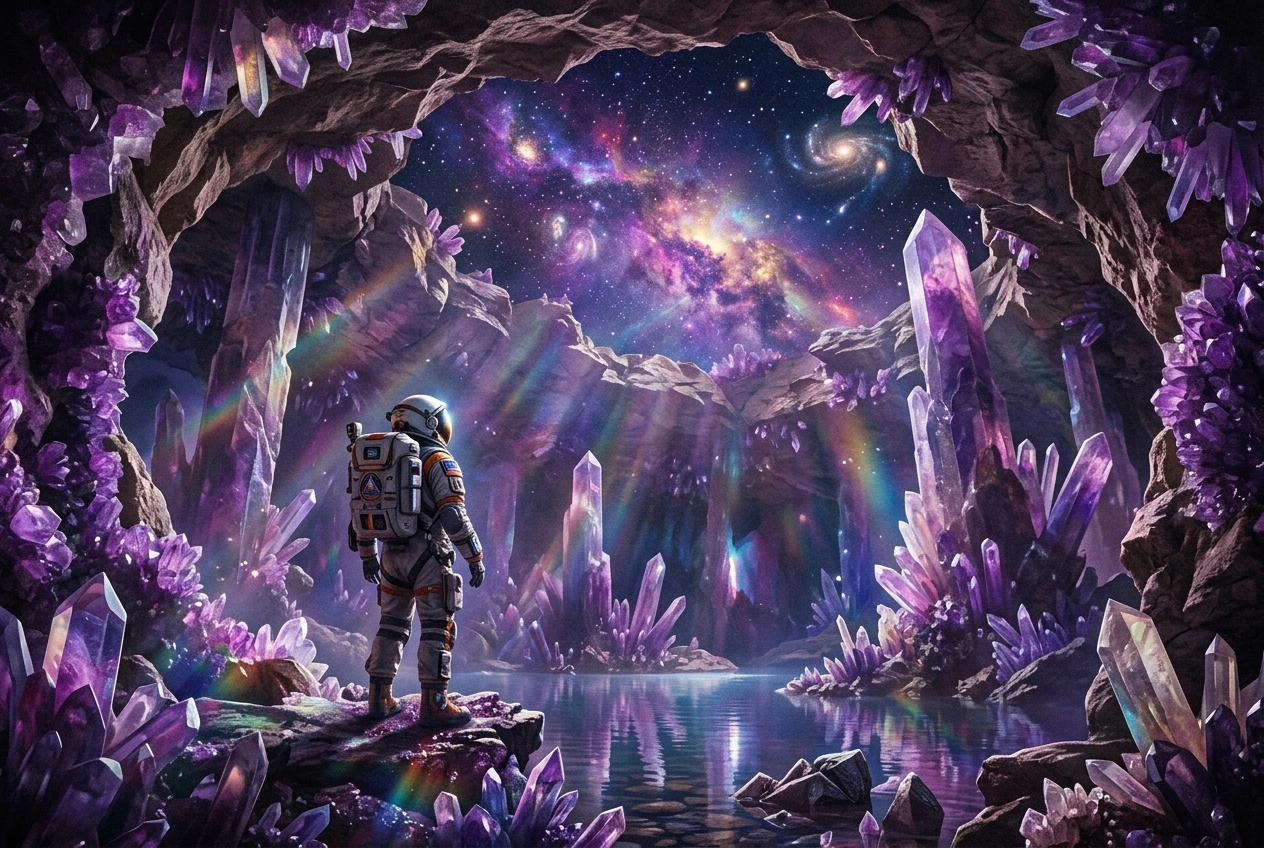
Wizmade’s Video to Video uses a motion clip and a reference image to prepare a new video. The clip supplies movement while the image guides the visual subject. Add an optional prompt, compare available Kling models, and choose a supported resolution before reviewing the credit cost.
Explore AI tool →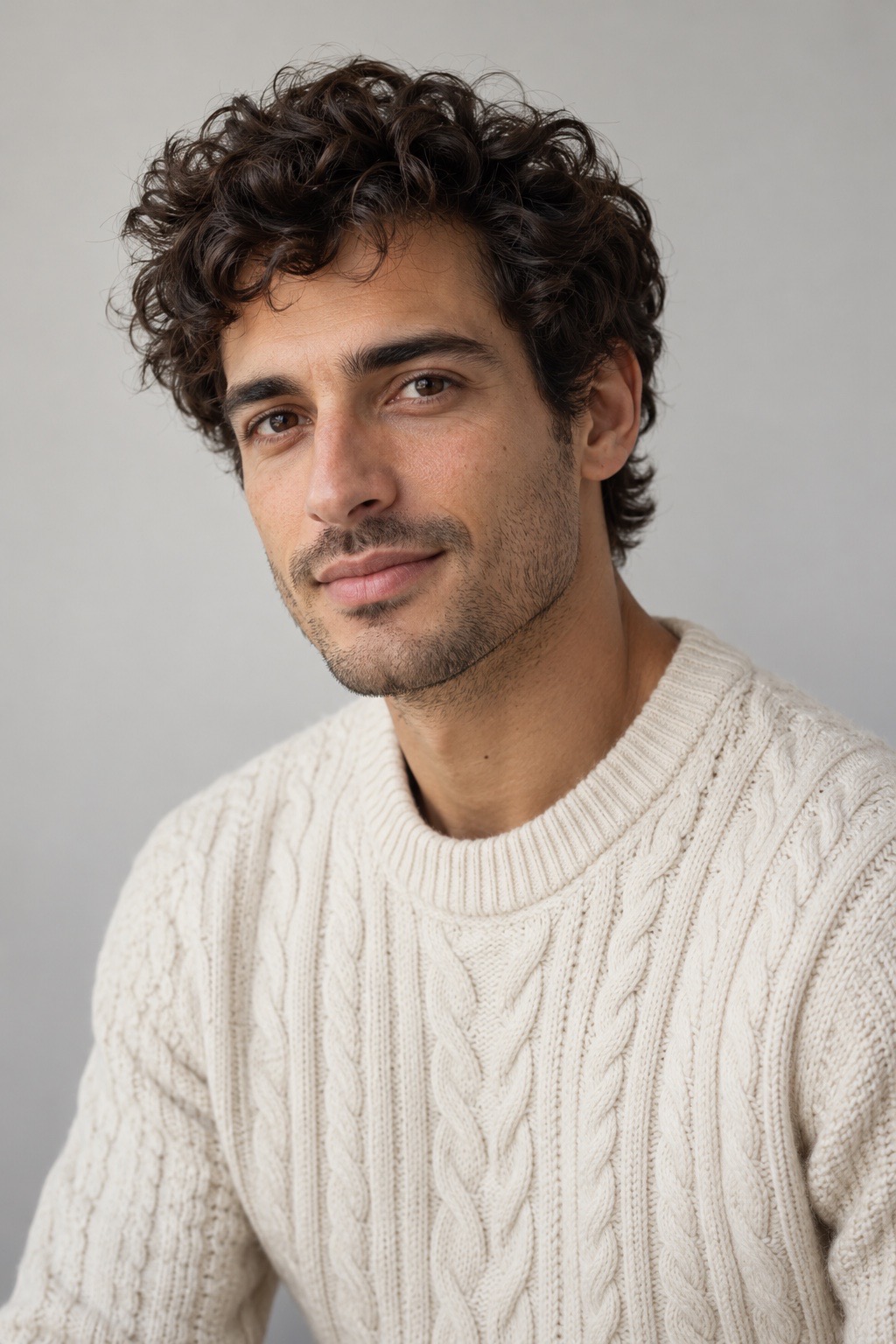
Wizmade’s Lip Sync AI prepares a speaking-video request from a visual source and speech. Supply a portrait or video as supported, then provide speech through uploaded audio or text-to-speech. Review voice, script, and displayed credits before requesting synchronized mouth movement.
Explore AI tool →Wizmade’s AI Video Translator prepares translated speech for an uploaded video. Select a target language, translation engine, translation mode, and subtitle handling. Available languages and processing modes depend on the engine. Review the duration-based credit amount before submitting the translation.
Explore AI tool →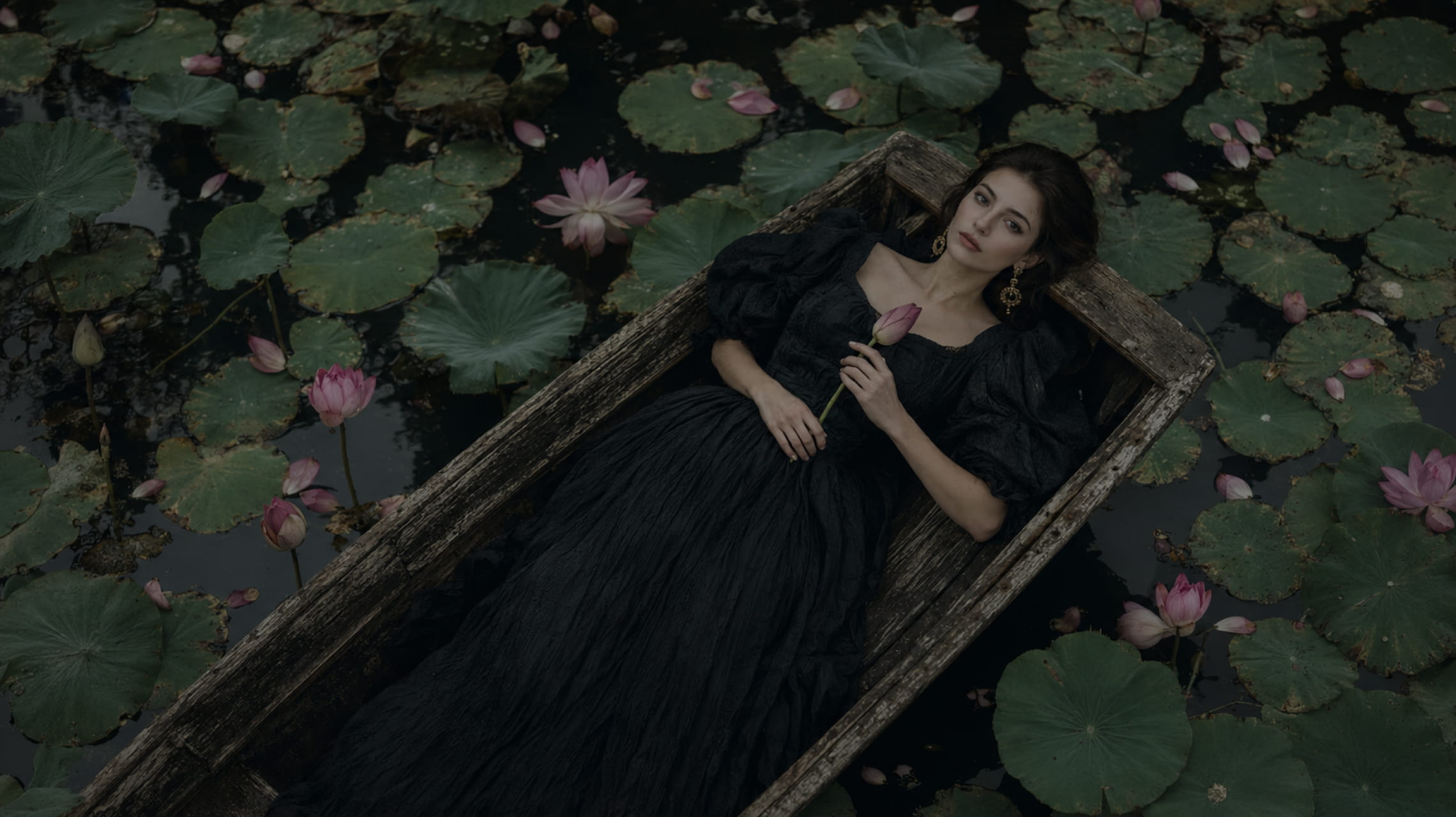
Wizmade’s Text to Image starts with your words. Describe the subject, setting, lighting, and composition, choose an available image model, then set its supported output parameters. The images below illustrate creative directions; your results will depend on the brief, selected model, and settings.
Explore AI tool →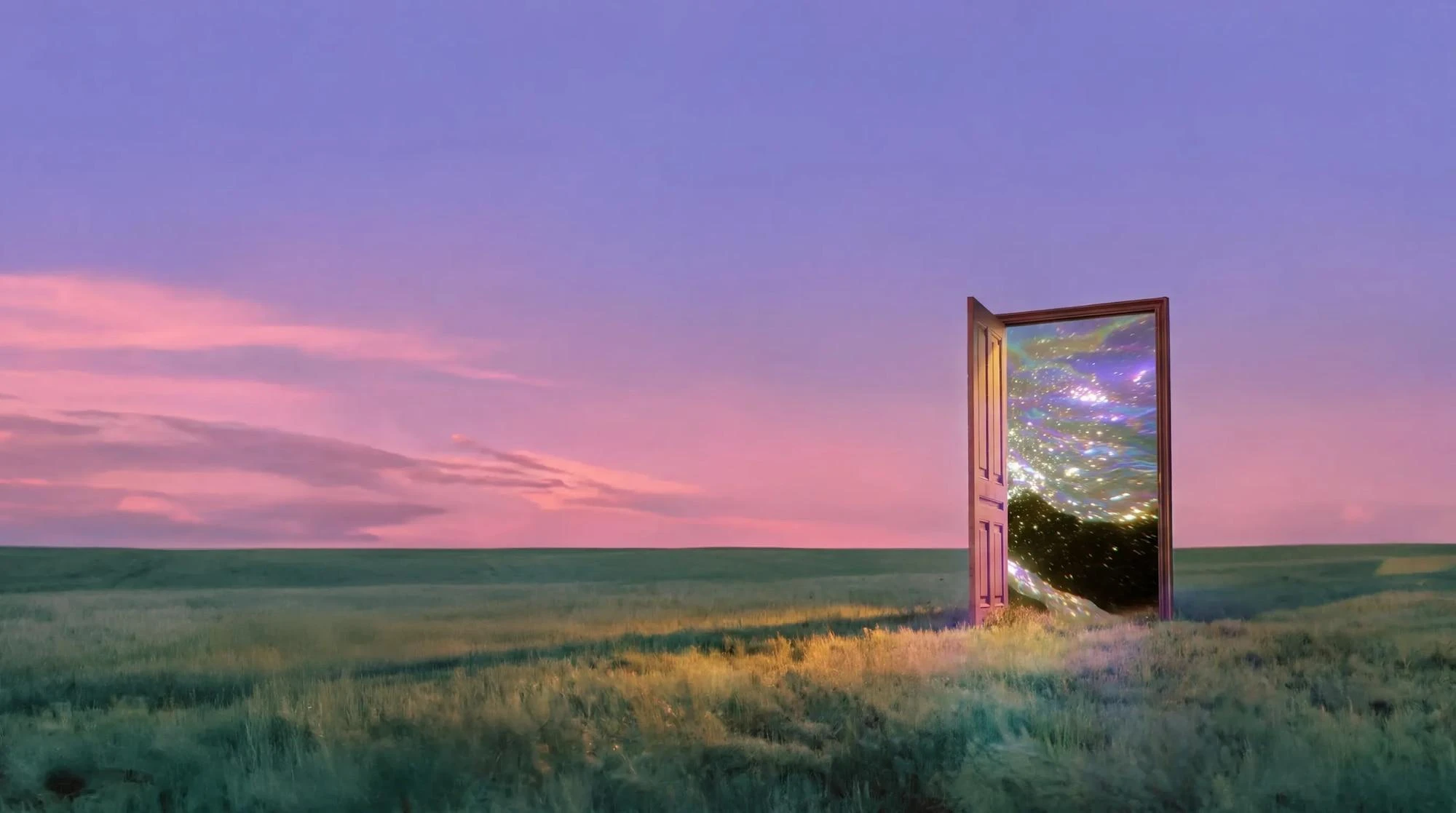
Wizmade’s AI Image Generator prepares still images from text, reference images, or a template direction. Start with the input that fits the task, choose an available model, and review its supported framing and output settings. The examples below illustrate creative directions rather than verified results from a particular model.
Explore AI tool →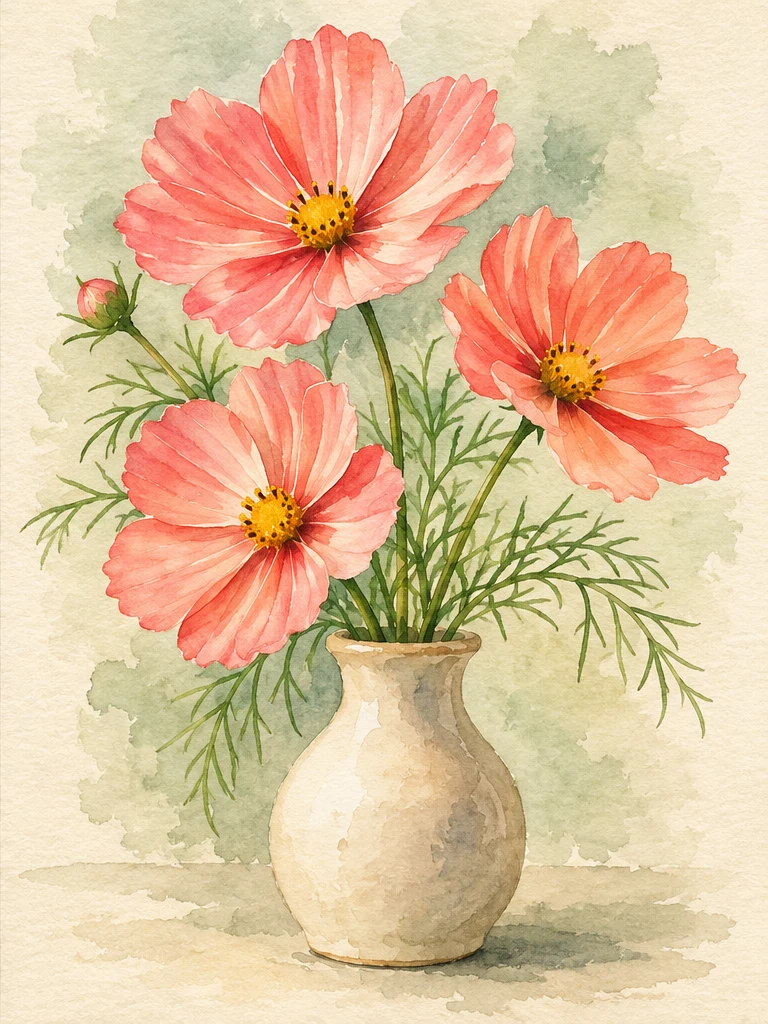
Wizmade’s Image Style Transfer opens the Templates mode of the image workspace. Select a visual preset, supply a reference image, and add optional instructions to prepare a restyled image. This shares the image creation workflow rather than offering a separate style-transfer engine.
Explore AI tool →Return to the workbench to review your inputs and available settings.