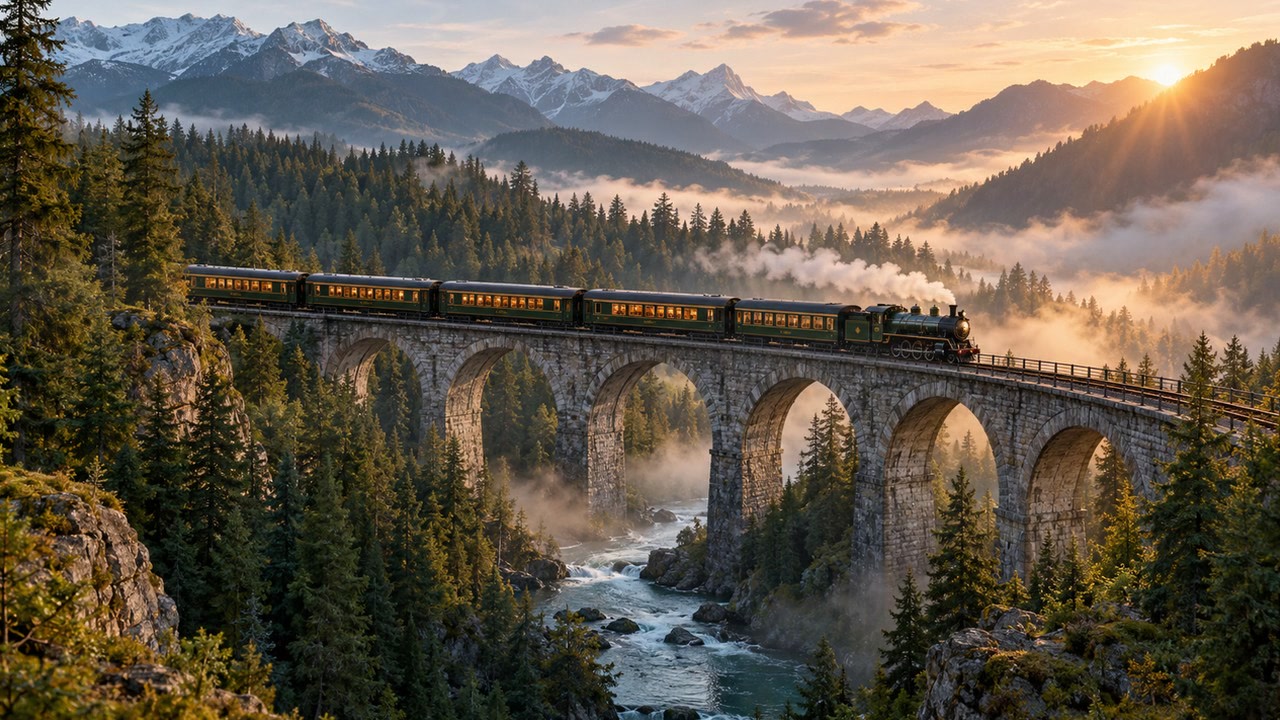
Train through a misty forest
A passenger train crosses a forest bridge at dawn; slow tracking shot through soft mist.
Video model
Plan a short moving scene with a clear subject, a single action, and a camera direction before opening Genpiko Studio.
This prepares a draft in your studio; generation starts when you click create.
Video draftIllustrative inspiration · Examples are not model outputs
A passenger train crosses a forest bridge at dawn; slow tracking shot through soft mist.
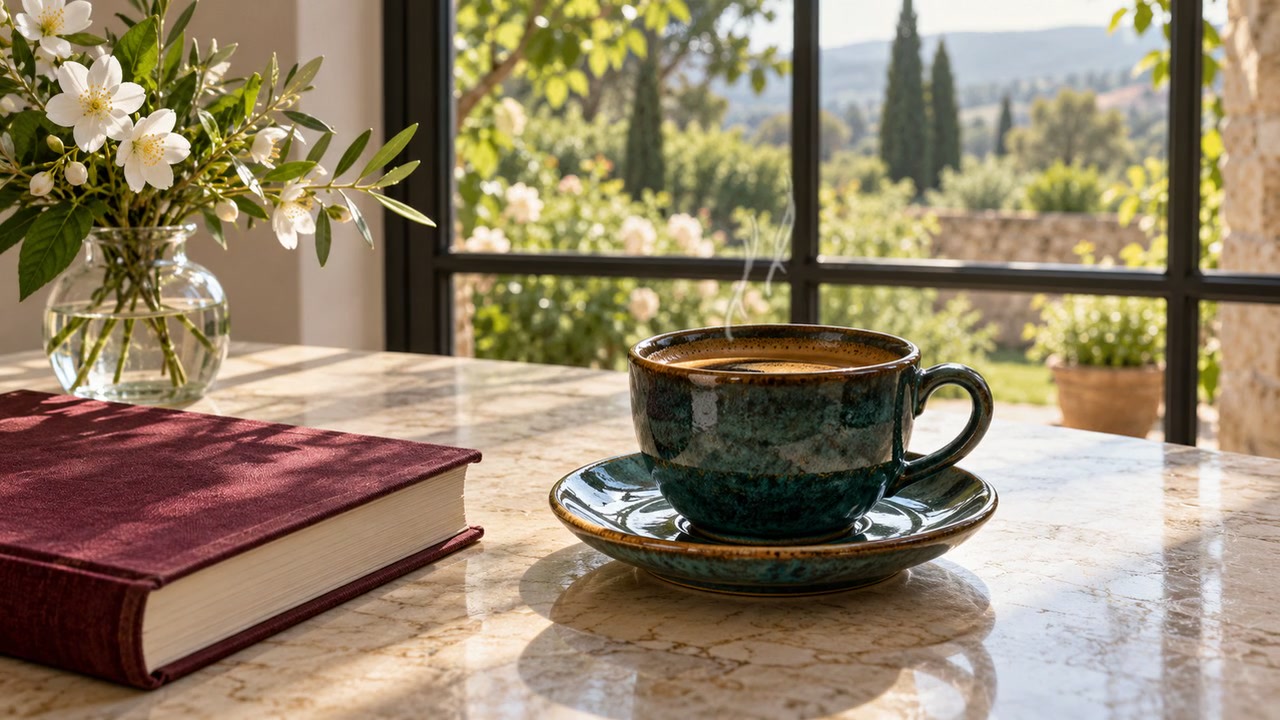
Steam curls above a ceramic coffee cup beside a notebook; gentle push-in, bright morning light.
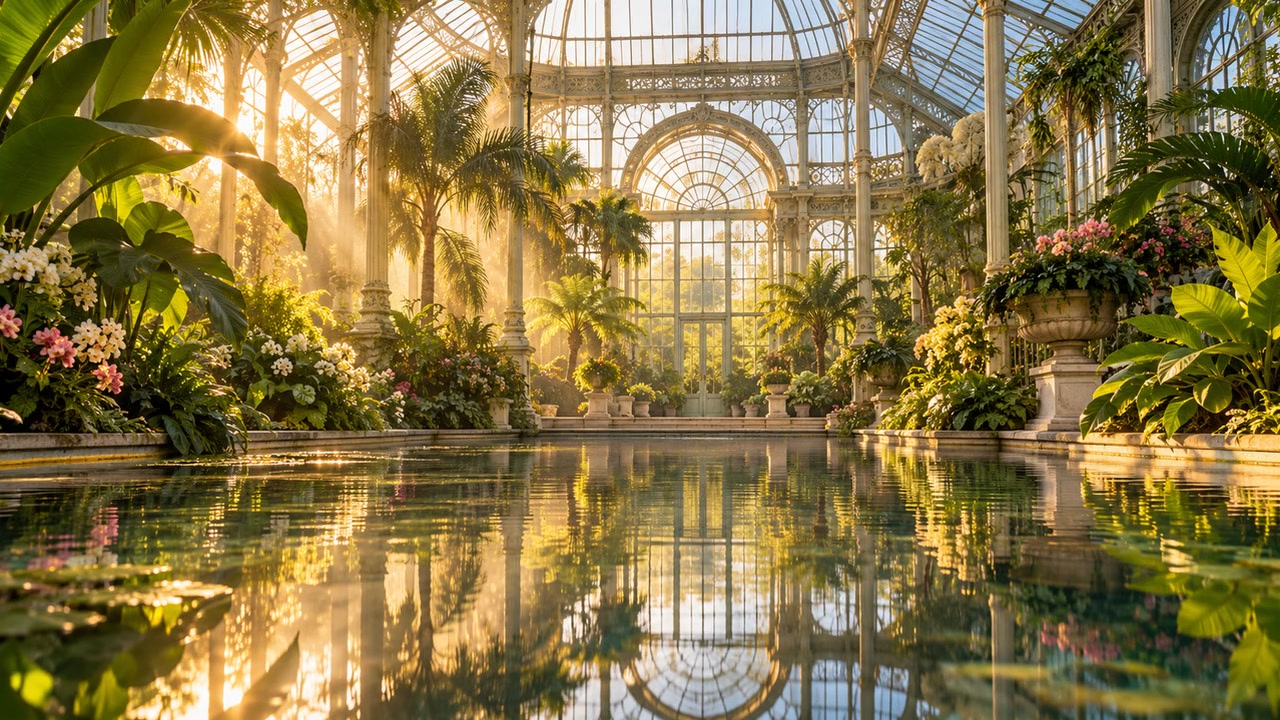
Leaves shift around a still pond in a glass conservatory; locked camera, soft daylight.
Model overview · Genpiko Studio
Use the prompt field to describe a direction for Seedance 2.5; keep the central idea easy to review before continuing.
Browse all modelsModel overview · Genpiko Studio
The Studio draft keeps Seedance 2.5 selected while you inspect the settings available for this video workflow.
Browse all modelsWrite a prompt for Seedance 2.5 and make the subject and visual direction explicit.
Choose the supported duration, resolution and aspect ratio in Studio.
Open the saved draft, inspect the available parameters, and start creation there when ready.
This page prepares the prompt and model. Review the available duration and other settings in Studio before creating.
A text-to-video draft with your prompt and selected model.
No. Browsing and preparing a draft do not start generation or deduct credits. Creating is a separate Studio action.
Visit Pricing for current plan information, then review applicable settings in Studio before creating.
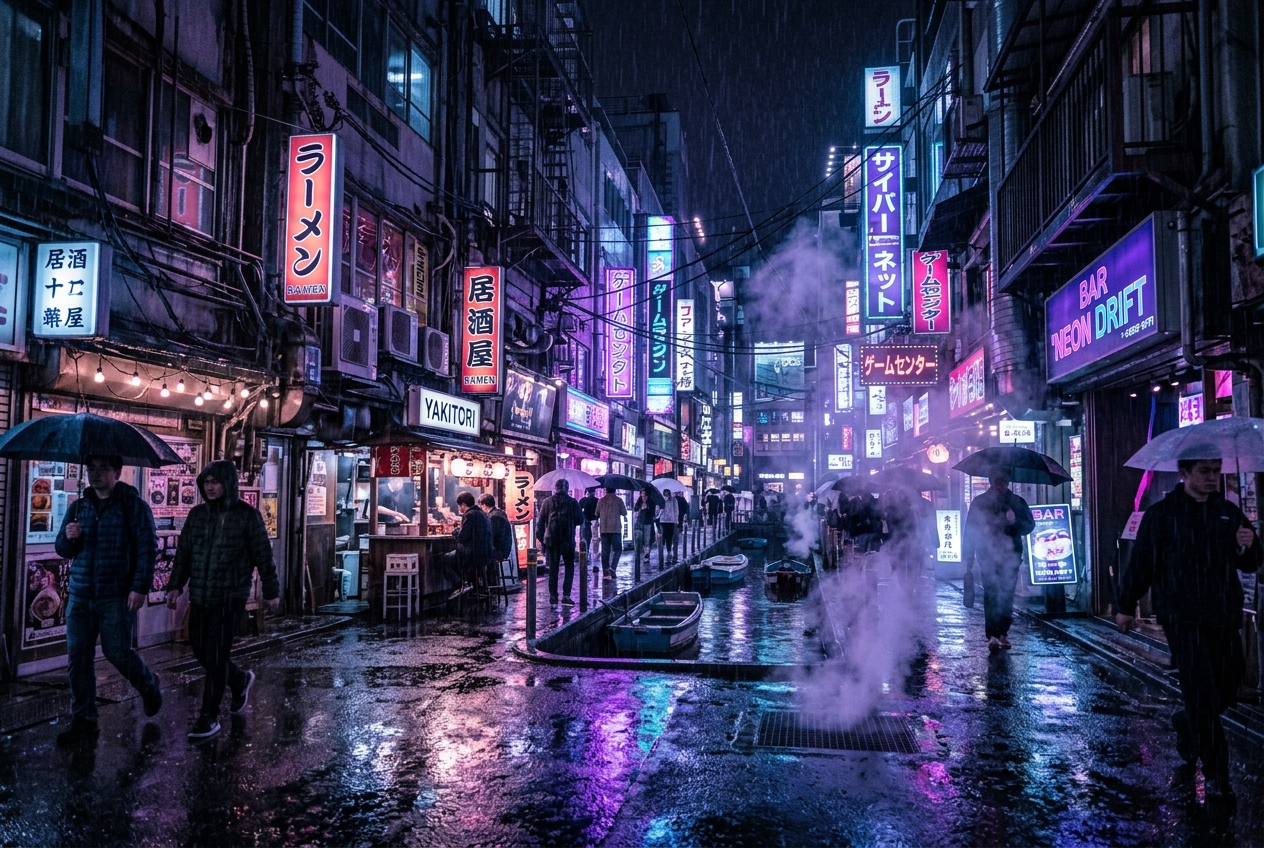
Build a concise motion brief around a subject, one readable action, and the framing you want to carry through the shot.
3 min read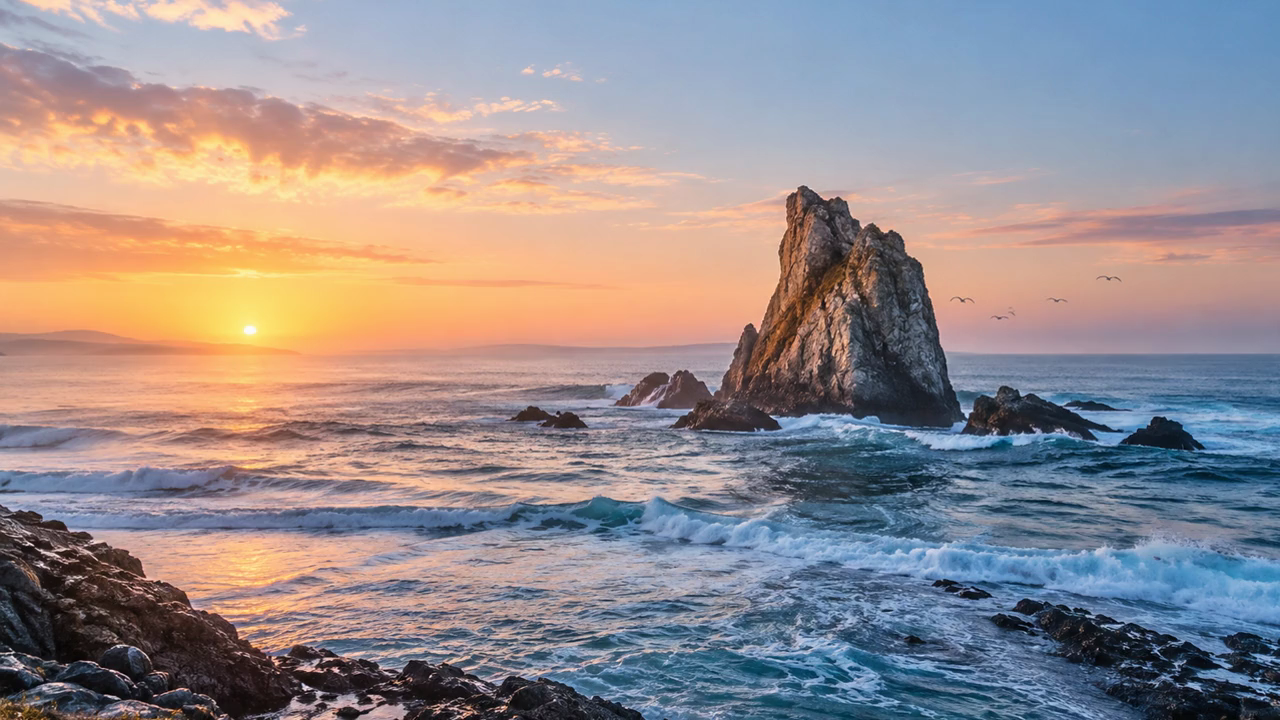
Prepare a focused video idea with a defined location, visible action, and a shot direction that is easy to review.
3 min read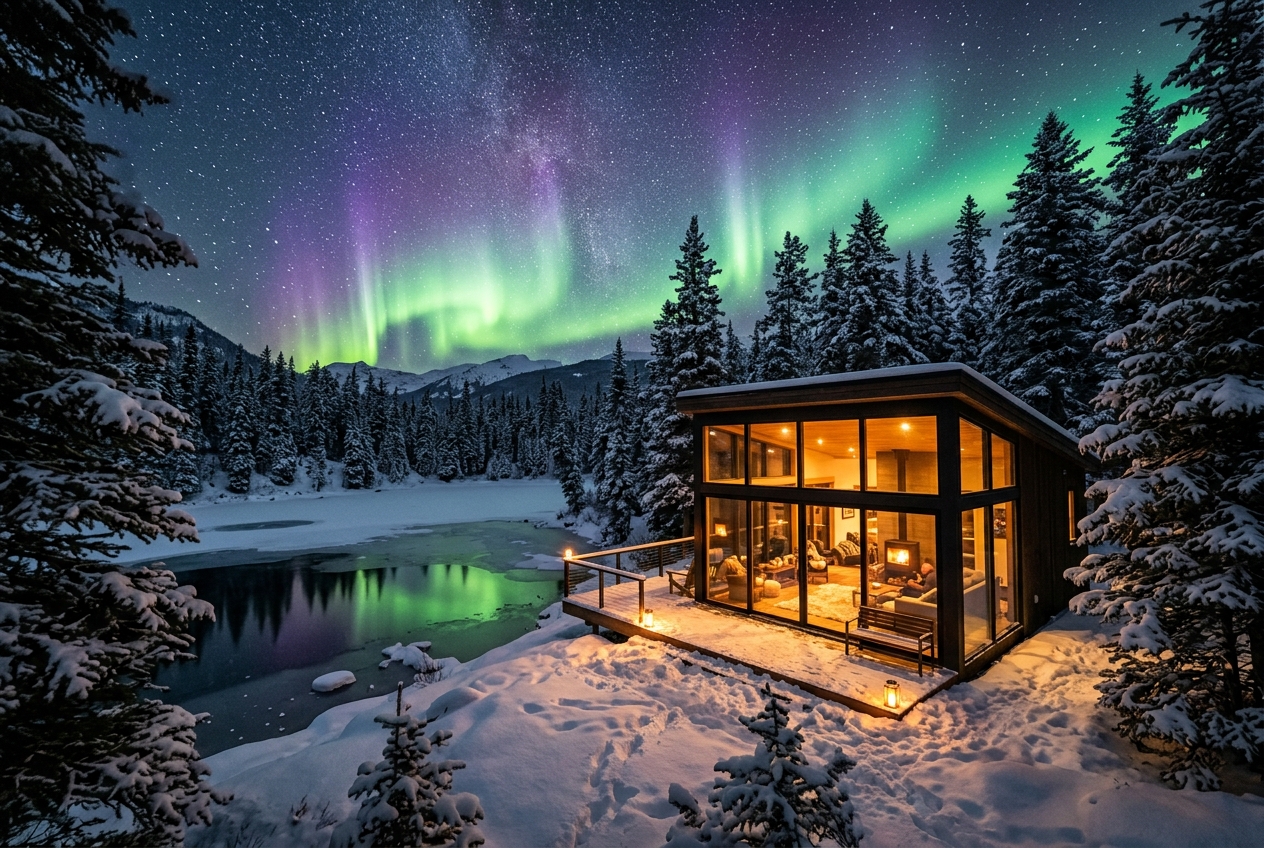
Shape a video draft by describing what moves, what stays still, and how the scene should be framed.
3 min readYour prompt and selected model will be carried into the video Studio.