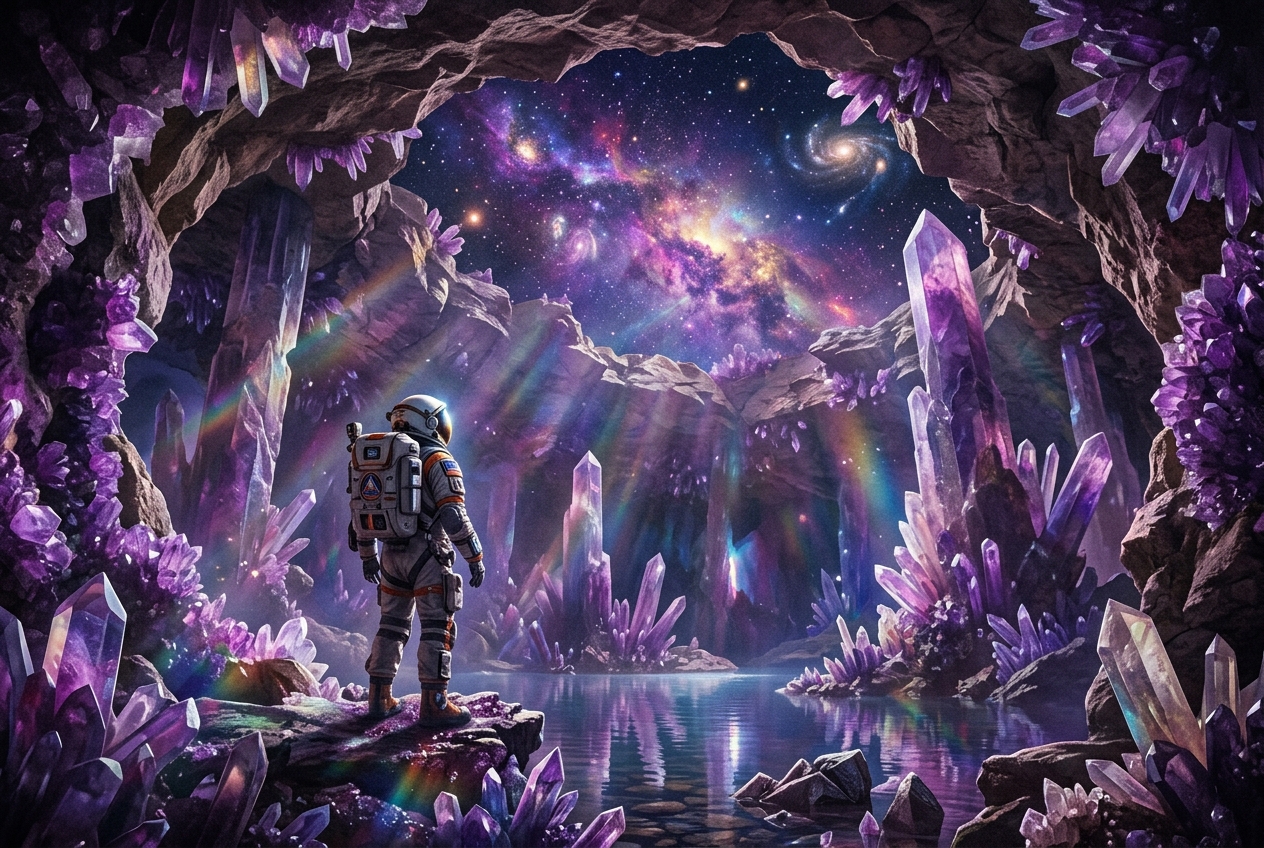
Explorer in an iridescent cavern
A lone explorer in a luminous crystal cavern, dreamlike scale, indigo and violet light.
Image model
Explore an image concept through atmosphere, texture, and composition, then refine the prompt in the existing Studio.
This prepares a draft in your studio; generation starts when you click create.
Image draftIllustrative inspiration · Examples are not model outputs
A lone explorer in a luminous crystal cavern, dreamlike scale, indigo and violet light.
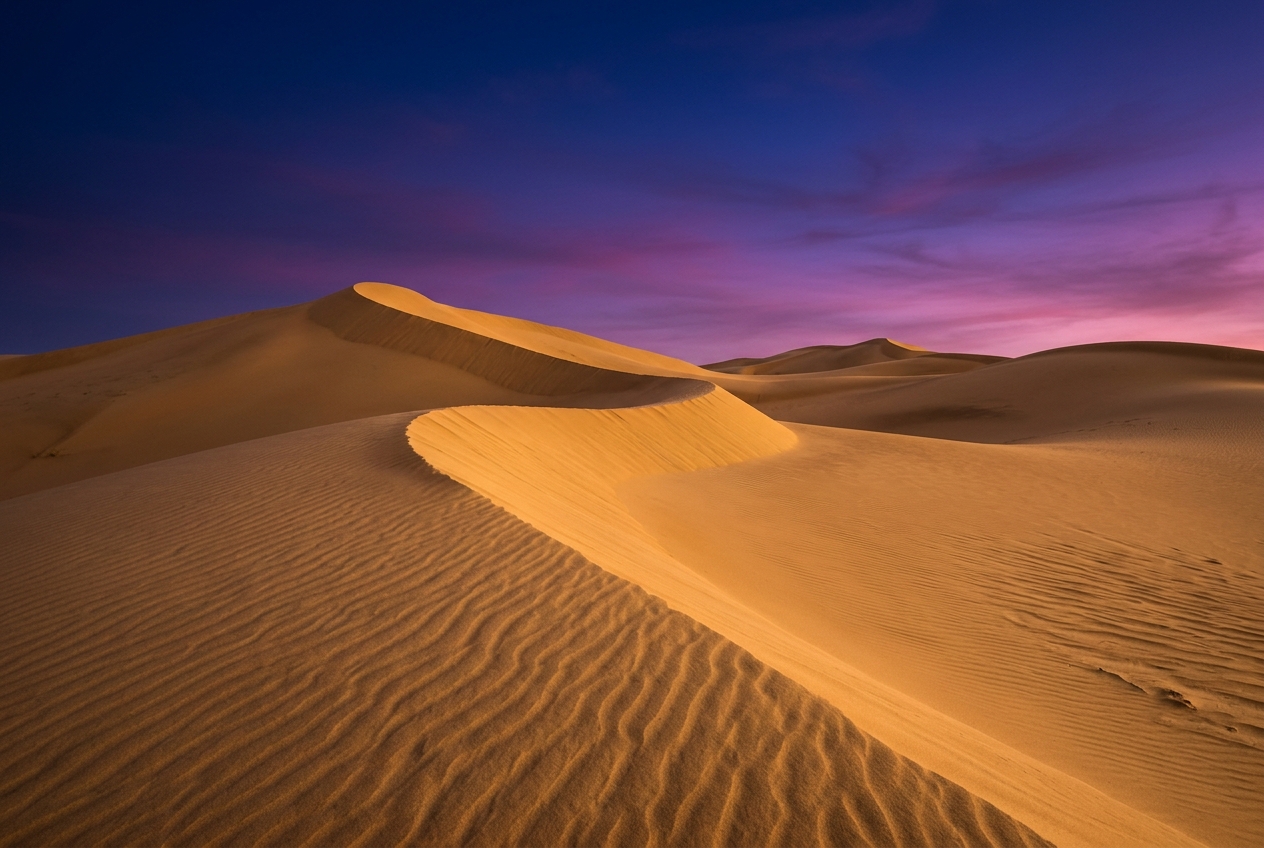
A surreal staircase carved through sculpted golden dunes, painterly texture, hazy twilight.
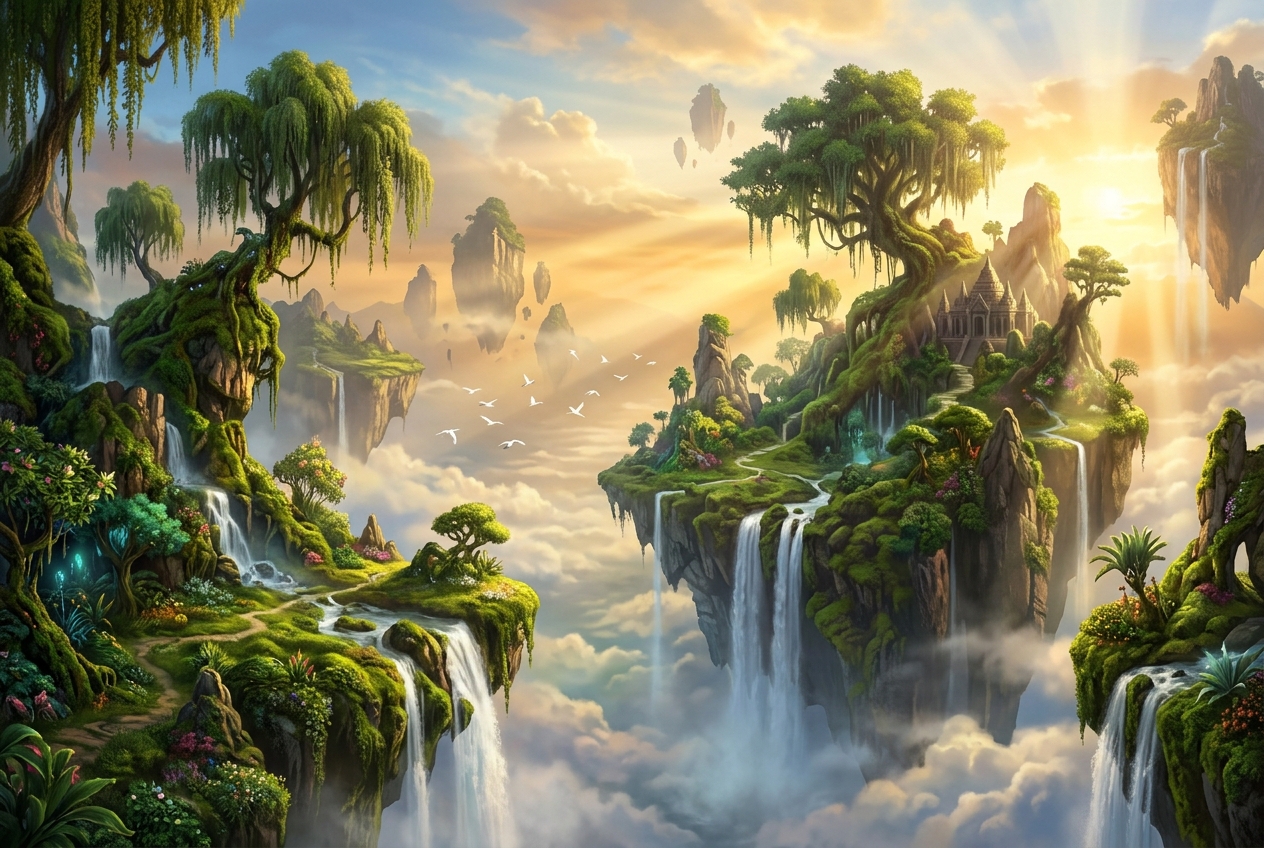
Moss-covered islands float above a green valley, fantastical composition and soft mist.
Model overview · Genpiko Studio
Use the prompt field to describe a direction for Midjourney; keep the central idea easy to review before continuing.
Browse all modelsModel overview · Genpiko Studio
The Studio draft keeps Midjourney selected while you inspect the settings available for this image workflow.
Browse all modelsWrite a prompt for Midjourney and make the subject and visual direction explicit.
Choose one reference to prepare image-to-image, or leave it empty for the text workflow.
Open the saved draft, inspect the available parameters, and start creation there when ready.
Yes. Attach one image to prepare an image-to-image draft, then review it in Studio.
No additional marketing-page style controls are applied. The draft uses the selected model defaults and prompt.
No. Browsing and preparing a draft do not start generation or deduct credits. Creating is a separate Studio action.
Visit Pricing for current plan information, then review applicable settings in Studio before creating.
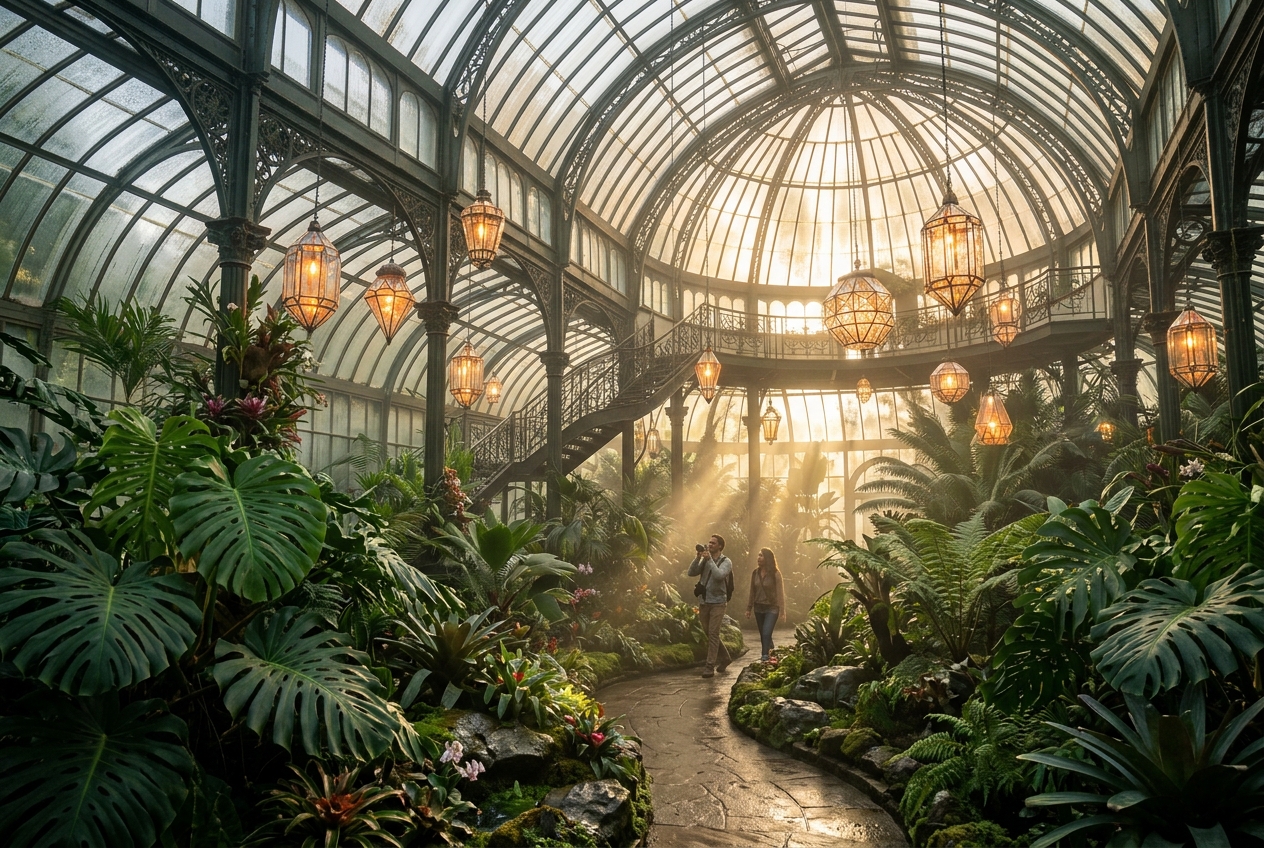
Prepare a still-image brief with a clear subject, composition, and a few details that define the visual direction.
3 min readUse this page to draft a distinct image idea with a clear subject, a considered layout, and concise style direction.
3 min read
Build a reference-aware image brief around the details to preserve and the specific visual change you want to explore.
3 min readYour prompt and optional reference image will be carried into the matching Genpiko Studio.