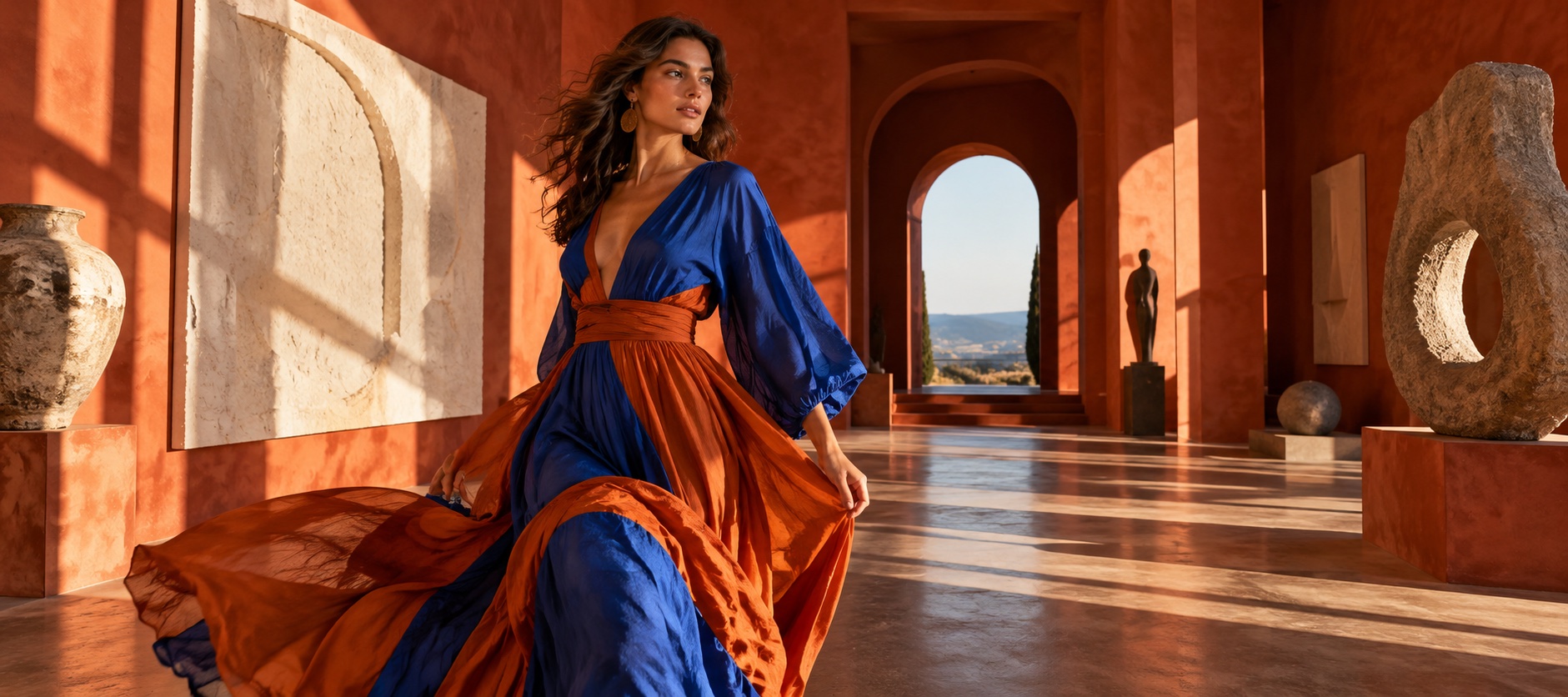
Editorial portrait in a sunlit courtyard
An editorial portrait in flowing blue and terracotta silk in a sunlit arched courtyard, clear subject and warm light.
Image model
Write an image brief that combines the main subject, its arrangement, and any readable details the composition needs.
This prepares a draft in your studio; generation starts when you click create.
Image draftIllustrative inspiration · Examples are not model outputs
An editorial portrait in flowing blue and terracotta silk in a sunlit arched courtyard, clear subject and warm light.
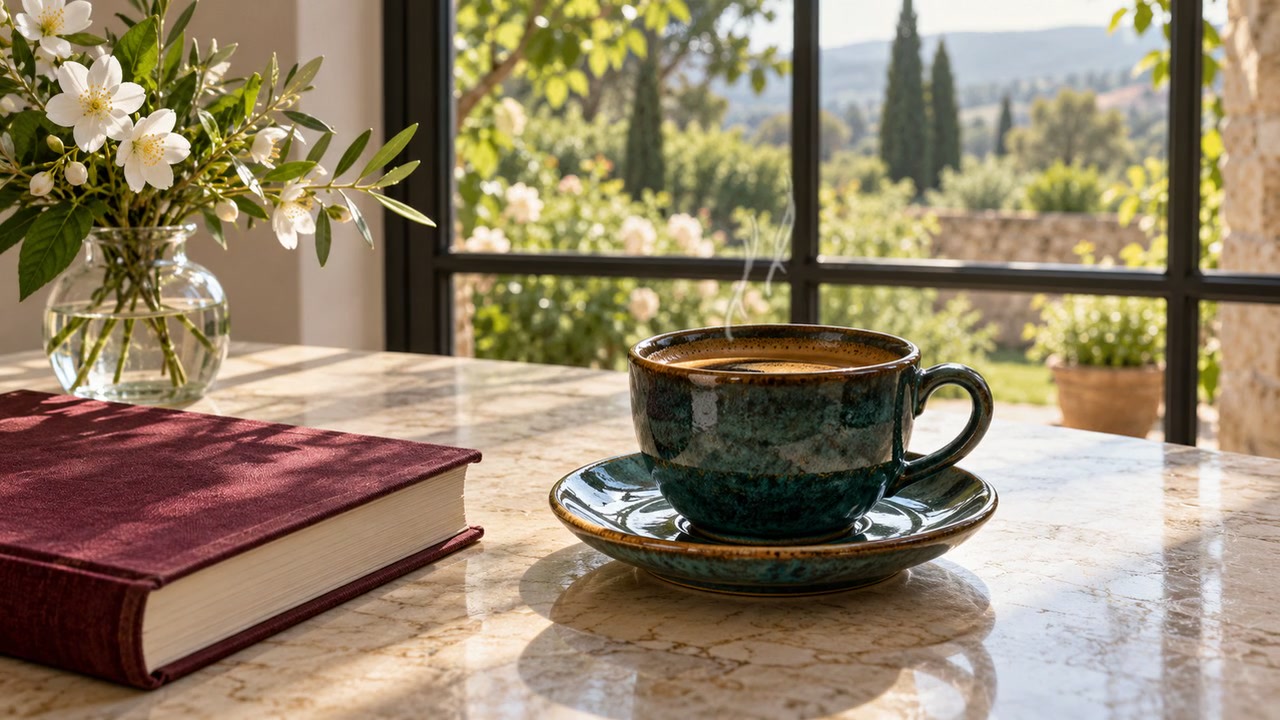
A ceramic coffee cup and notebook on a bright wooden table, editorial still life with clear label space.
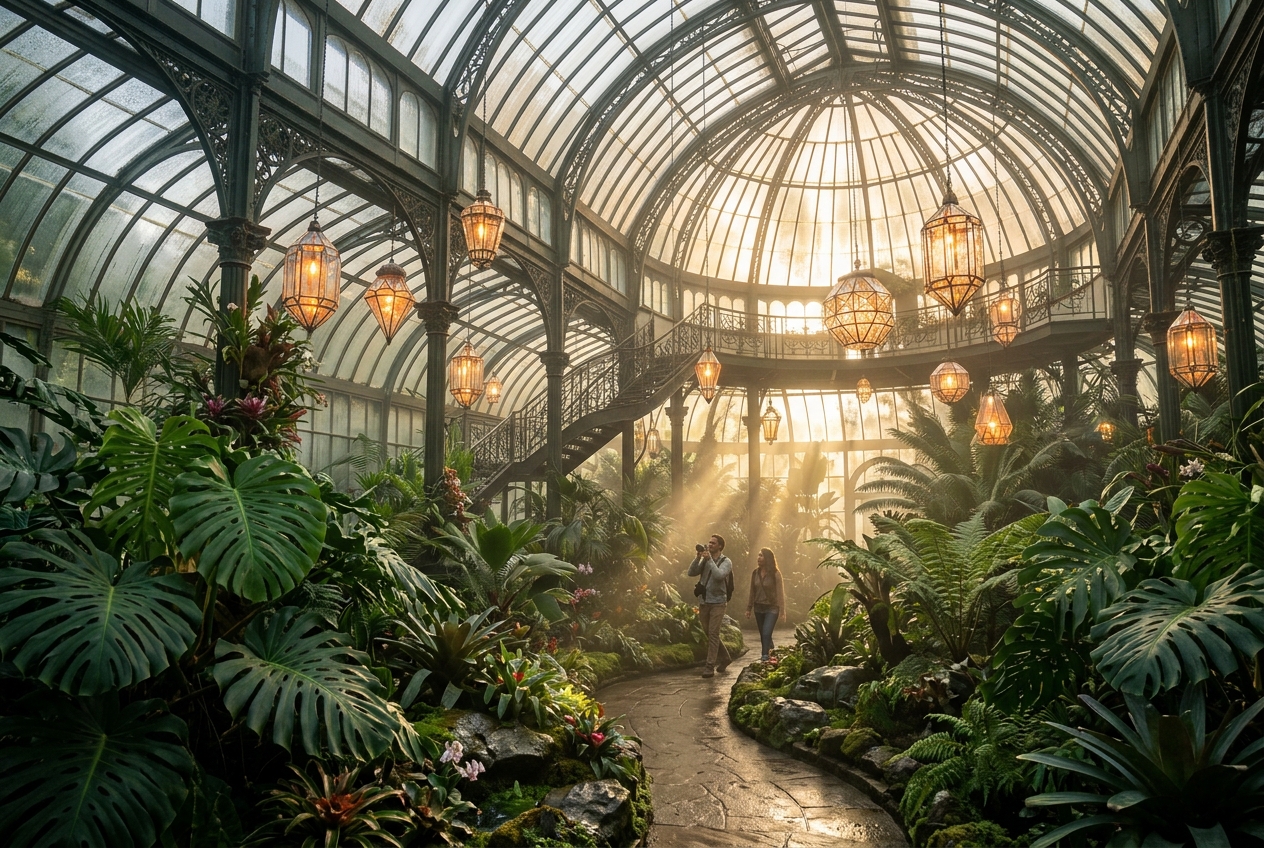
A botanical conservatory filled with tropical leaves, centered composition and pale morning light.
Model overview · Genpiko Studio
Use the prompt field to describe a direction for GPT-Image 2; keep the central idea easy to review before continuing.
Browse all modelsModel overview · Genpiko Studio
The Studio draft keeps GPT-Image 2 selected while you inspect the settings available for this image workflow.
Browse all modelsWrite a prompt for GPT-Image 2 and make the subject and visual direction explicit.
Choose one reference to prepare image-to-image, or leave it empty for the text workflow.
Open the saved draft, inspect the available parameters, and start creation there when ready.
Yes. Describe the words and their placement in the prompt, then inspect and refine the draft in Studio.
No. GPT-Image 2 has its own model ID and remains distinct from both 2.5 variants.
No. Browsing and preparing a draft do not start generation or deduct credits. Creating is a separate Studio action.
Visit Pricing for current plan information, then review applicable settings in Studio before creating.
Prepare a still-image brief with a clear subject, composition, and a few details that define the visual direction.
3 min read
Use this page to draft a distinct image idea with a clear subject, a considered layout, and concise style direction.
3 min read
Build a reference-aware image brief around the details to preserve and the specific visual change you want to explore.
3 min readYour prompt and optional reference image will be carried into the matching Genpiko Studio.