
Start from the best source
A larger, less-compressed original gives the process more visual information.
Wizmade’s Image Upscaler prepares a larger version of an uploaded image using the selected upscale factor. Add your source, choose 1×, 2×, or 4×, and compare the result with the original when processing completes. The side-by-side example is demonstration media, not your uploaded image.
Wizmade’s Image Upscaler prepares a larger version of an uploaded image using the selected upscale factor. Add your source, choose 1×, 2×, or 4×, and compare the result with the original when processing completes. The side-by-side example is demonstration media, not your uploaded image.
A larger, less-compressed original gives the process more visual information.
Inspect text, edges, and texture rather than comparing differently scaled previews.
Upscaling can reconstruct texture that differs from the original scene.
Follow the steps in the workbench above. Each screenshot shows the complete interface for that step.
Add the image you want to upscale. Check that the correct source appears in the input preview.
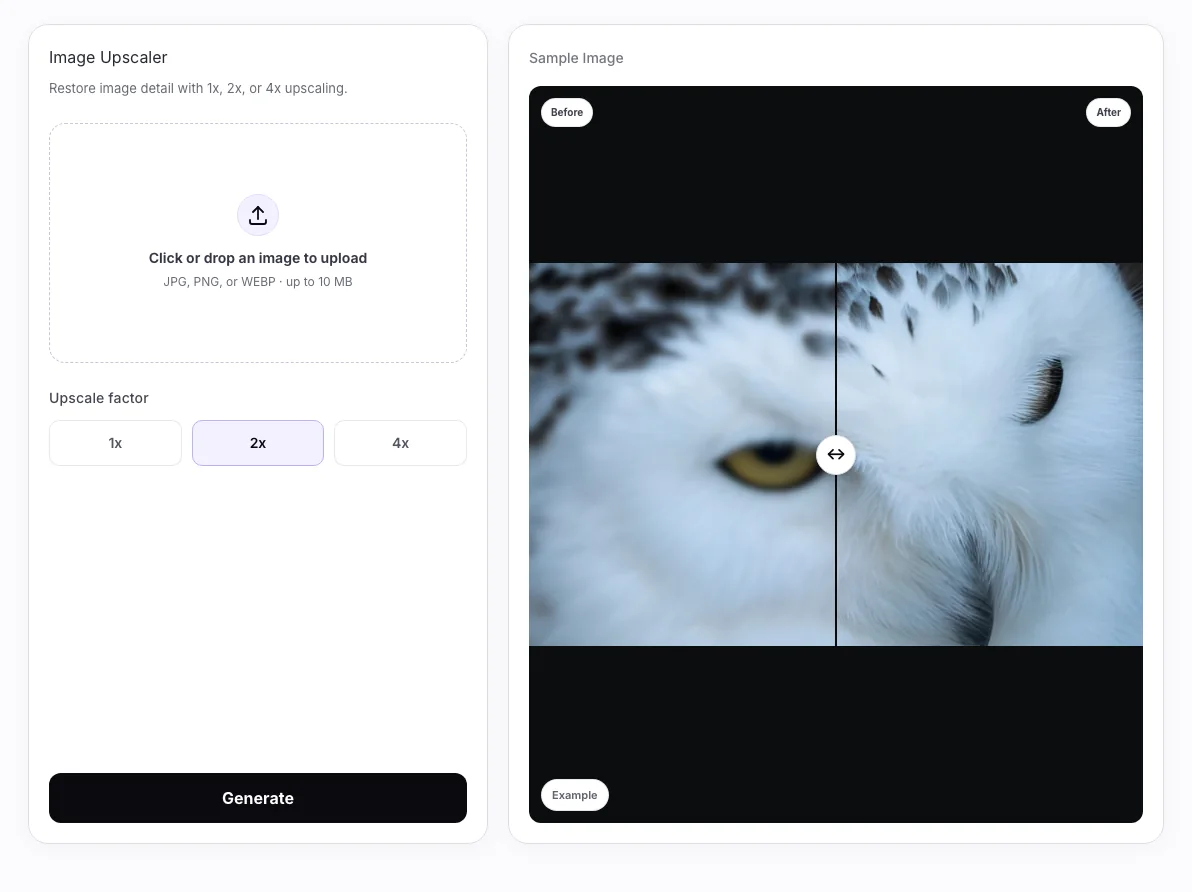
Select 1×, 2×, or 4× in the available controls. The factor relates to the input dimensions; it is not a universal 4K output guarantee.
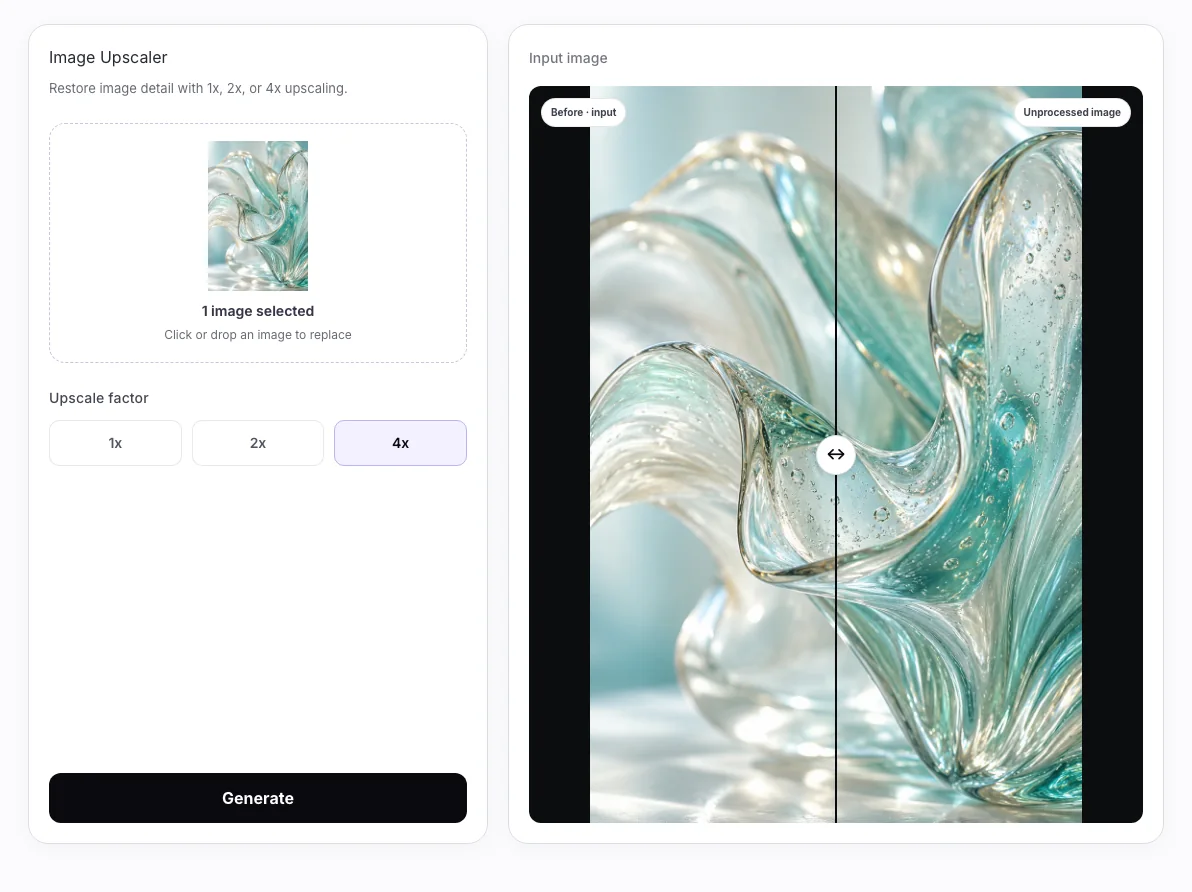
Compare the available 2× and 4× preparations, then review the source and selected factor before Generate. Inspect a completed result against the input before downloading.
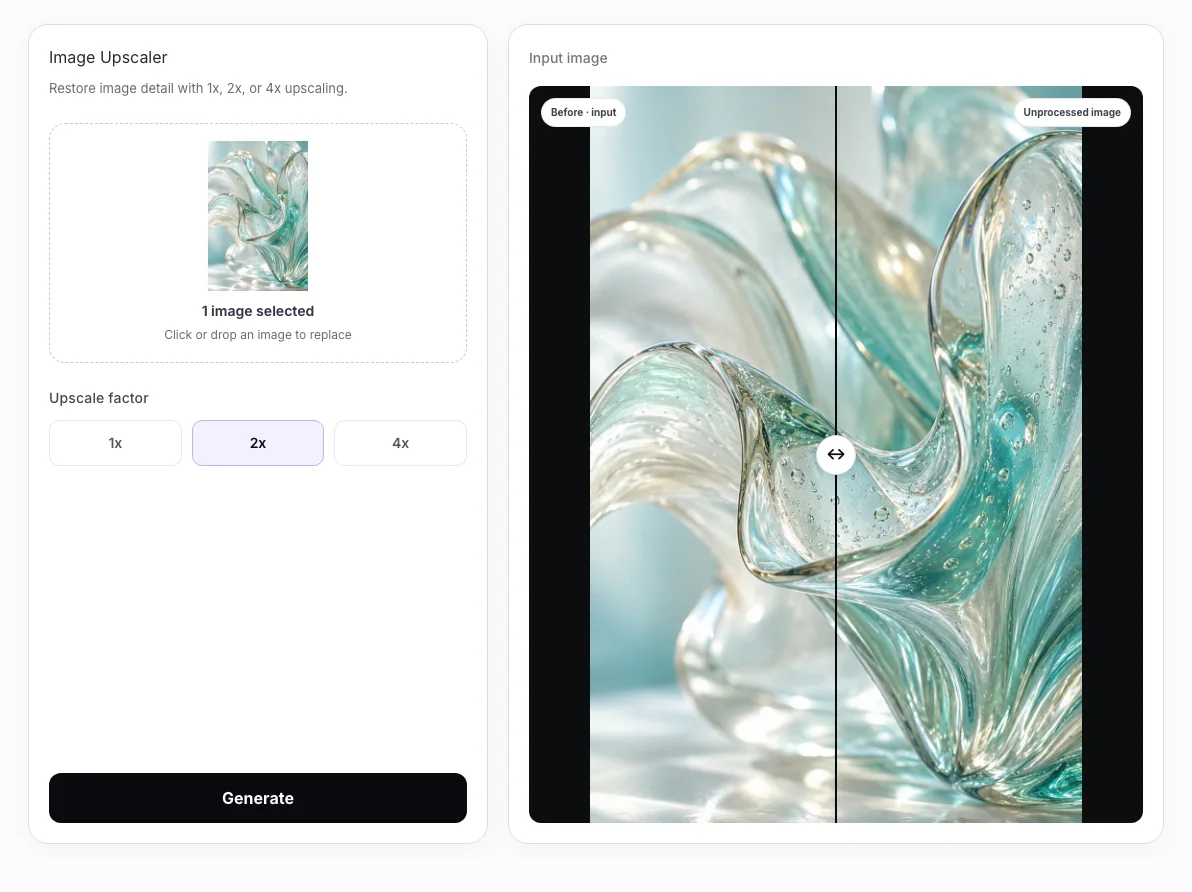
Upscaling cannot recover verified facts from missing pixels. Final dimensions depend on source size and service limits; increased dimensions do not guarantee recovered detail.
Wizmade’s Image Upscaler prepares a larger version of an uploaded image using the selected upscale factor. Add your source, choose 1×, 2×, or 4×, and compare the result with the original when processing completes. The side-by-side example is demonstration media, not your uploaded image.
No. 4× is a scale factor relative to the input; 4K is an output-size label. Check the actual output dimensions instead of treating them as interchangeable.
Credit requirements depend on the operation and configuration. Preparing inputs does not create an output. Check the current plan and any creation quote before confirming a task.
You can prepare the available inputs in the public workbench. Complete sign-in when requested, and review the available settings before submitting.
Upscaling cannot recover verified facts from missing pixels. Final dimensions depend on source size and service limits; increased dimensions do not guarantee recovered detail.
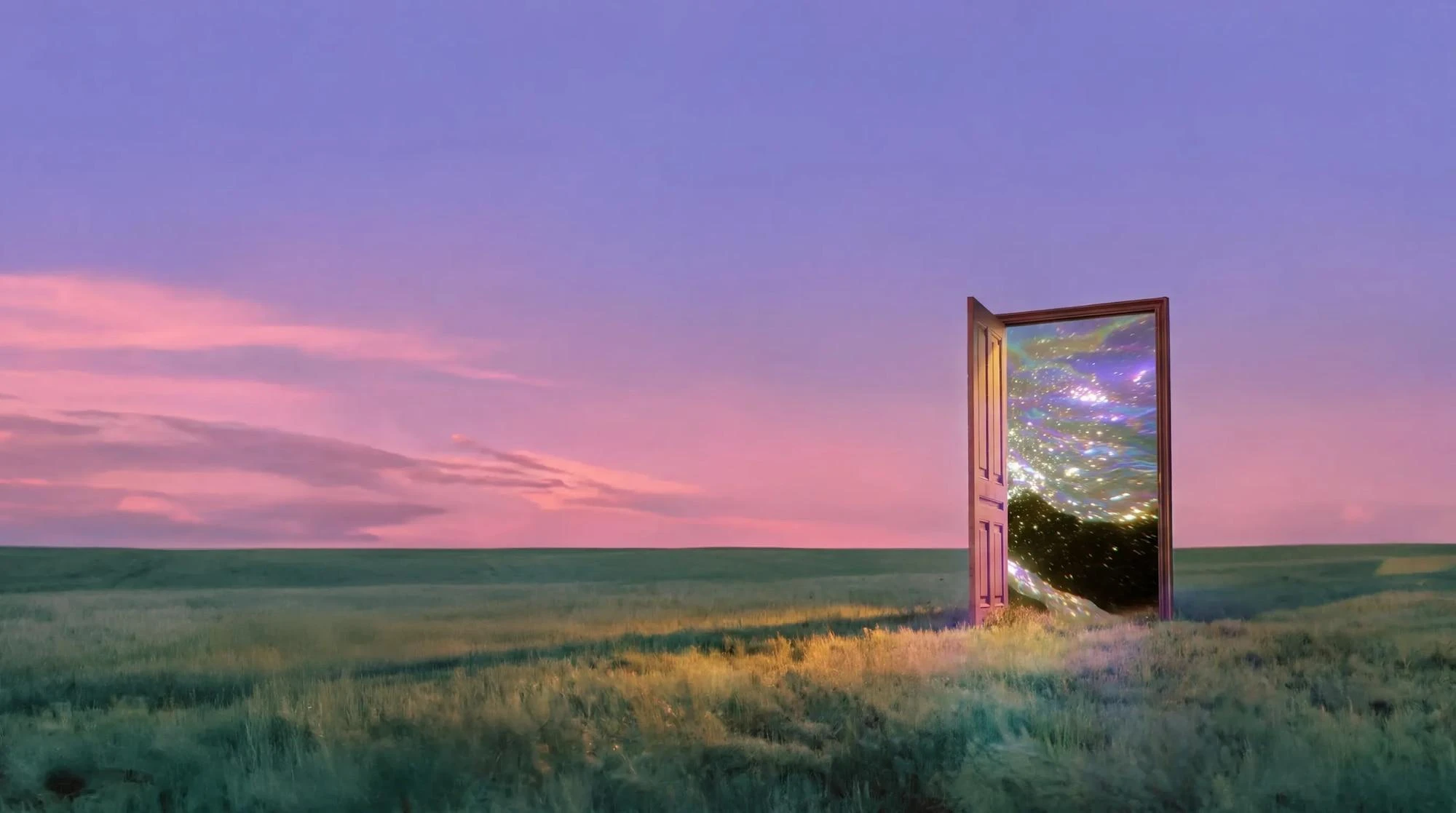
Wizmade’s AI Image Generator prepares still images from text, reference images, or a template direction. Start with the input that fits the task, choose an available model, and review its supported framing and output settings. The examples below illustrate creative directions rather than verified results from a particular model.
Explore AI tool →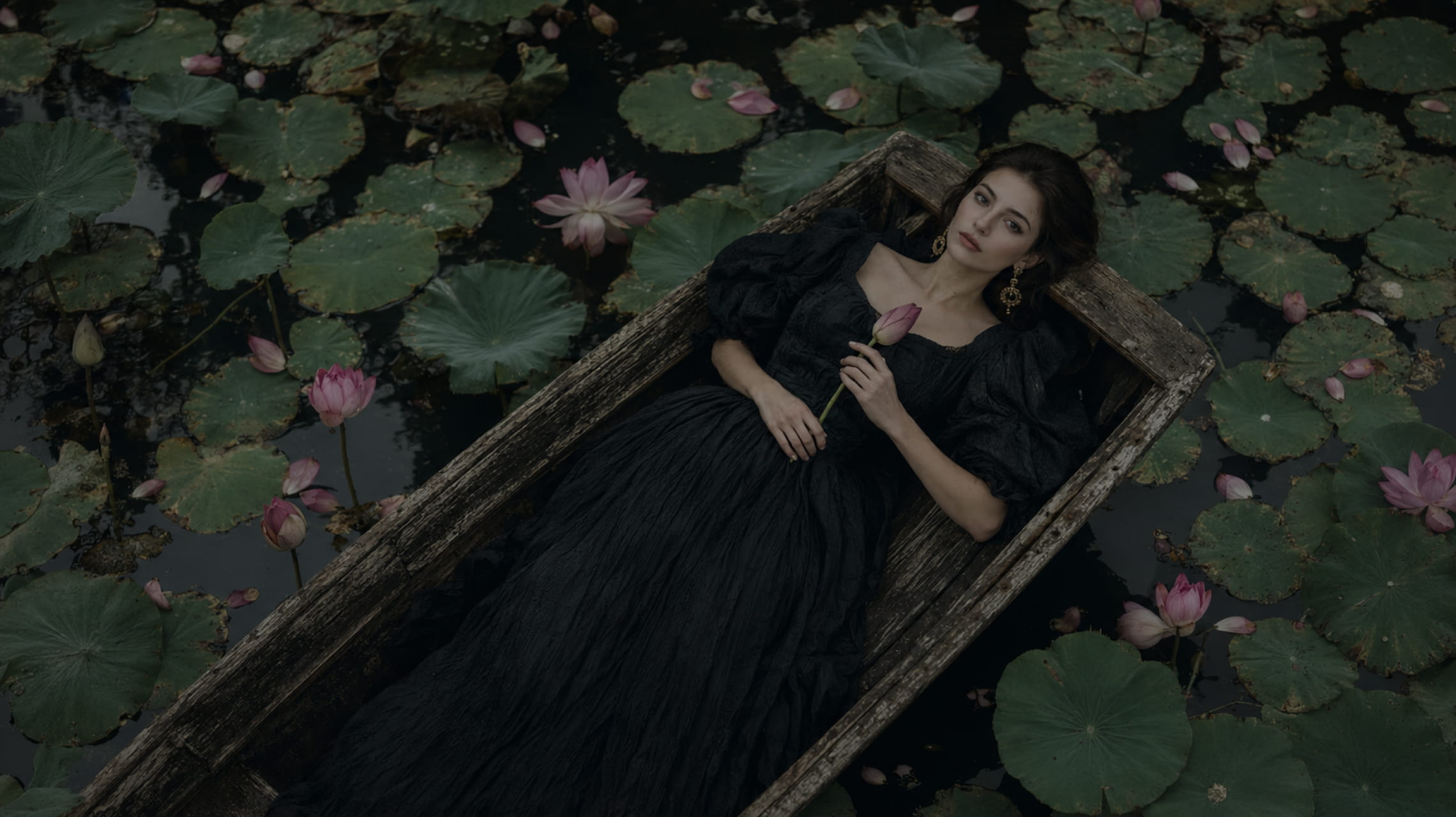
Wizmade’s Text to Image starts with your words. Describe the subject, setting, lighting, and composition, choose an available image model, then set its supported output parameters. The images below illustrate creative directions; your results will depend on the brief, selected model, and settings.
Explore AI tool →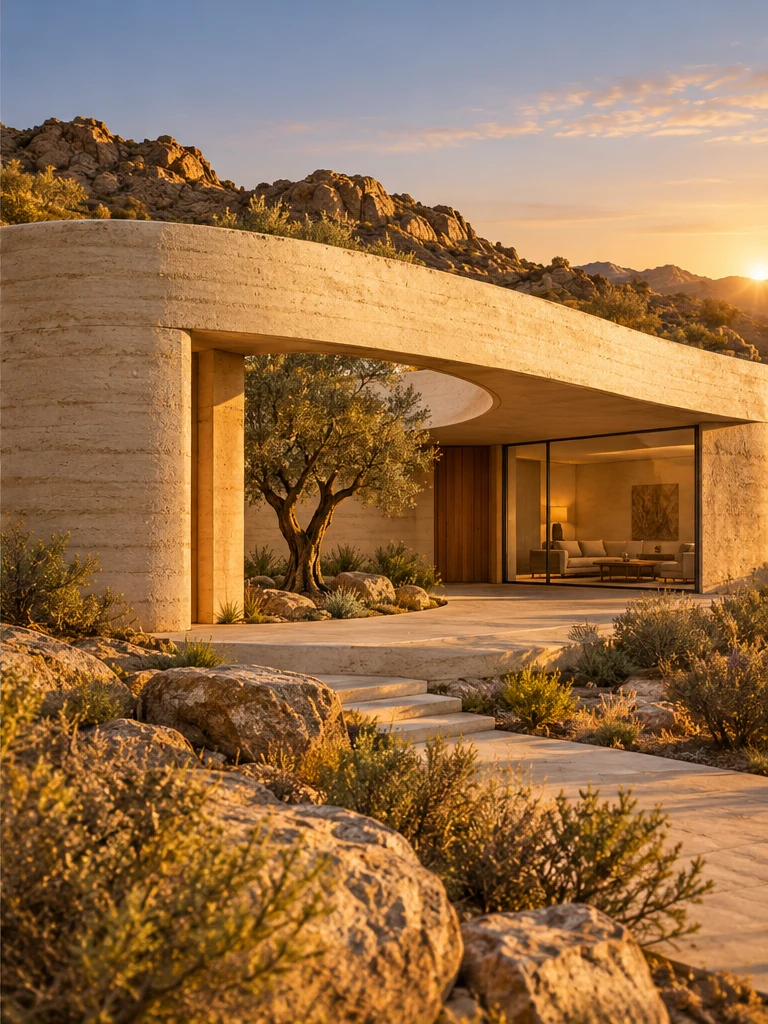
Wizmade’s Image to Image uses a reference image and an editable text instruction to prepare a new image variation. The reference supplies visual context while the prompt describes the intended change. Select the image model and supported output settings in the same image workspace.
Explore AI tool →
Wizmade’s Image Editor provides a canvas with Edit, Background, and Watermark modes for a supplied image. Choose the mode that matches your task and describe or mark the area to change. Canvas previews and example media are distinct from completed image-processing results.
Explore AI tool →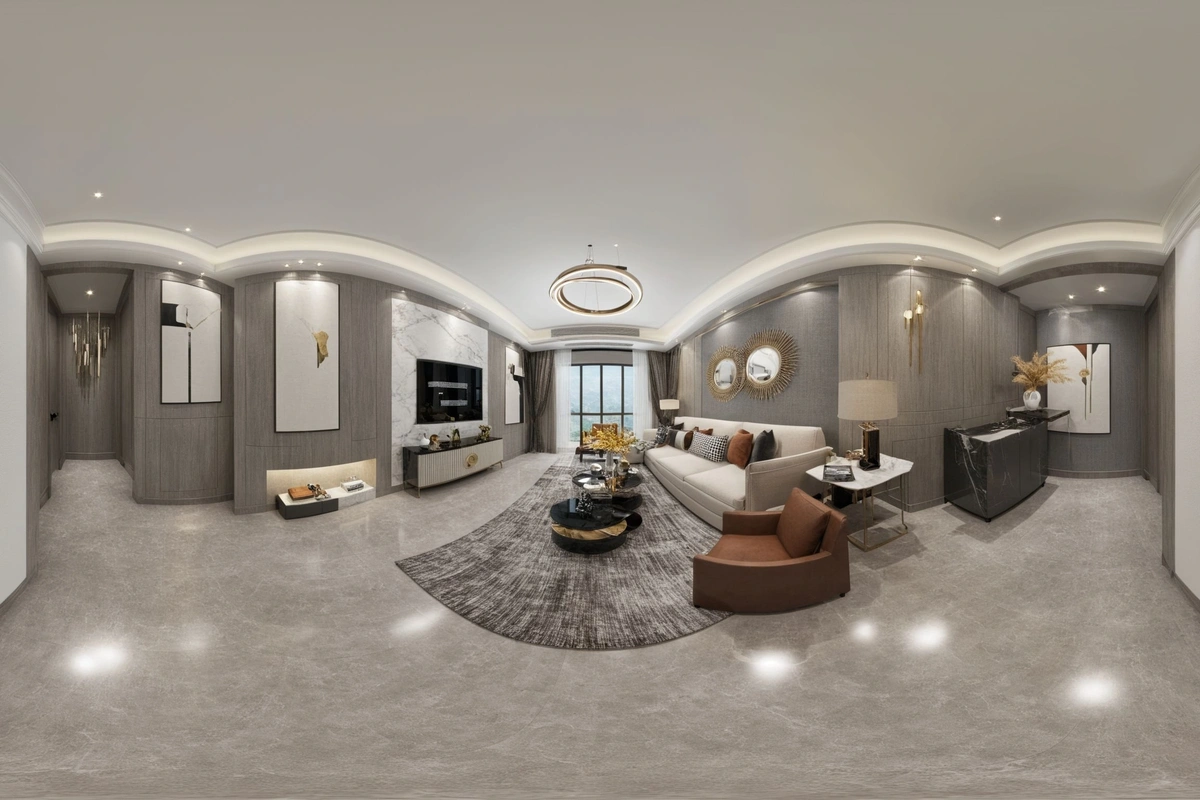
Wizmade’s Image Expander uses an image and a chosen frame to prepare an expanded composition. Upload a source or use the example, then choose the target ratio and size. The output panel stays separate from the input so you can distinguish the source from a completed expansion.
Explore AI tool →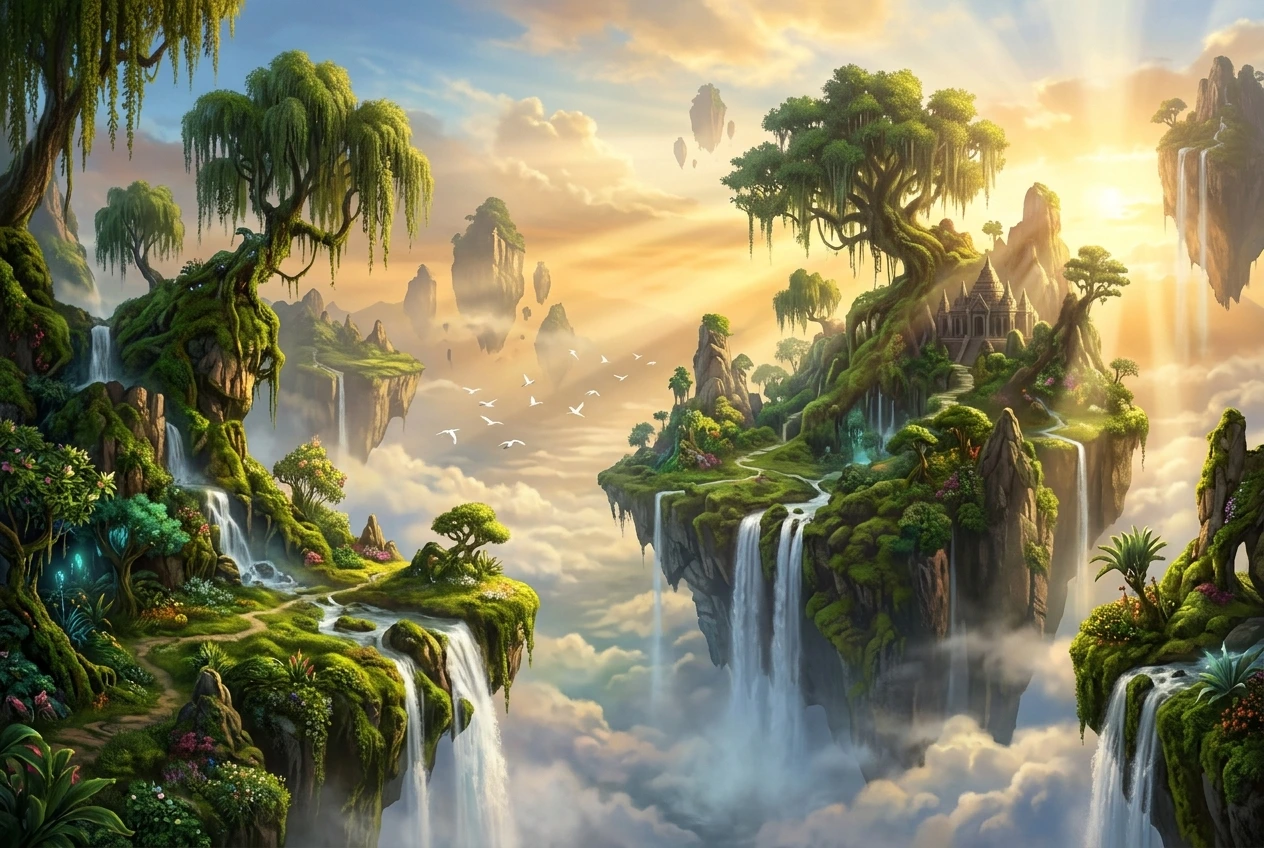
Wizmade’s Image to Prompt workspace places an image preview beside an editable prompt. Upload a reference and write a visual description of its subject, composition, colors, and lighting. Review your text, copy it, or carry it into Image Studio as the starting point for a new creation.
Explore AI tool →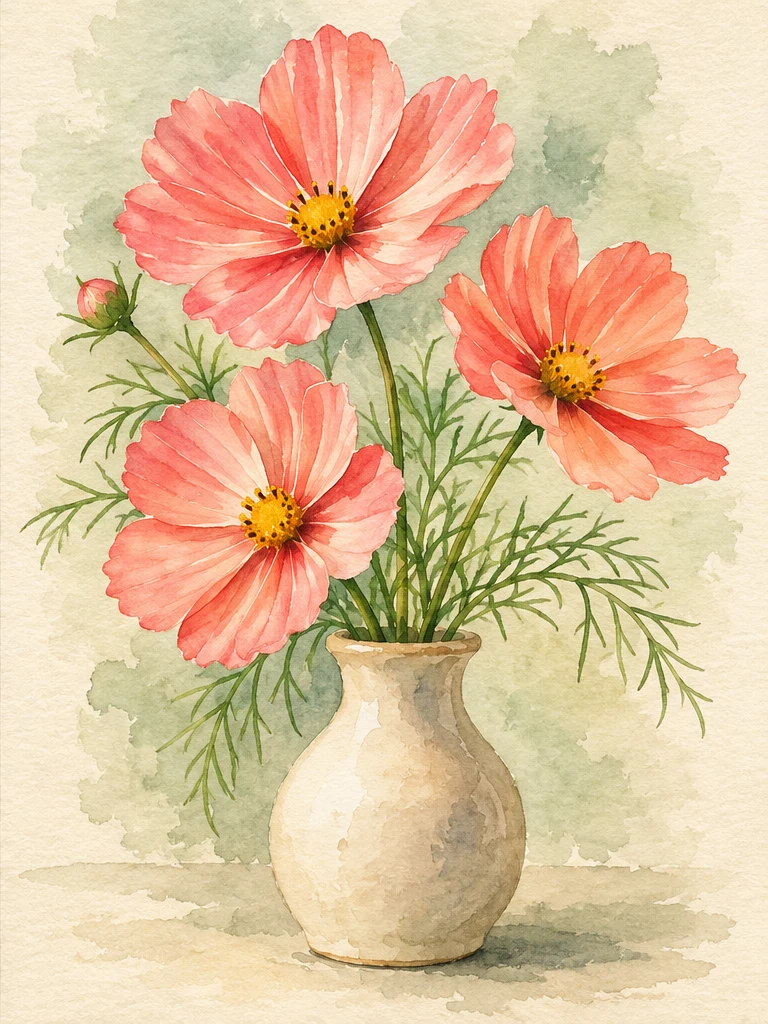
Wizmade’s Image Style Transfer opens the Templates mode of the image workspace. Select a visual preset, supply a reference image, and add optional instructions to prepare a restyled image. This shares the image creation workflow rather than offering a separate style-transfer engine.
Explore AI tool →
Wizmade’s AI Logo Generator prepares raster logo concepts from a brand brief and an optional image reference. Describe the name, mark, colors, and intended use, then review the supported canvas settings. Inspiration examples show possible design directions rather than proving a generated result.
Explore AI tool →Return to the workbench to review your inputs and available settings.