

Creative workflow
AI Image Editor for Prompt-Based Photo Editing
Describe edits in your own words, change a background, or mark an area to refine. Prepare your image and review the settings before you generate.
WIZMADEFIELD NOTES
Edit and refine images, portraits, and videos with creative tools.
Ideas, tools, and techniques for image and video makers.
IMAGE WORKFLOWS
Creative workflow
Describe edits in your own words, change a background, or mark an area to refine. Prepare your image and review the settings before you generate.
Creative workflow
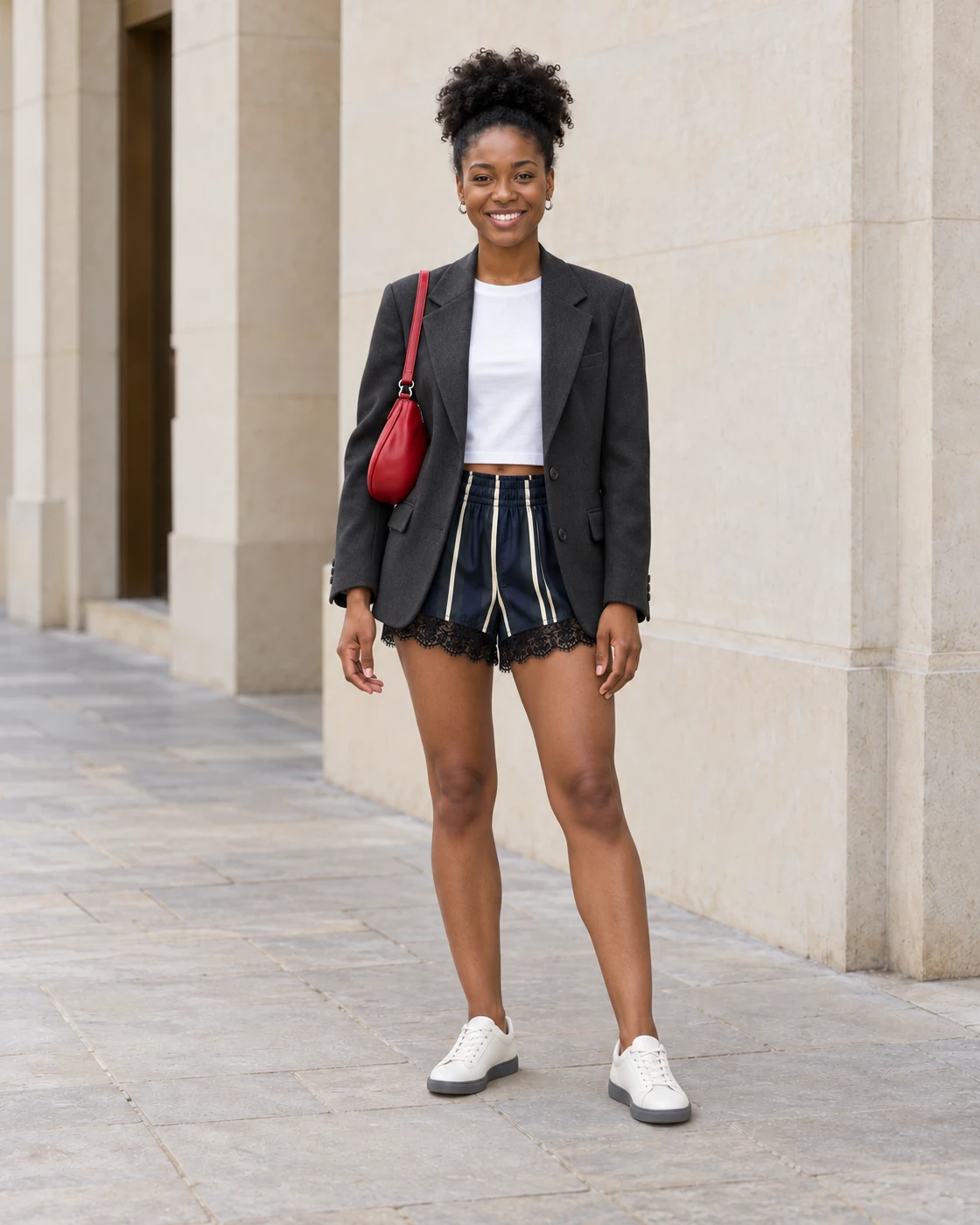
Wizmade’s AI Clothes Changer prepares an outfit variation from a person photo and a clothing reference or written description. Upload the person first, choose Upload or Custom for clothing, check the framing, then review the quote before confirming. Results are visual concepts and may alter identity, pose, fabric details, or background.
Creative workflow
Describe any image or photo online for free with no sign-up. Choose from 11 specialized AI description modes including outfit analyzer, art style, OCR, and custom Q&A.
Creative workflow
Bulk convert up to 20 images to AI prompts with automatic WebP compression, on-device image analysis, and CSV/TXT exports.
THE COLLECTION
Creative workflow
Describe any image or photo online for free with no sign-up. Choose from 11 specialized AI description modes including outfit analyzer, art style, OCR, and custom Q&A.
Creative workflow
Bulk convert up to 20 images to AI prompts with automatic WebP compression, on-device image analysis, and CSV/TXT exports.
Creative workflow
Describe edits in your own words, change a background, or mark an area to refine. Prepare your image and review the settings before you generate.
Creative workflow
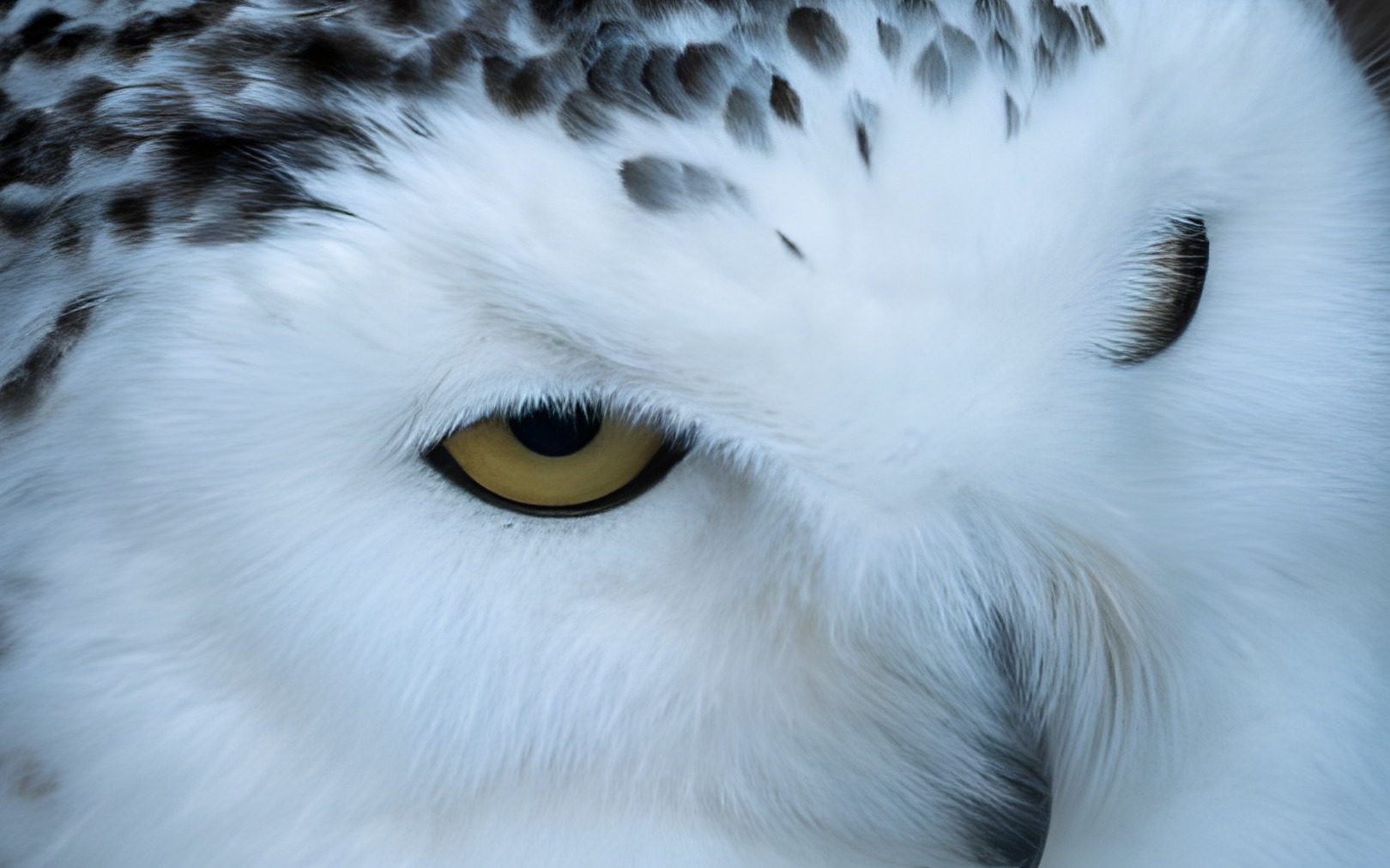
Wizmade’s Image Upscaler prepares a larger version of an uploaded image using the selected upscale factor. Add your source, choose 1×, 2×, or 4×, and compare the result with the original when processing completes. The side-by-side example is demonstration media, not your uploaded image.
Creative workflow
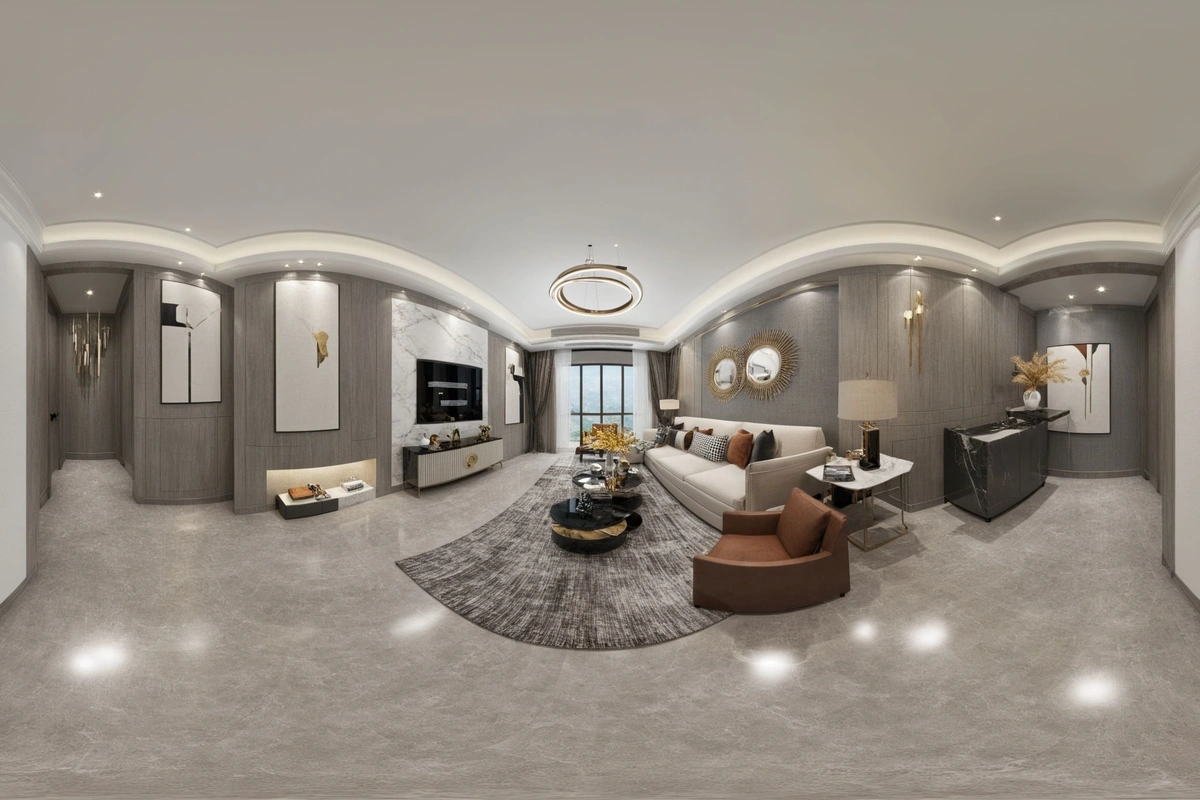
Wizmade’s Image Expander uses an image and a chosen frame to prepare an expanded composition. Upload a source or use the example, then choose the target ratio and size. The output panel stays separate from the input so you can distinguish the source from a completed expansion.
Creative workflow
Wizmade’s AI Clothes Changer prepares an outfit variation from a person photo and a clothing reference or written description. Upload the person first, choose Upload or Custom for clothing, check the framing, then review the quote before confirming. Results are visual concepts and may alter identity, pose, fabric details, or background.
Creative workflow
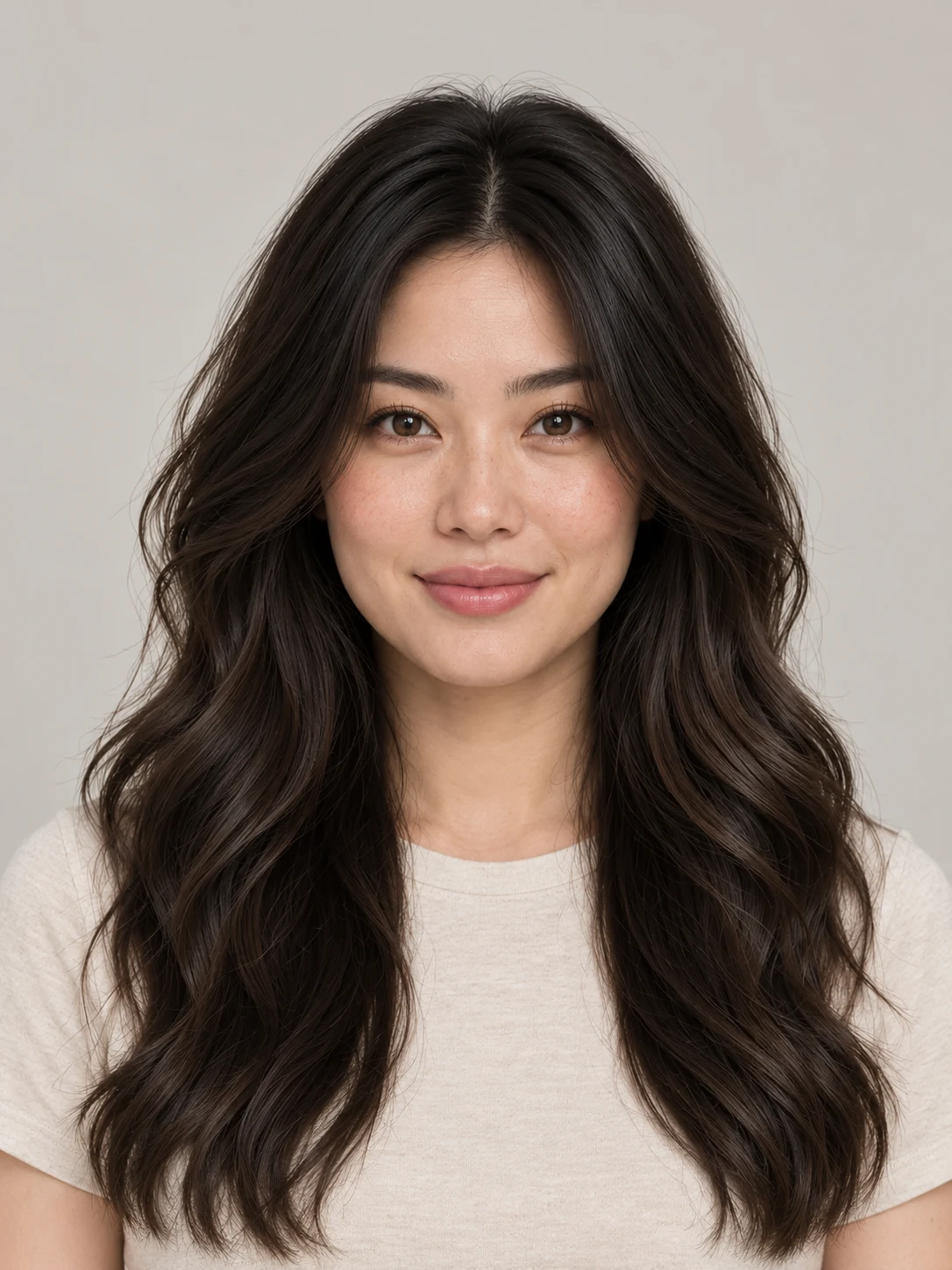
Wizmade’s AI Hairstyle Changer prepares a portrait variation with a different haircut or color. Upload a clear portrait, browse Women or Men presets, or use Custom to describe the desired hair. Review framing and credits before generating a hairstyle concept.
Creative workflow
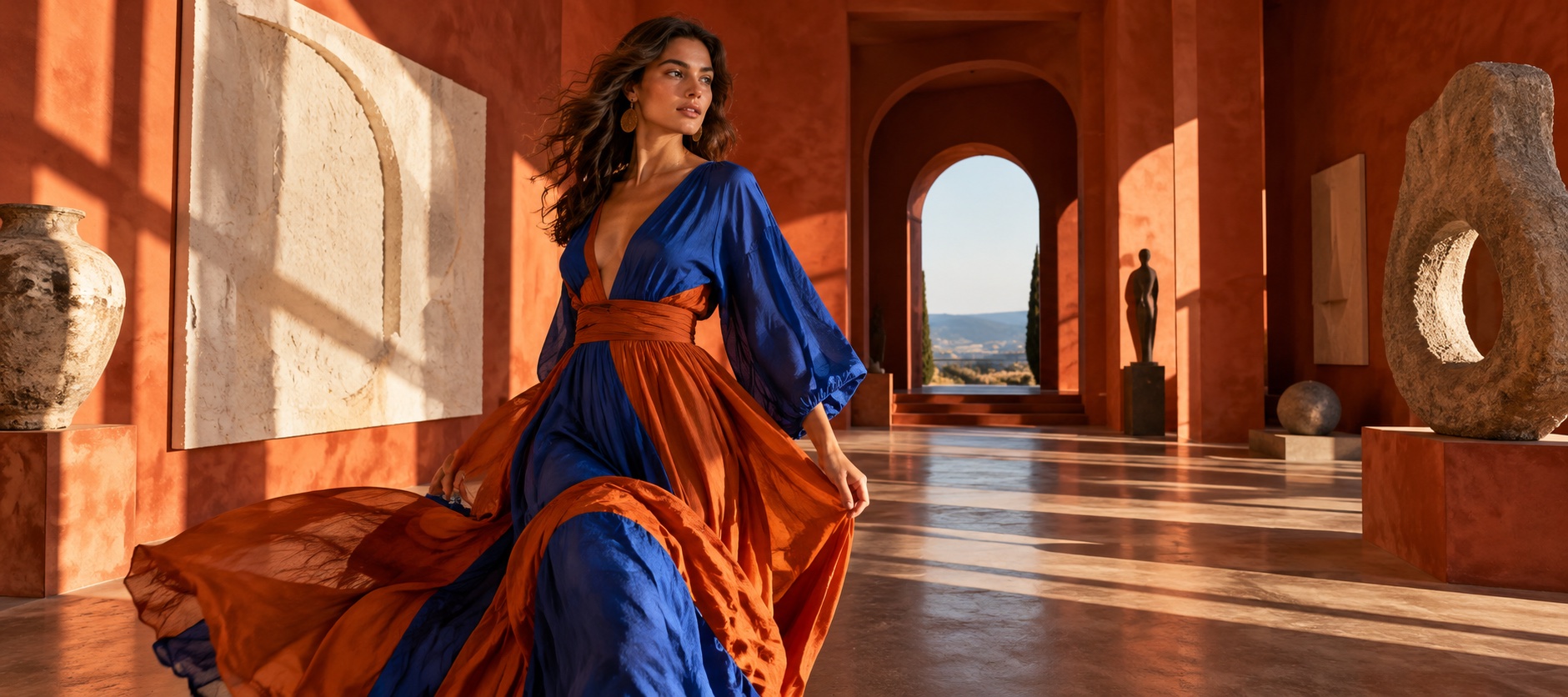
Wizmade’s AI Headshot Generator uses a portrait reference and a selected headshot style to prepare a new image. Choose Presets for a supplied direction or Custom for a written brief, then select the supported aspect ratio and review the credit amount.
Creative workflow
Wizmade’s AI Logo Generator prepares raster logo concepts from a brand brief and an optional image reference. Describe the name, mark, colors, and intended use, then review the supported canvas settings. Inspiration examples show possible design directions rather than proving a generated result.

Creative workflow
Wizmade’s AI Video Translator prepares translated speech for an uploaded video. Select one supported target language, a translation engine, and an available translation mode. Subtitle handling follows the engine default. Review the duration-based credit amount before submitting.
Creative workflow
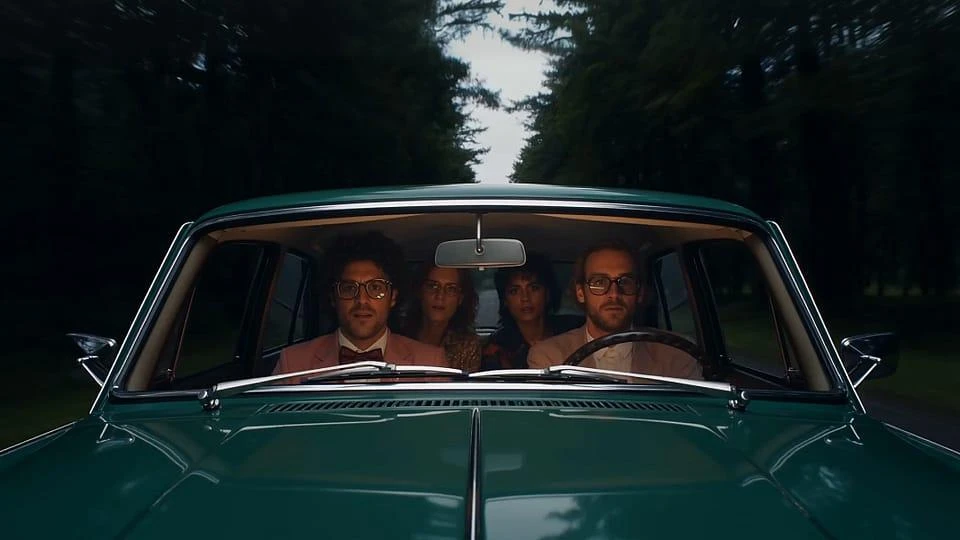
Wizmade’s AI Video Generator prepares short clips from a written scene or image references. Choose Text to Video to invent the scene or Image to Video to guide its appearance. Model capabilities determine the available reference methods, duration, resolution, ratio, and outputs.
We use essential cookies and analytics to understand site usage and improve your experience on Wizmade. Read our Privacy Policy for details.