Image to Prompt
Turn a reference image into a prompt you can edit and reuse.
Describe any image or photo online for free with no sign-up. Choose from 11 specialized AI description modes including outfit analyzer, art style, OCR, and custom Q&A.
Free local recognition supports Detailed, Brief, OCR and prompt formats. Specialist analyses and custom questions are unavailable. Caption and prompt output is English.
Generate an English description of visible subjects and scene details using the local Florence-2 model. Review the result for missed or incorrect details.
Generate a shorter English caption as a starting point for image descriptions. Edit it for the purpose and context of your page before using it as alt text.
Unavailable in the local free version. Detailed captions may mention visible clothing, but this tool does not provide specialist fabric or tailoring analysis.
Unavailable as a specialist mode in the local free version. Use Detailed or Brief for a general caption and check any description of a person.
Unavailable as a specialist inventory mode. Detailed captions may mention prominent objects, but do not guarantee an exhaustive list or measured positions.
Unavailable as a specialist analysis mode. The local model does not verify camera models, focal lengths, lighting equipment or the original rendering process.
Run local OCR to extract visible text. Small, blurred, stylized or handwritten characters may be missed or misread; check the transcription against the image.
Turn the local English image caption into a general natural-language prompt. The result describes visible content; it does not recover the original generation prompt.
Format the same recognized scene as natural descriptive prose for FLUX. Formatting does not add camera settings or visual details that were not recognized.
Format the recognized scene as a Midjourney prompt with an aspect-ratio parameter derived from the input image. No model version or camera settings are inferred.
Unavailable in the local free version. The captioning model does not answer arbitrary questions about an image.
Create an English caption or OCR transcription directly in your browser. The first run downloads model files; later runs reuse the browser cache when available.
Choose a JPG, PNG or WebP image up to 20 MB, drag a file into the workbench, or paste an image. Recognition runs on your device; the image is not uploaded to an inference server.
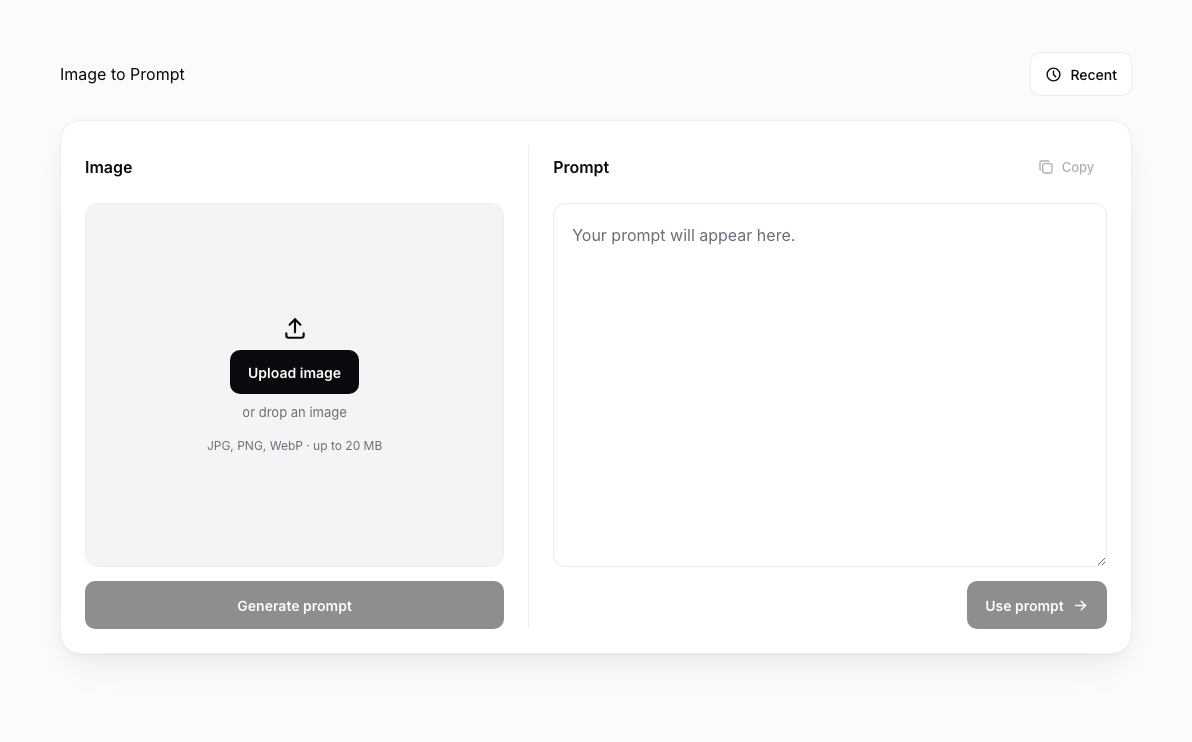
Choose Detailed for a longer English caption, Brief for a short caption, or Extract Text for local OCR, then start recognition. The first run downloads approximately 380–530 MB of model files. Download and processing time depend on your device and connection.
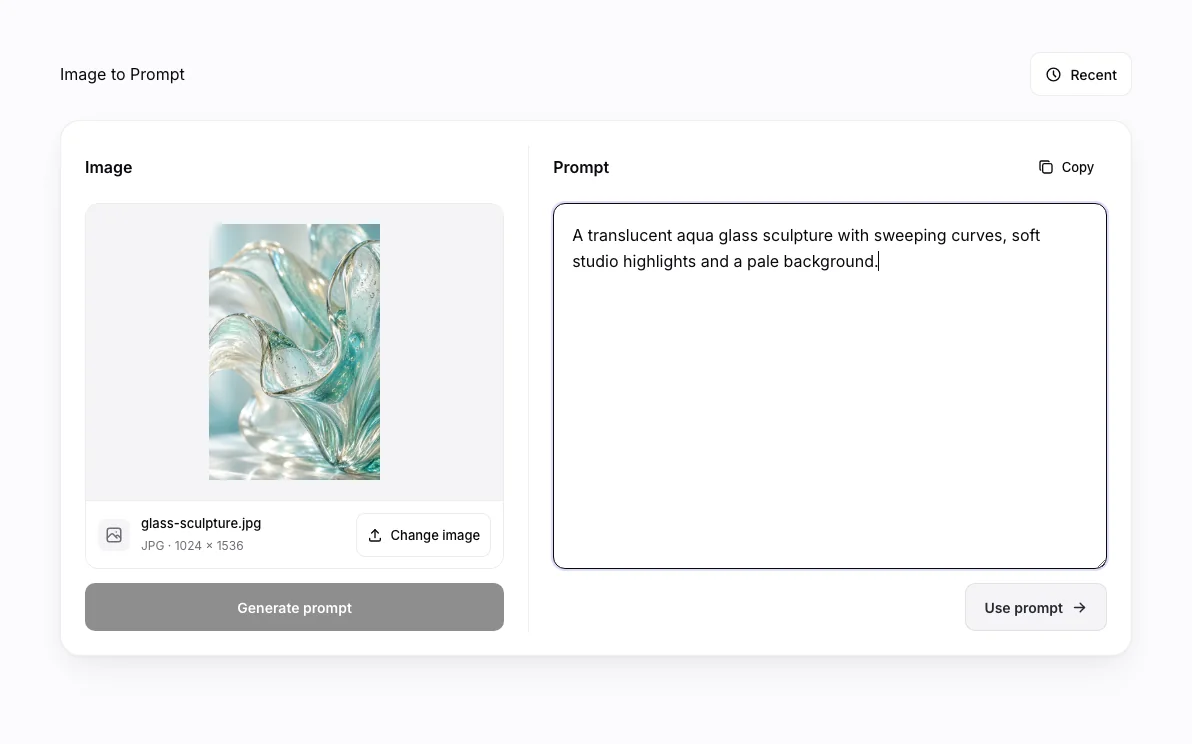
Check and edit the text, then copy it or open a prompt draft in Wizmade Image Studio. Opening Studio prepares a draft only; generating a new image is a separate action governed by its own model and credit settings.
The local Florence-2 model produces captions or OCR from image pixels. It can miss subjects, confuse colors or clothing, and misread text. Its descriptions do not establish identity, factual context, camera settings or the original generation prompt.
Caption and prompt output is English. Specialist outfit, person, object and art-style analyses, custom questions, translation and Pro processing are unavailable. Review the output before reusing it.
It downloads a Florence-2 model and runs recognition locally in a browser worker. Detailed and Brief produce English captions; OCR attempts to transcribe visible text. No paid inference API is called and your image is not uploaded to a server for recognition.
A general caption may describe visible clothing. Dedicated outfit and fashion analysis is unavailable in the local free version, and the model cannot reliably establish exact fabrics or tailoring methods.
Brief mode provides a short caption that you can edit into alt text. You must check its accuracy and adapt it to the image’s purpose on the page; generated text alone does not establish accessibility compliance.
The local free version generates English captions and prompts. Translation to other output languages is unavailable. OCR transcribes characters recognized in the image rather than translating them.
Extract Text runs OCR locally and returns recognized characters as editable text. Clear, large text generally works better; compare the result with the source because characters may be missing or incorrect.
Custom Visual Q&A is unavailable in the local free version. Choose Detailed, Brief or OCR for the supported recognition tasks.
Yes. Supported local captioning and OCR do not require an account, payment or user credits. The first run downloads approximately 380–530 MB of model files and needs a supported browser with enough memory.
Pro processing is unavailable. The enabled free version runs one local captioning model and does not call a paid API or deduct user credits.
You can format recognized content as a prompt and open it as an Image Studio draft. This does not generate an image automatically; any later image generation uses the selected Studio model and its own credit requirements.
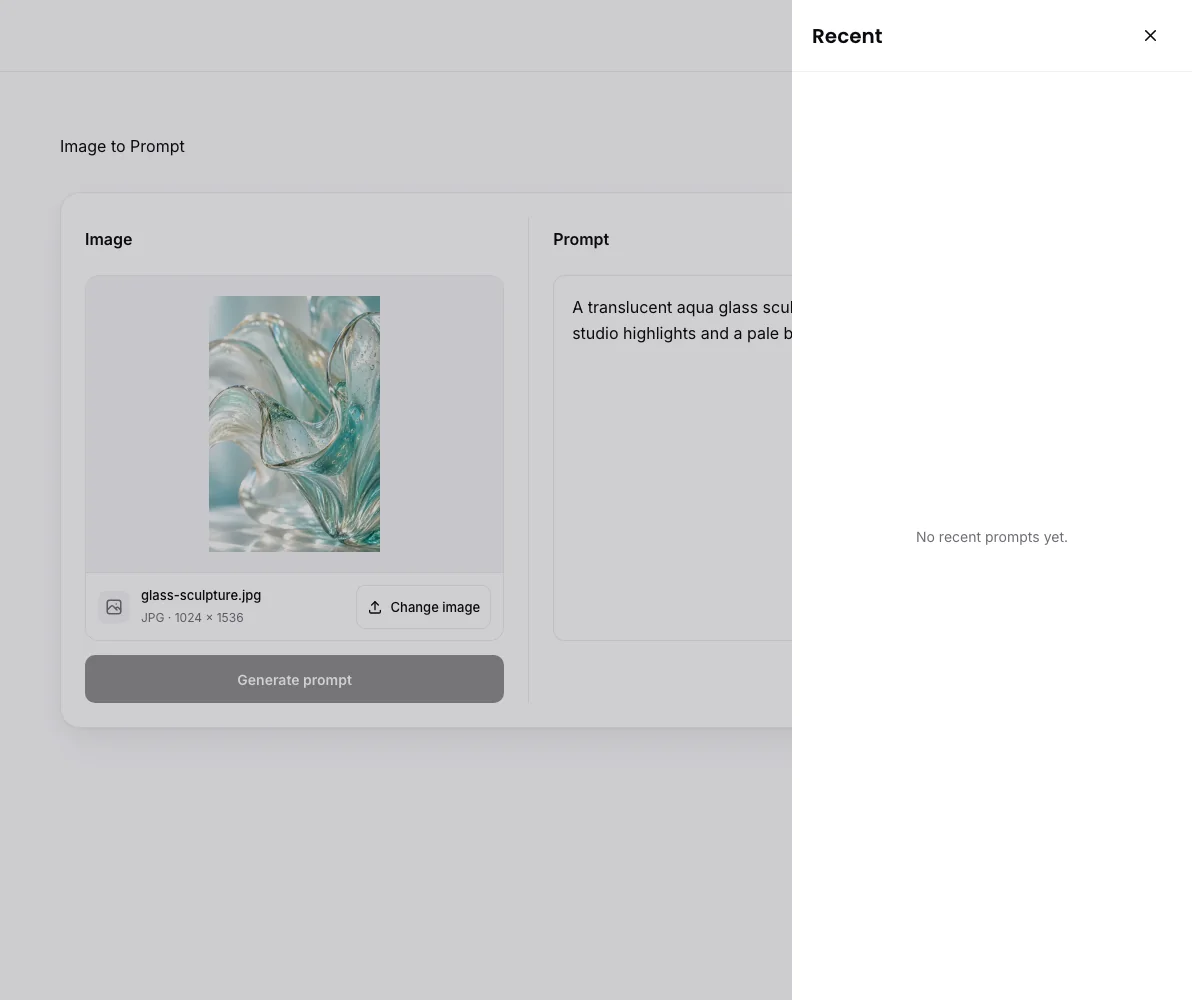
Recognition runs locally on your device. Model files are downloaded and may be cached by the browser; image pixels are not sent to an inference server. Images and recent results remain subject to the current browser-session history behavior.
Choose an image to create an English caption or extract visible text in your browser.
We use essential cookies and analytics to understand site usage and improve your experience on Wizmade. Read our Privacy Policy for details.