
WIZMADEFIELD NOTES
Creative Tools
Edit and refine images, portraits, and videos with creative tools.
Ideas, tools, and techniques for image and video makers.
THE COLLECTION
Browse all
Creative workflow
Text to Video AI
Wizmade’s Text to Video creates a video request from a written scene without requiring an image. Describe who or what moves, where it happens, and how the camera sees the action. Select a video model and the parameters it supports before reviewing the credit amount.
Creative workflow
Image to Video AI
Wizmade’s Image to Video uses visual references and a motion brief to prepare a clip. The workbench offers Start Image, Between Images, and Reference Images. The selected model determines which methods are available and which duration, resolution, and output settings you can use.
Creative workflow
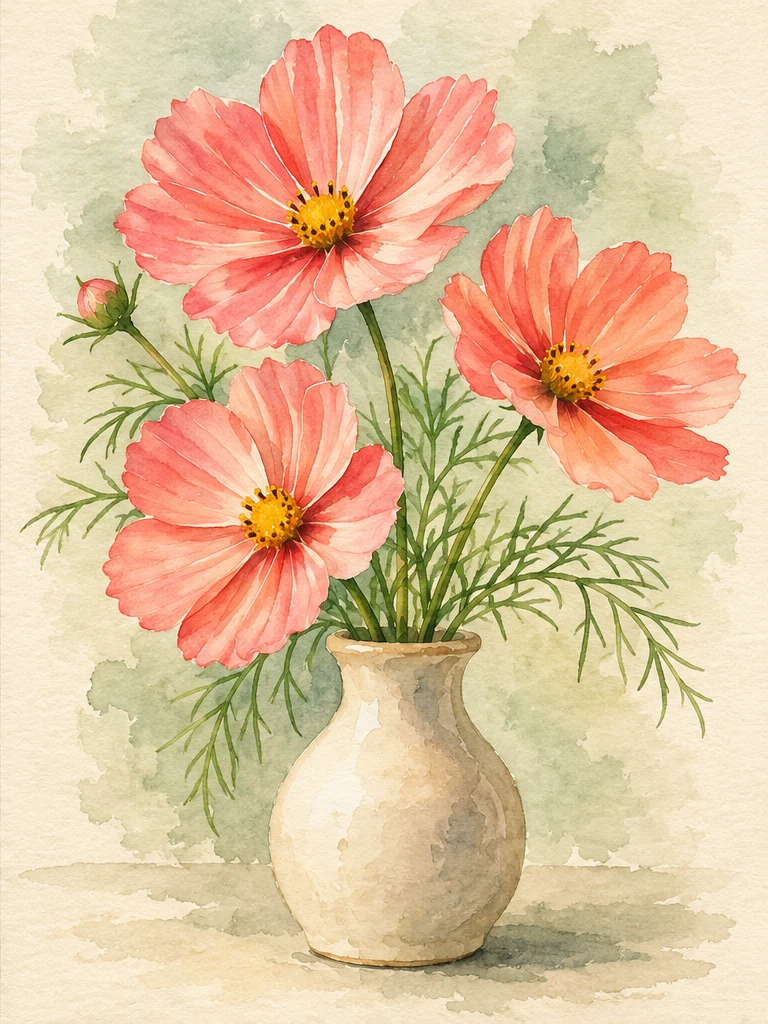
AI Image Generator
Wizmade’s AI Image Generator is a still-image workspace for three starting points: write a brief for a new composition, add a reference to guide a variation, or choose a template direction. Select an available model, then review its supported framing and settings. Example images illustrate creative ideas and are not verified outputs from a particular model.
Creative workflow
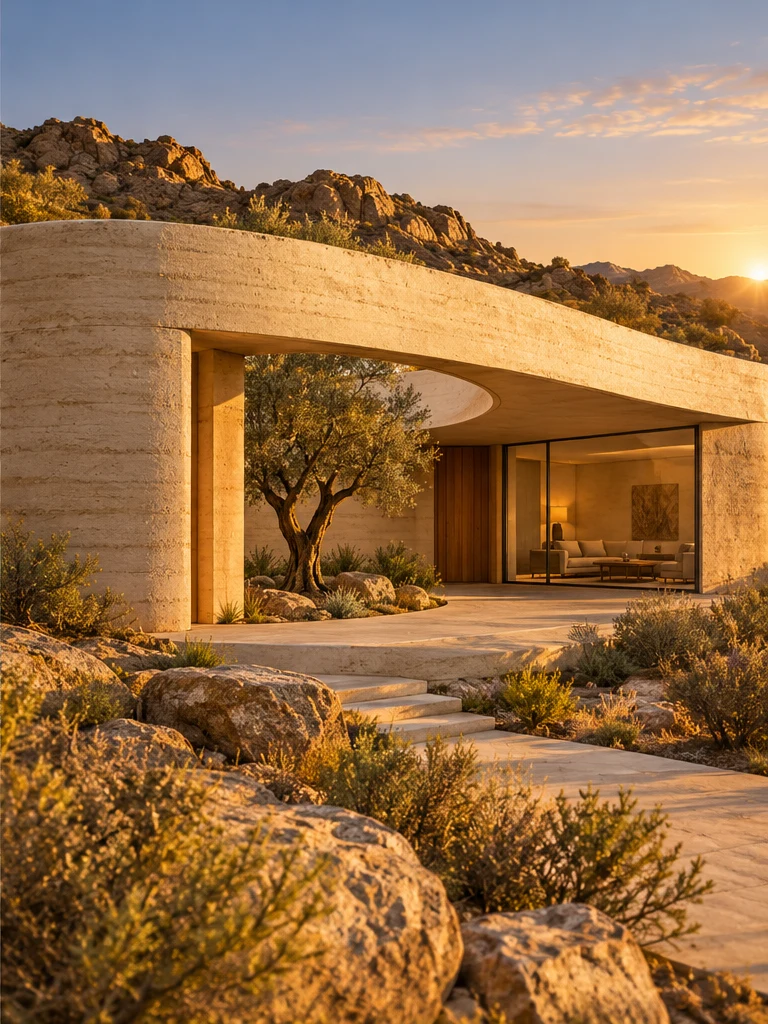
Image Style Transfer
Wizmade’s Image Style Transfer opens the Templates mode of the image workspace. Select a visual preset, supply a reference image, and add optional instructions to prepare a restyled image. This shares the image creation workflow rather than offering a separate style-transfer engine.
Creative workflow
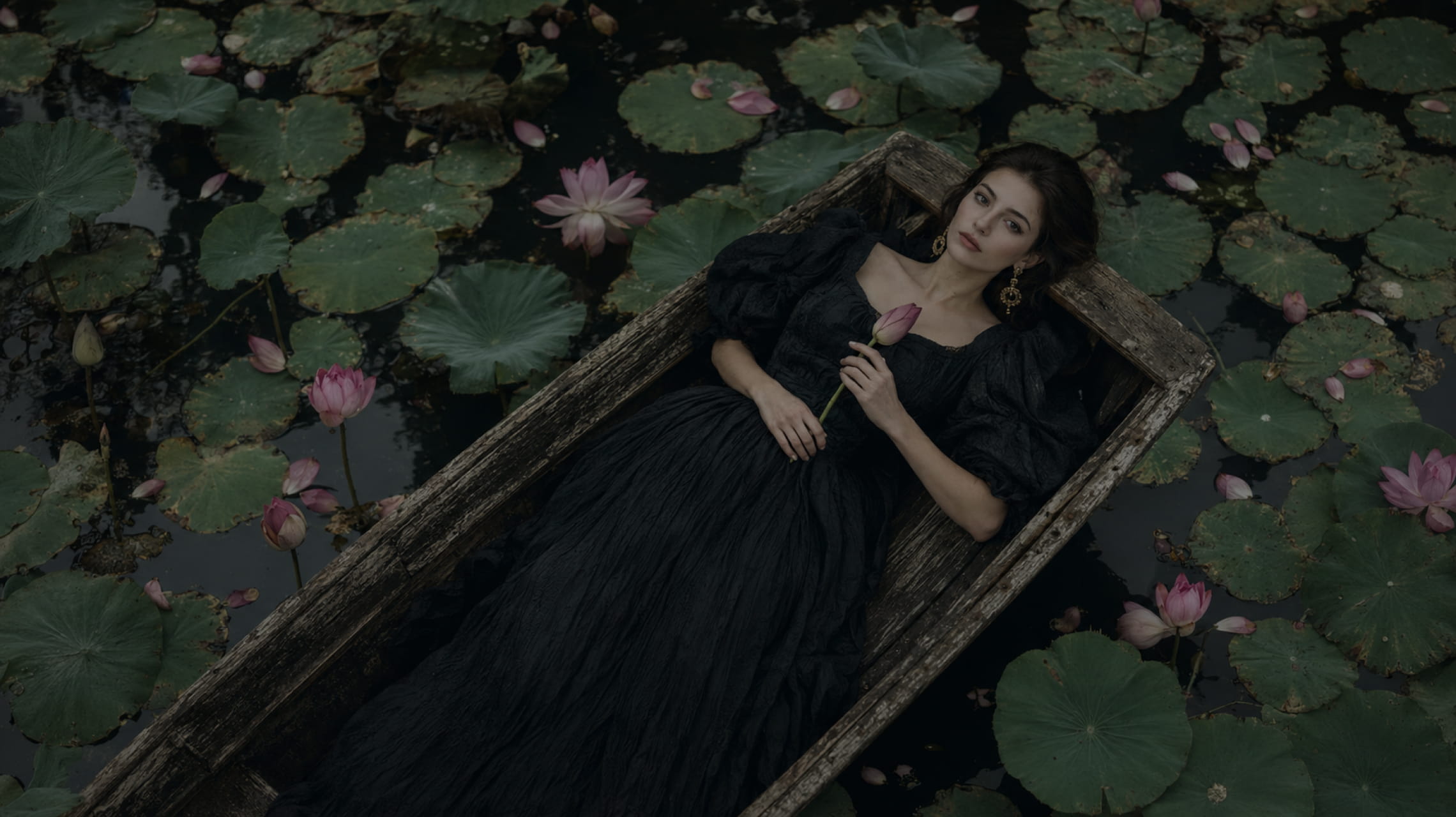
AI Image to Image
Wizmade’s Image to Image uses a reference image and an editable text instruction to prepare a new image variation. The reference supplies visual context while the prompt describes the intended change. Select the image model and supported output settings in the same image workspace.
Creative workflow
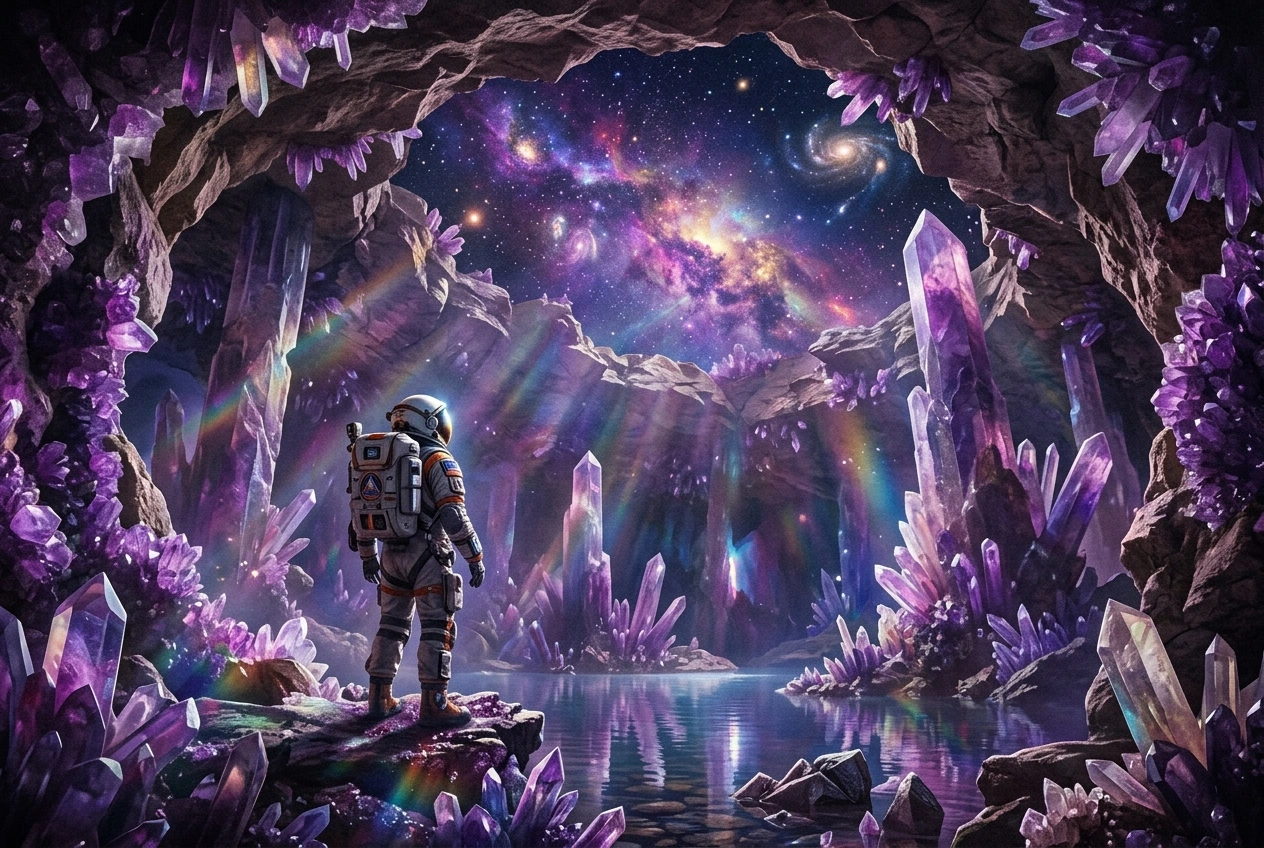
AI Text to Image
Wizmade’s Text to Image turns a written brief into a still-image request. Enter a subject, setting, visual treatment, and composition; choose an available model and review its supported framing and output settings. No reference image is required. The examples on this page illustrate creative directions, not guaranteed results.
Creative workflow
Video to Video AI
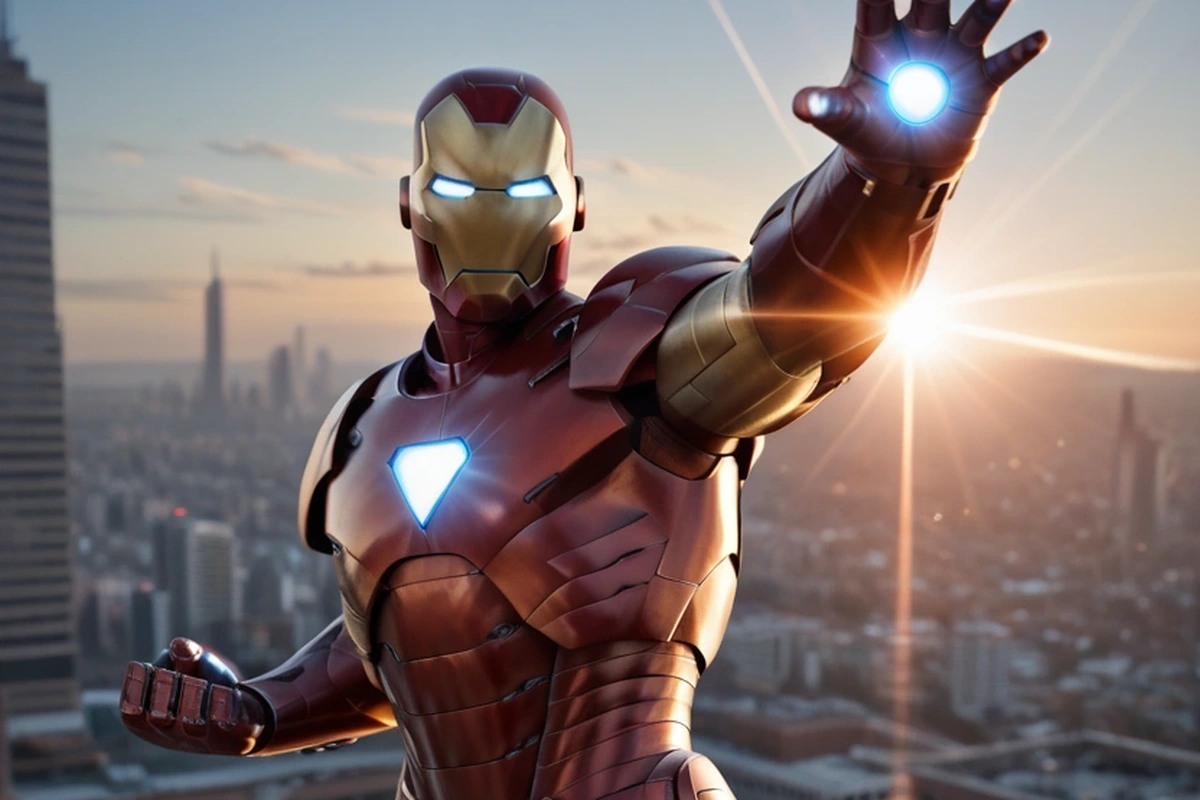
Wizmade’s Video to Video uses a motion clip and a reference image to prepare a new video. The clip supplies movement while the image guides the visual subject. Add an optional prompt, compare available Kling models, and choose a supported resolution before reviewing the credit cost.
Creative workflow
AI Music Generator
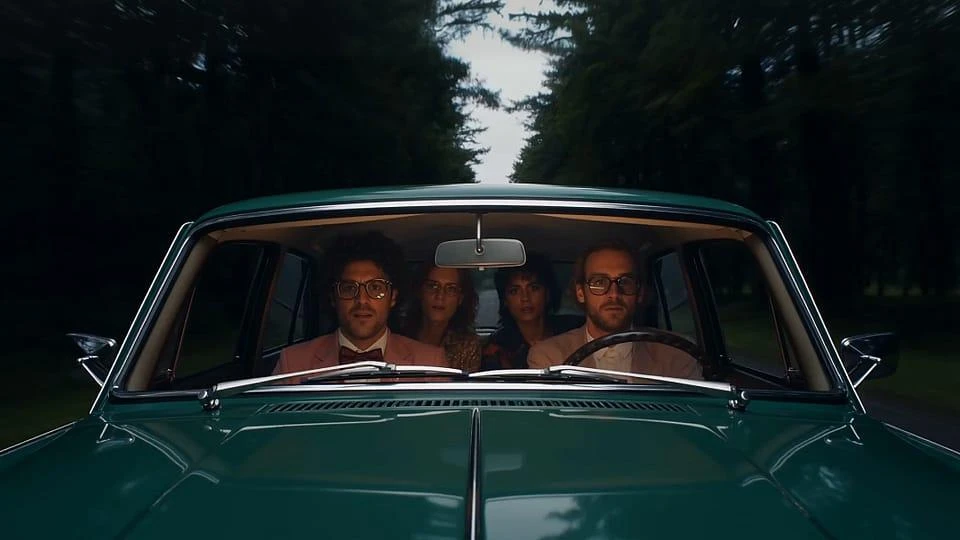
Wizmade’s AI Music Generator prepares a Song or Instrumental from a musical brief. Song mode can include lyrics and a style description; Instrumental focuses on music without sung lyrics. Use the displayed Suno V6 model and review the displayed credit amount before requesting a track.
Creative workflow
AI Video Prompts (Copy & Paste)
Wizmade’s copy-and-paste AI video prompts are structured formula briefs designed to produce viral, high-retention clips in Kling, Runway, Hailuo, and Sora. Each template specifies subject, action, camera movement, lighting, and audio while eliminating prompt guesswork.