Seedream 5.5 AI Image Generator

ByteDance Seed released Seedream 5.5 on November 9, 2026 with upgraded multi-turn editing stability, dense small-text fidelity, and photoreal multi-reference scenes up to 2K in Wizmade.

Includes 60 free starter credits. Costs 16 credits at 1K/1.5K or 28 credits at 2K (+8 per reference image).

Seedream 5.5 Key Features

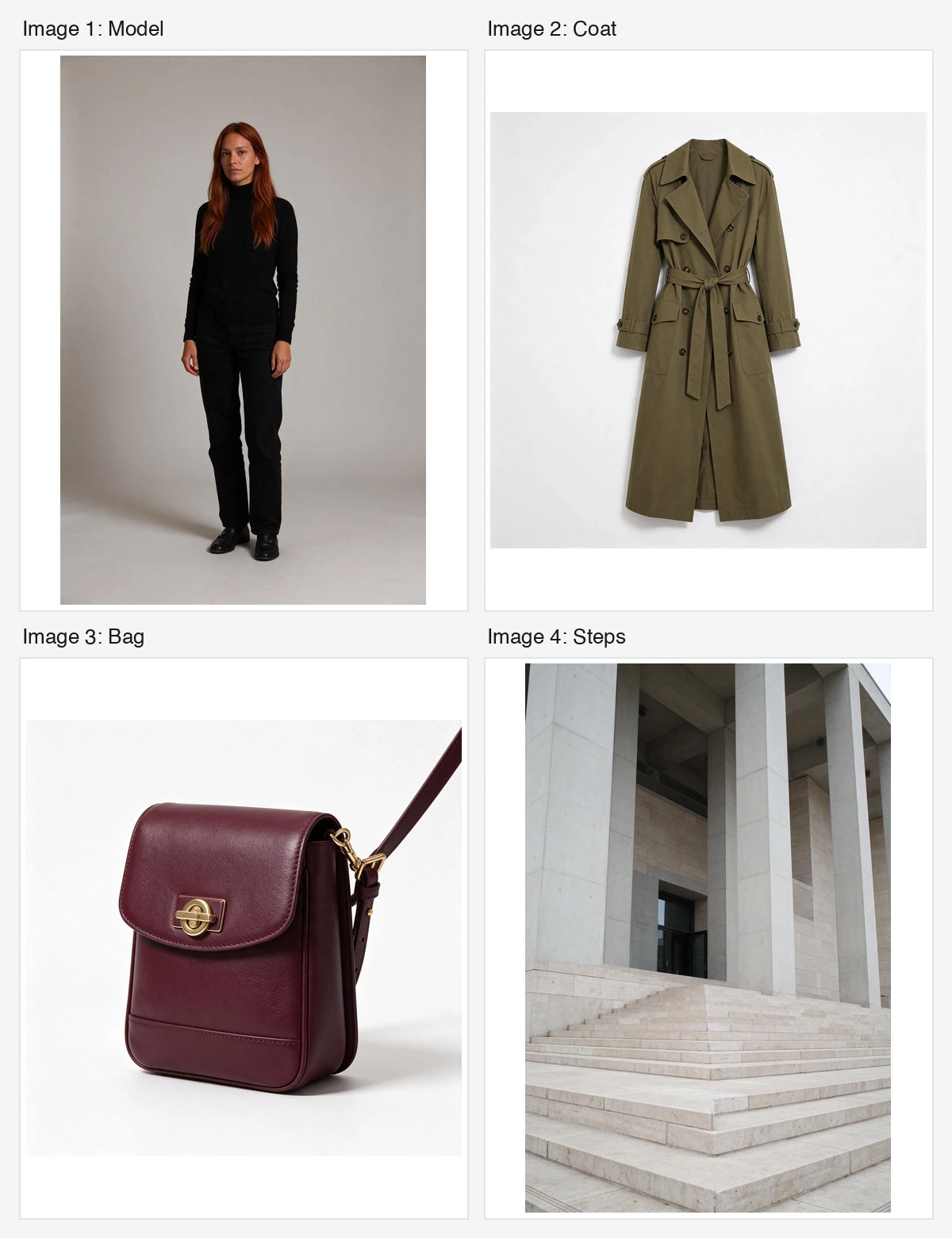
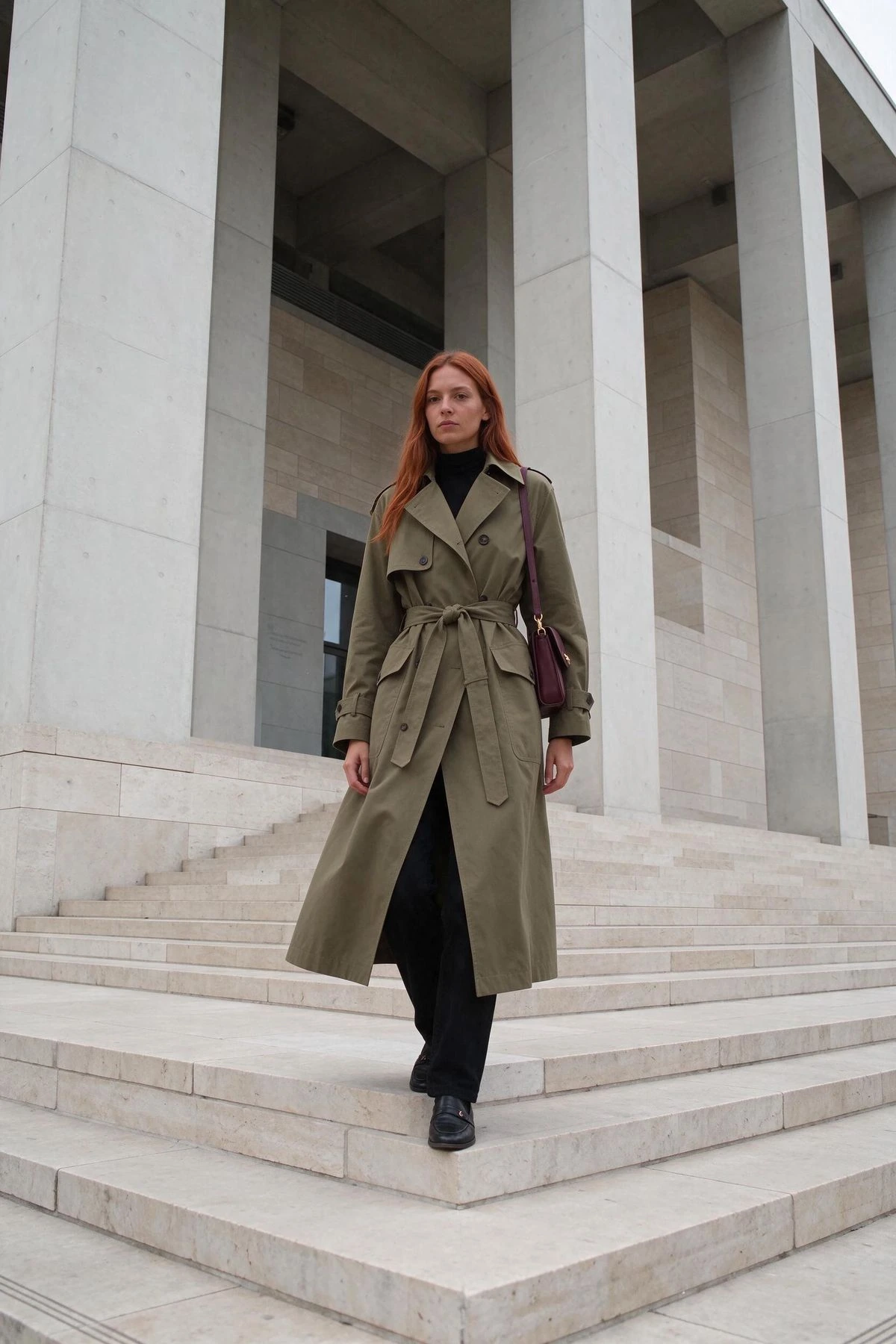
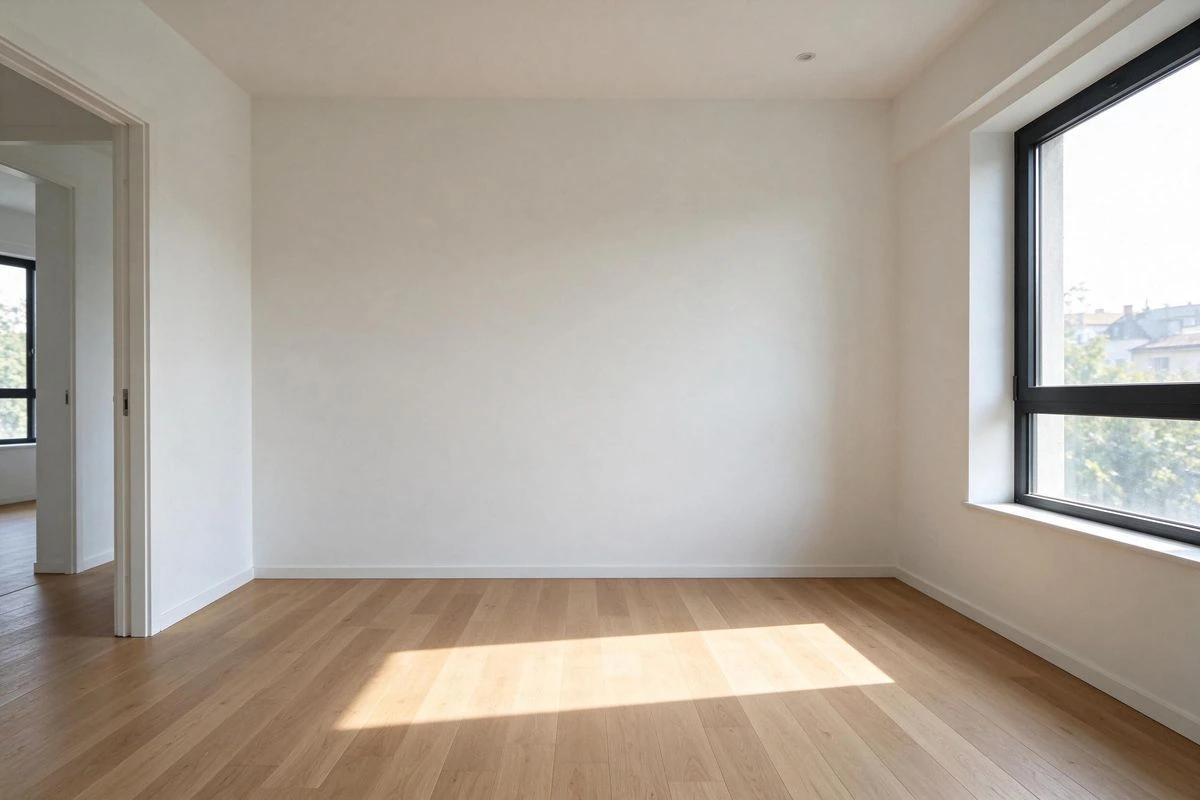
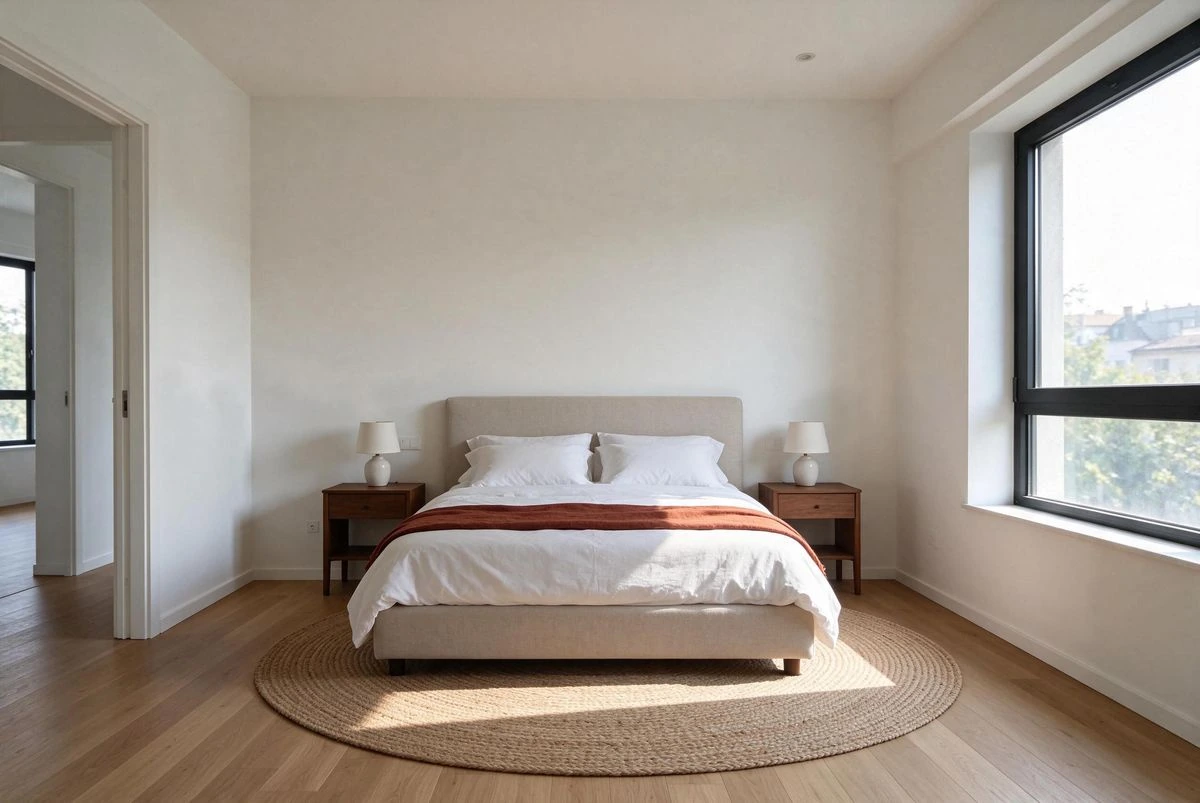
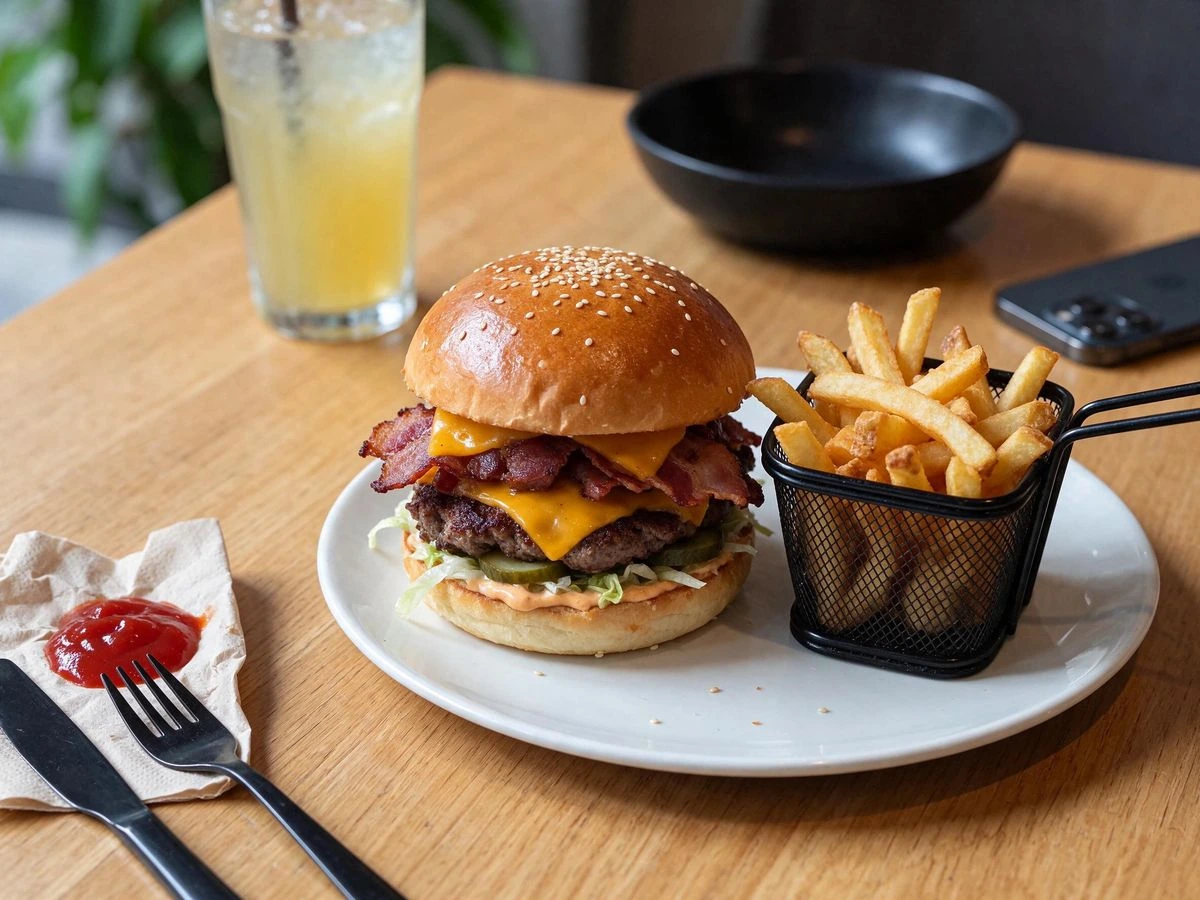
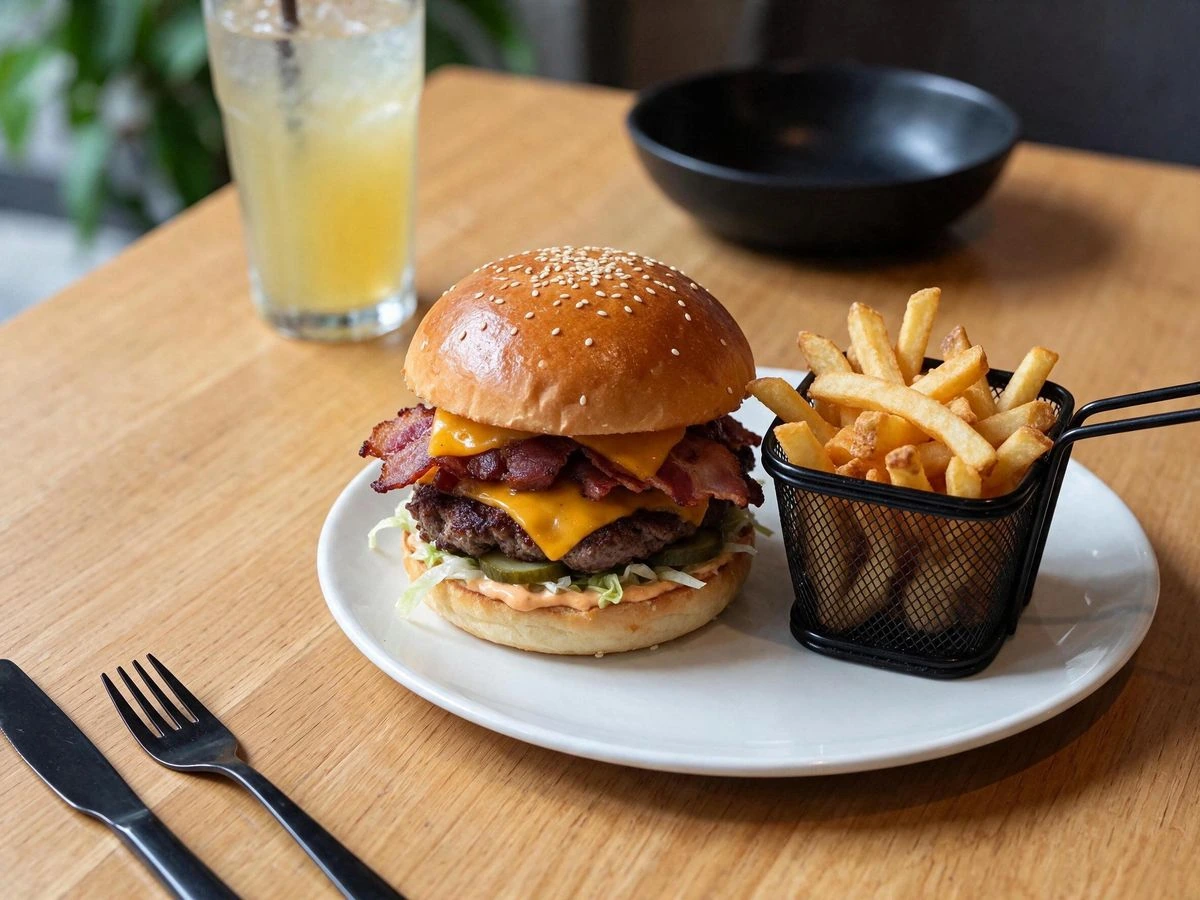
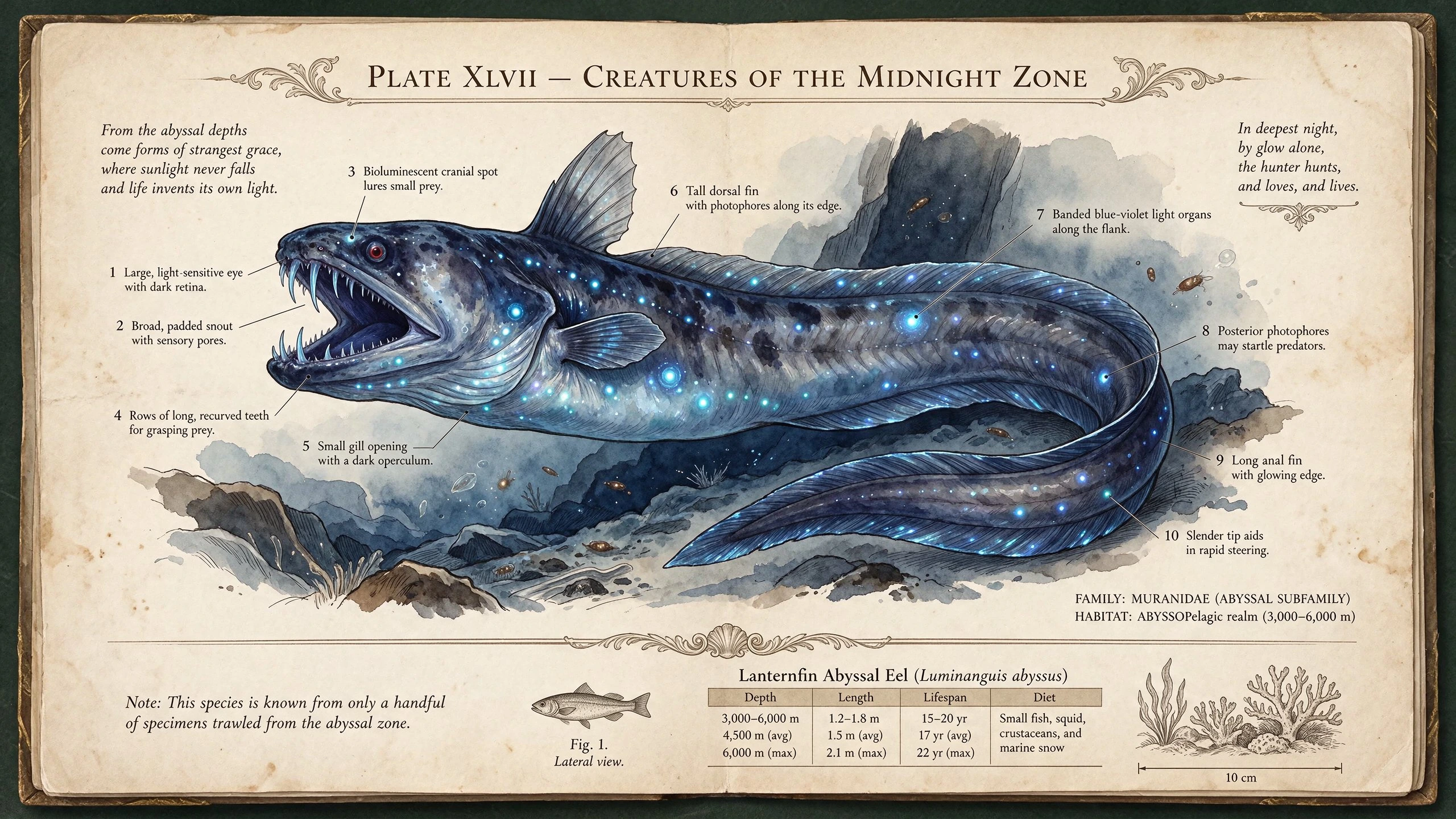
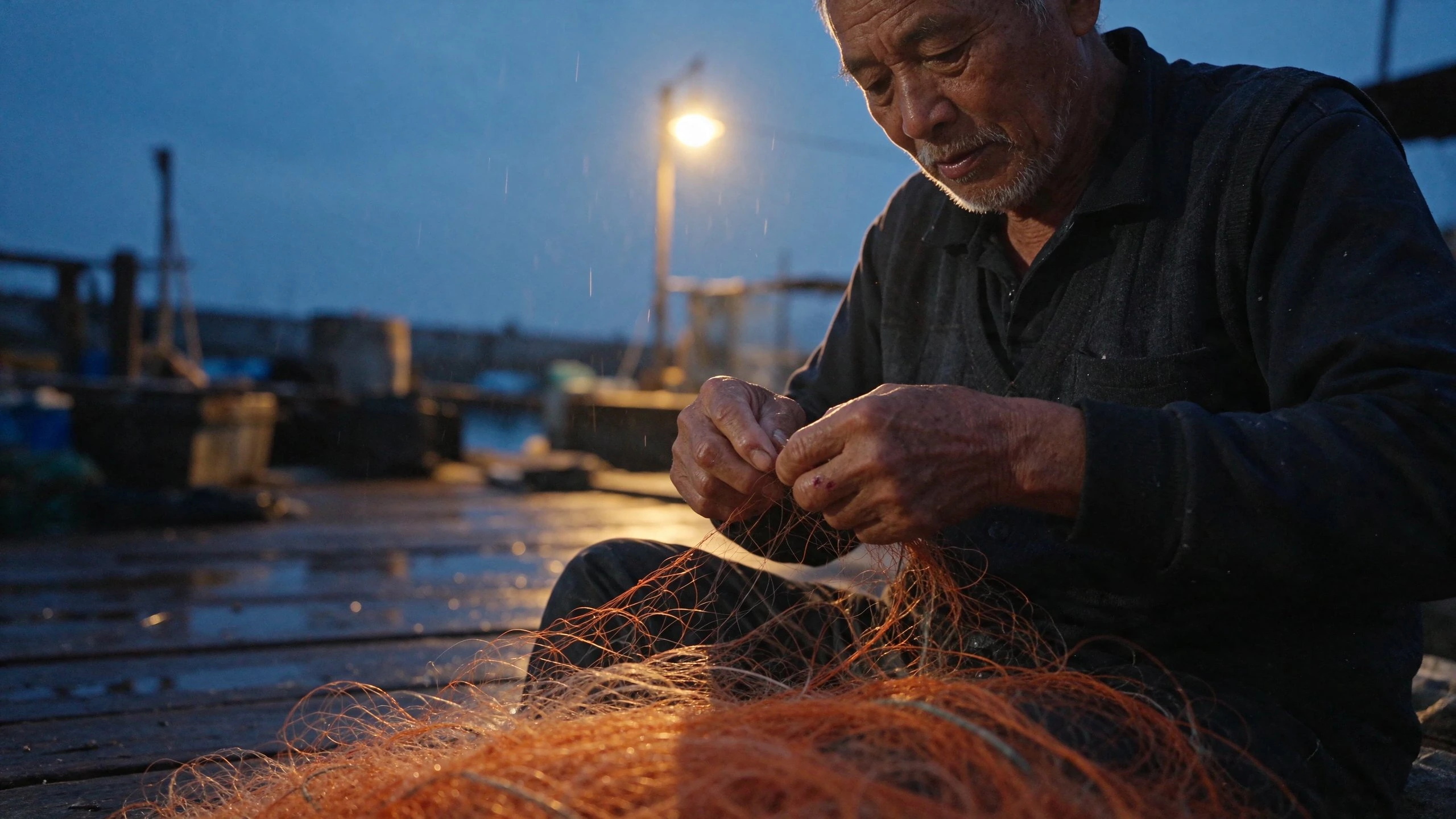
Inspect verified multi-reference lookbooks, chained interior edits, surface cleanups, small typography plates, and mixed-lighting portraits from Seedream 5.5.

Compare Seedream 5.5 across Wizmade specs and MagicArena benchmarks

Review Wizmade’s active generation specifications alongside ByteDance MagicArena’s November 2026 evaluation against Seedream 5.0 Pro, Nano Banana 2.1, and GPT Image 2.5 Sunburst.

Scroll sideways to compare every model.

ModelSeedream 5.5Seedream 5.0 Pro (Prev.)Nano Banana 2.1GPT Image 2.5 Sunburst
Wizmade availabilityActive (Text & Image)Inactive (superseded by 5.5)Active (Text & Image)Active (Text & Image)
Resolution tiers1K, 1.5K, 2K1K, 1.5K, 2K (upstream)1K, 2K, 4K1K, 2K, 4K
Base Wizmade credits (per output)16 / 16 / 28—15 / 20 / 3017 / 30 / 40
Reference image limitUp to 10 (+8 credits / ref)Up to 10 (upstream spec)1 reference in WizmadeUp to 8 (+0 extra)
Severe text corruption (lower better)0.4%2.8%1.7%0.7%
Minor text corruption (lower better)1.7%2.6%3.0%7.4%
MagicArena GSB vs 5.5 (Realism)Baseline reference+55.62% I2I / +39.44% T2I favor for 5.5-6.18% I2I / +21.79% T2I+36.05% I2I / +37.29% T2I
MagicArena GSB vs 5.5 (Text Structure)Baseline reference+18.54% I2I / +5.00% T2I favor for 5.5+3.82% I2I / +5.23% T2I+20.72% I2I / +16.01% T2I

Sources: ByteDance Seedream 5.5 release blog & MagicArena benchmarks (Nov 9, 2026) · Runware Seedream 5.5 prompting & multi-reference guides · APIMart Seedream 5.5 generation contract

How to use Seedream 5.5

Generate or refine Seedream 5.5 images in three steps inside the workbench above.

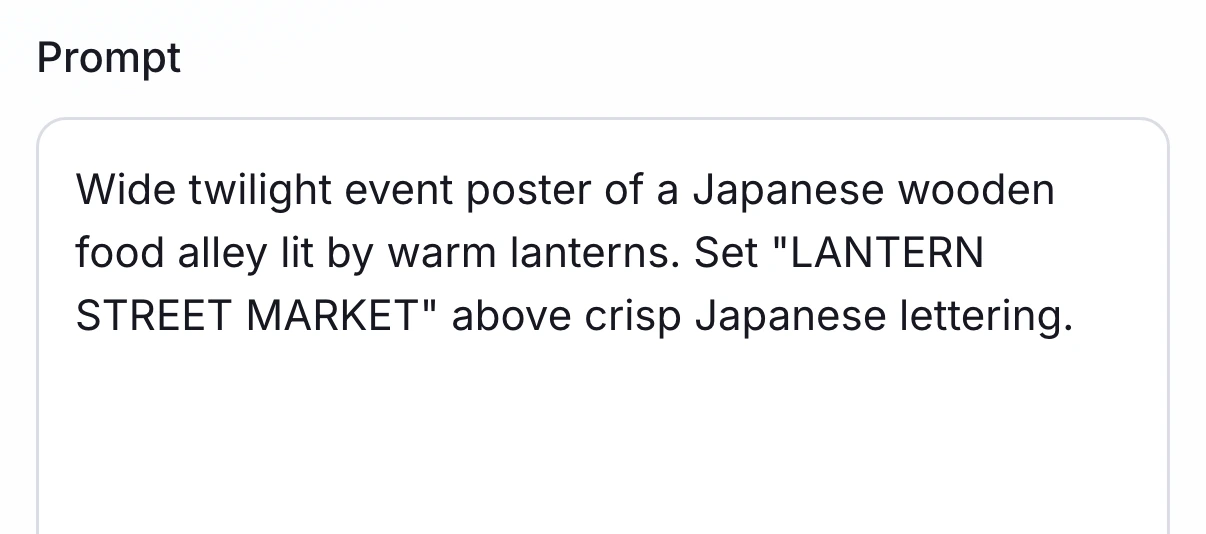
Wizmade hero creation workbench with a Seedream 5.5 text prompt entered cleanly in the Prompt field.
1

Write a prompt or upload references

Start in Text to Image with a structured scene brief, or switch to Image to Image and attach up to 10 PNG or JPEG reference files.

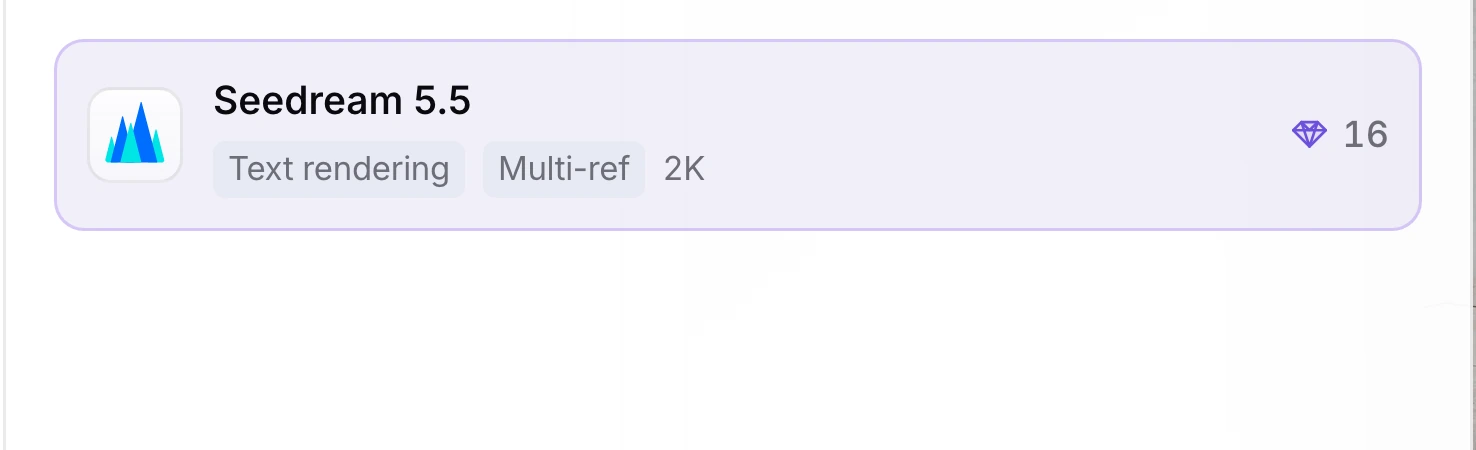
Wizmade model selector card highlighting Seedream 5.5 with Text rendering, Multi-ref, 2K tags, and 16 diamond credits.
2

Confirm Seedream 5.5, aspect ratio, and resolution

Keep Seedream 5.5 selected, pick Auto or one of 10 aspect ratios (1:1 to 21:9), and choose 1K, 1.5K, or 2K resolution.

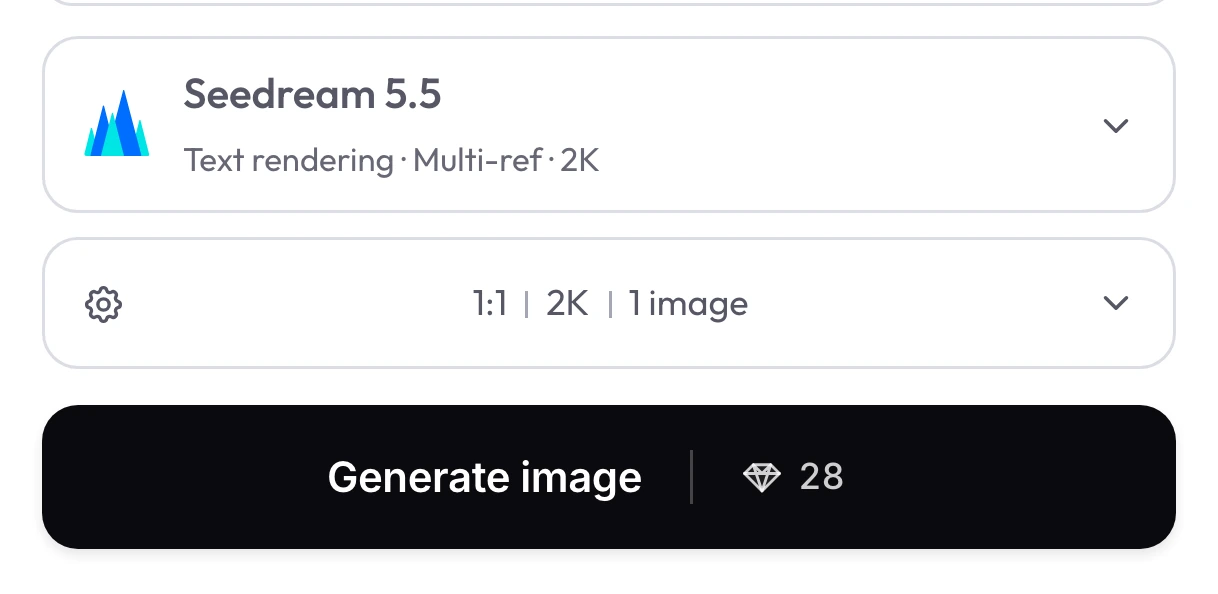
Seedream 5.5 selected above 1:1 | 2K | 1 image settings and Generate image | 28 live quote.
3

Check the live credit quote and generate

Confirm the real-time diamond quote (16 at 1K/1.5K or 28 at 2K, plus 8 per attached reference), then generate one finished image per request.

Seedream 5.5 settings in Wizmade

Review the live parameters exposed by the Seedream 5.5 configuration in the Wizmade workbench.

SettingAvailable options
WorkflowsText to Image; Image to Image (in-page workbench)
Resolution1K, 1.5K, 2K
Aspect ratios1:1, 4:3, 3:4, 16:9, 9:16, 3:2, 2:3, 21:9, 2:1, 1:2, auto
Outputs1 per request
Reference imagesUp to 10 reference images in Image to Image mode
CreditsReview the live 💎 quote inside the workbench before generating.

Video comparison on YouTube

Independent walkthrough testing Seedream 5.5 realism, text rendering, and multi-image editing behavior.

Seedream 5.5 Review — Real-World Tests & Editing Walkthrough

Oprelia AI

Watch on YouTube ↗

Model news on X

Official announcement detailing upgraded visual realism, dense text rendering, and multi-round editing consistency.

Community discussion on Reddit

Community benchmark thread walking through 46 portraits, typography layouts, and multi-image editing prompts.

Seedream 5.5 FAQs

Answers about Seedream 5.5 capabilities, settings, reference uploads and credits in Wizmade.

How many credits does Seedream 5.5 cost in Wizmade?

Text-to-image runs cost 16 credits at 1K or 1.5K resolution and 28 credits at 2K. Eligible new accounts receive 60 starter credits after signing in with Google.

How do reference images affect Seedream 5.5 credit cost?

Each attached reference image adds 8 credits to the selected resolution tier. A 1-reference edit costs 24 credits at 1K/1.5K or 36 credits at 2K, and you can attach up to 10 references per request.

Which resolutions and aspect ratios are available in Wizmade?

Seedream 5.5 supports 1K, 1.5K, and 2K output tiers alongside Auto and 10 preset ratios: 1:1, 4:3, 3:4, 16:9, 9:16, 3:2, 2:3, 21:9, 2:1, and 1:2. Custom pixel dimensions and 4K are not enabled.

How should I prompt up to 10 reference images cleanly?

Upload your PNG or JPEG files in order and refer to each one by index and role—such as image 1 for the model, image 2 for the coat, and image 4 for the stairs—plus lighting and shadow placement.

Why is Seedream 5.5 suited for chained multi-turn edits?

ByteDance tuned Seedream 5.5 to hold room architecture, lighting patches, and unedited objects steady across up to 100 chained passes. Include a short keep-list in every edit prompt so fixed areas do not drift.

Are transparent backgrounds, layer splitting, or batch outputs supported?

Each Seedream 5.5 request returns one standard opaque still image per run. Cutout alpha masking, multi-layer PSD exports, and external live lookup are not enabled on Wizmade.

How accurate is Seedream 5.5 on dense small text and bilingual signage?

In ByteDance MagicArena evaluations, Seedream 5.5 lowered severe text corruption to 0.4% and minor corruption to 1.7%. Put exact copy inside double quotes and describe typography hierarchy and placement.

When should I choose Seedream 5.5 over Nano Banana 2.1 or GPT Image 2.5 Sunburst?

Pick Seedream 5.5 when you need 2–10 reference composition, multi-turn interior/product edits, or dense 2K text charts. Pick Nano Banana 2.1 for 15-credit 1K fast drafts or 4K, or GPT Image 2.5 Sunburst for 4K with up to 8 included references.

What are the upload rules for Image to Image references?

Attach 1 to 10 unique PNG or JPEG files, up to 10 MiB and 36 MP per image, then write what to change and what to preserve.

Start creating with Seedream 5.5

Combine multiple references, iterate cleanly across rounds, or render crisp 2K text layouts right in the Wizmade workbench.

Read ByteDance’s Seedream 5.5 release notes and benchmarks