
1,200 credits
$9.90one-time
For a first creation
The giant eagle video trend
Upload one photo to create a Jatayu video with a giant eagle spreading its wings behind you. Choose a resolution, then generate and download your video.
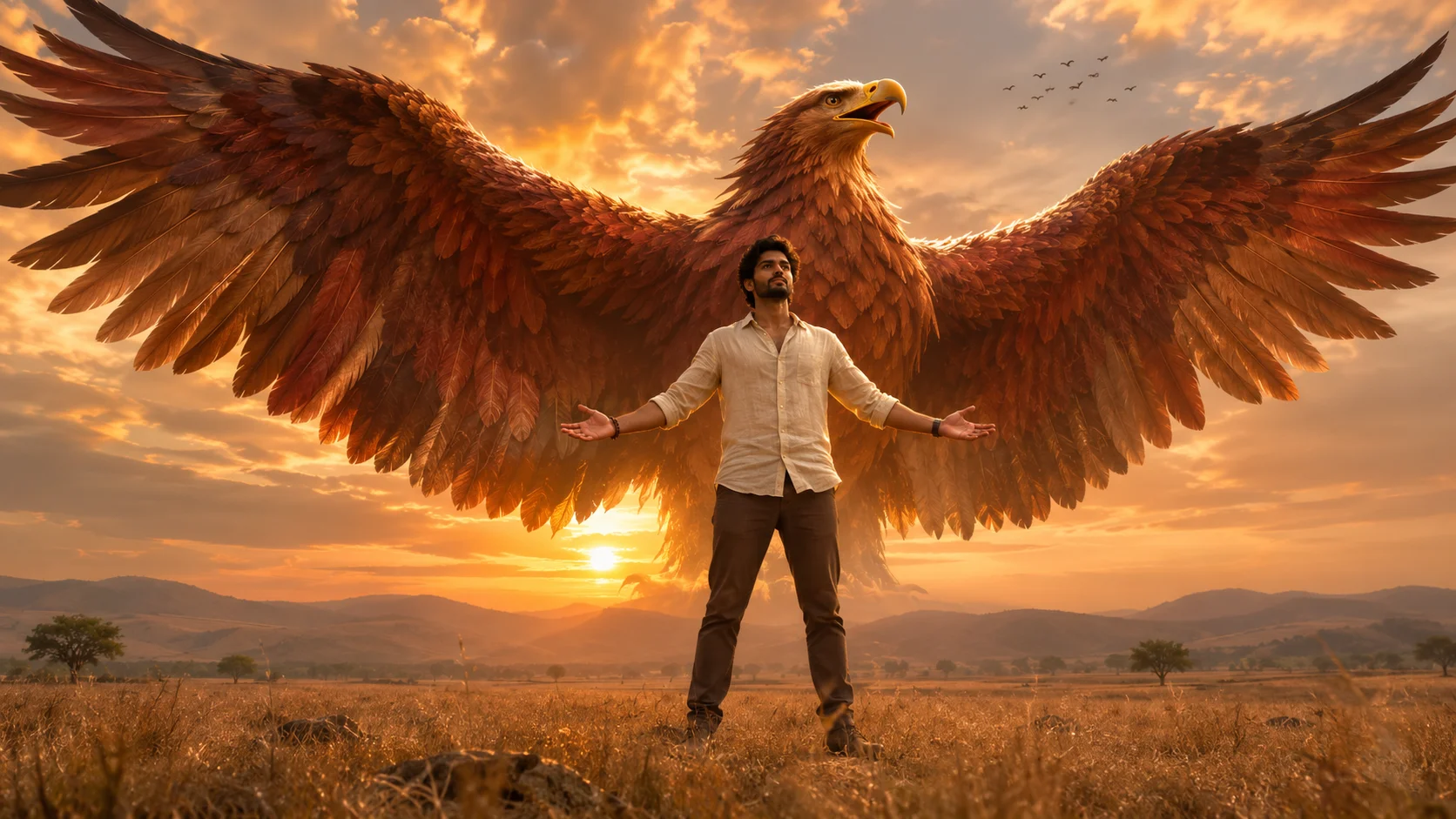
Upload your photo and choose a resolution. Add an optional detail, or leave Prompt blank. Select Generate when you’re ready.
Start with a photo of one person. Play the example to see how the giant eagle rises behind the subject and spreads its wings.
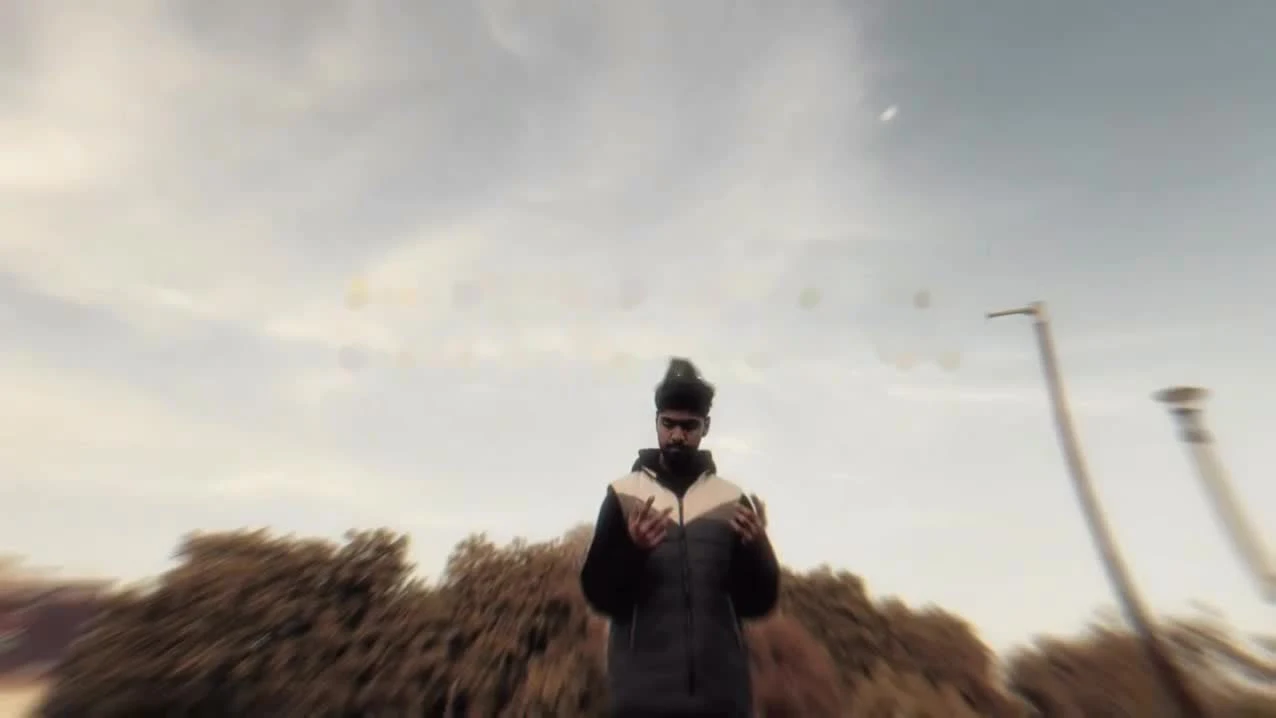
The Jatayu edit is a short AI video in which a giant eagle rises behind a person and opens its wings across the frame. The name refers to Jatayu, the mythical bird who tries to rescue Sita in the Ramayana. Australian Museum
The signature shot keeps the person in the foreground. The bird starts out of view, then its wings take over the frame. In Wizmade, a single photo supplies the person for a 10-second landscape video.
Follow these steps in the Wizmade workbench on this page.
In Your photo, drag in a JPG or PNG, or click to browse. Use a sharp photo of one person with a clear face and room around the body.

Leave Prompt blank for the built-in effect. Select a resolution, check the credits and click Generate video.

Open Results when the video is ready. Preview the clip and select Download to save it.

See how different scenes frame the moment the wings open.
An eagle sweeps up behind a person on a tree-lined rooftop.
A flock circles as the giant eagle opens its wings.
A bald eagle rises behind a person on a rocky summit.
By mid-November 2026, creators were publishing guides for making the Jatayu wing reveal for Reels. The guides describe the same visual beat: one person holds the foreground while a giant eagle rises and opens its wings behind them. PG Editor tutorial
The setup is easy to recognize across remixes because the person changes and the wing reveal stays. One published workflow uses a personal photo for the subject and a reference clip to guide the eagle’s entrance and movement. Sahasra tutorial
It is a scene description for a fantasy eagle reveal: a person stands beneath a golden sky while an enormous reddish-brown bird rises behind them and spreads its wings. The name refers to Jatayu, the bird hero of the Ramayana. Upload your photo to put yourself into the eagle-reveal scene.
Upload one clear photo and choose a resolution. You can leave the optional Prompt field blank. Review the credit quote, then select Generate. Your result appears in the Results tab of the workbench.
Choose one person with a clearly visible face and enough of their body in frame for the pose. Even daylight, a simple background and space above the head give the scene a useful starting point. Avoid sunglasses, heavy blur and faces hidden by hands.
No. The Jatayu effect is prepared for you. The optional Prompt field is only for an extra detail; leave it blank to use the built-in effect.
No. Wizmade supplies the reference video and scene instructions. You only need to upload your own photo.
Choose 480P, 720P or 1080P. The Jatayu template uses a fixed 10-second landscape clip, so you do not need to configure the model, duration or aspect ratio.
The workbench displays a diamond credit quote for your selected resolution before you generate. Selecting a different resolution updates the quote. Credit packs and subscriptions are available in the pricing section.
The Jatayu template creates a silent video and does not include a recorded song. You can add music you have permission to use after downloading your video.
Upload your photo, choose a resolution and create your Jatayu edit right here.
We use essential cookies and analytics to understand site usage and improve your experience on Wizmade. Read our Privacy Policy for details.