Nano Banana 2.1 AI Image Generator

Create poster lettering and detailed visual scenes with Google’s Nano Banana 2.1, based on Gemini 3.6 Flash. Use one reference image for edits in Wizmade.

New accounts receive 60 free starter credits — review the live quote in the workbench before generating.

What makes Nano Banana 2.1 different?

Create poster lettering and detailed visual scenes with Google’s Nano Banana 2.1, based on Gemini 3.6 Flash. Use one reference image for edits in Wizmade.

How to use Nano Banana 2.1

Generate or refine Nano Banana 2.1 images in three steps inside the workbench above.

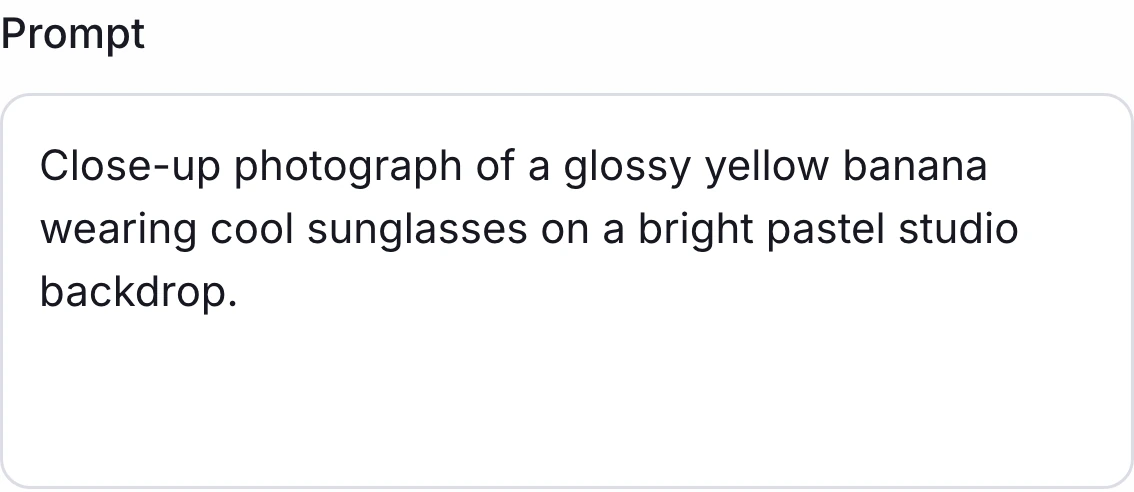
Wizmade Studio input panel in light mode displaying the Text to Image mode switch, prompt editor, and Image to Image reference toggle
1

Select Nano Banana 2.1 and mode

Confirm Nano Banana 2.1 in the workbench and write a prompt for Text to Image, or switch to Image to Image to attach one reference image.

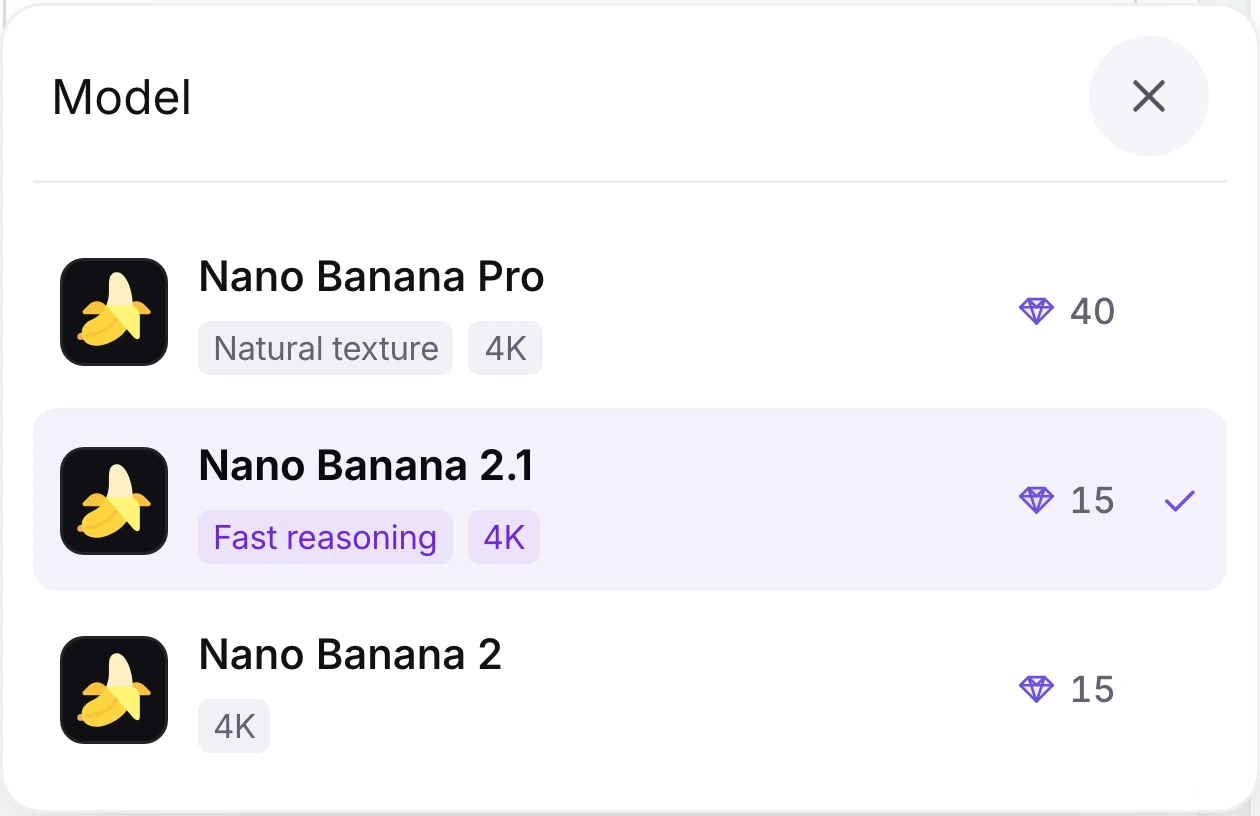
Wizmade model dropdown with Nano Banana 2.1 highlighted and its model tags visible
2

Confirm the selected model

Check that Nano Banana 2.1 is selected in the model menu before continuing. You can change models at any time.

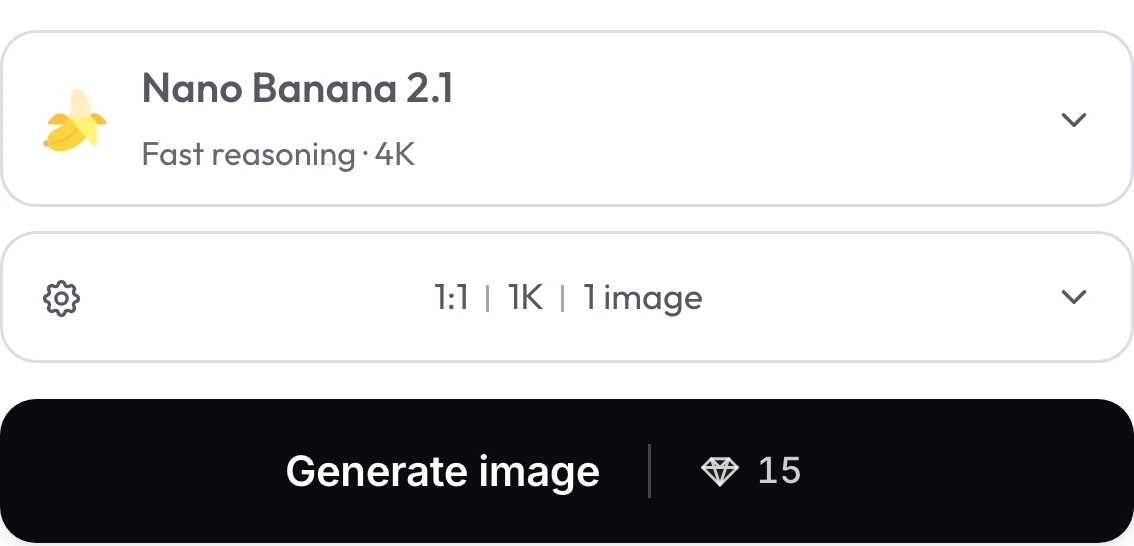
Wizmade generation bar showing Nano Banana 2.1 selected with 1:1 aspect ratio, 1K resolution, 1 image output, and Generate image | 💎 15 button
3

Pick resolution, ratio, and 💎 quote

Choose an available aspect ratio and 1K, 2K, or 4K output setting, then review the live diamond quote on Generate image before submitting.

Nano Banana 2.1 settings in Wizmade

Review the live parameters exposed by the Nano Banana 2.1 configuration in the Wizmade workbench.

SettingAvailable options
WorkflowsText to Image; Image to Image (in-page workbench)
Resolution1K, 2K, 4K
Aspect ratios1:1, 9:16, 16:9, 3:2, 2:3, 4:3, 3:4, 5:4, 4:5, 21:9, 1:4, 4:1, 1:8, 8:1, auto
Outputs1 per request
Reference images1 reference image in Image to Image mode
CreditsReview the live 💎 quote inside the workbench before generating.

Nano Banana 2.1 FAQs

Answers about Nano Banana 2.1 capabilities, settings, reference uploads and credits in Wizmade.

Which model does Nano Banana 2.1 use?

Google’s model card identifies Nano Banana 2.1 as based on Gemini 3.6 Flash. In Wizmade, it is a separate image model with its own resolution settings and one-reference Image to Image workflow.

How many reference images can I upload with Nano Banana 2.1?

Wizmade accepts one reference image per Nano Banana 2.1 Image to Image run. Nano Banana 2 and Nano Banana Pro support multiple references in Wizmade.

Which resolution settings are available in Wizmade?

The workbench currently offers 1K, 2K, and 4K output settings for Nano Banana 2.1. These are Wizmade output settings; Google’s model card describes a 4K token output, which is a different specification.

Can it render long or very small text accurately?

Google notes that small text may be blurry and long text can be difficult. For poster work, keep visible copy concise and inspect the result before using it.

How much does one image cost?

The live quote depends on the selected resolution. Review the diamond total in the workbench before generating.

Does clicking Try in a case generate automatically?

No. Clicking Try or a capability prompt fills the workbench composer above with the prompt and Nano Banana 2.1 selected so you can adjust resolution or ratio before clicking Generate.

Create your next image with Nano Banana 2.1

Write your prompt, adjust aspect ratio and resolution, or switch to Image to Image with your own references in the workbench above. New accounts include 60 free starter credits with live 💎 quotes before every generation.