Midjourney v6.1 AI Image Generator

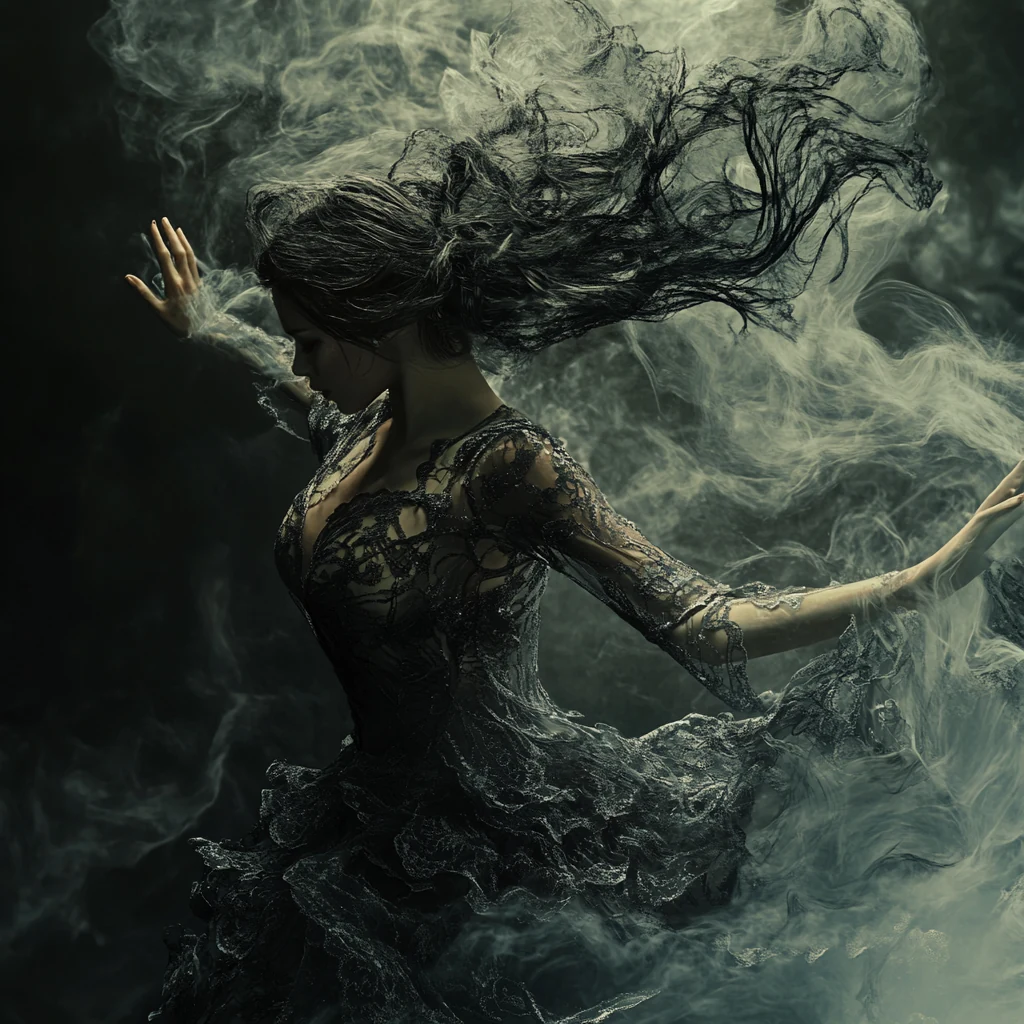
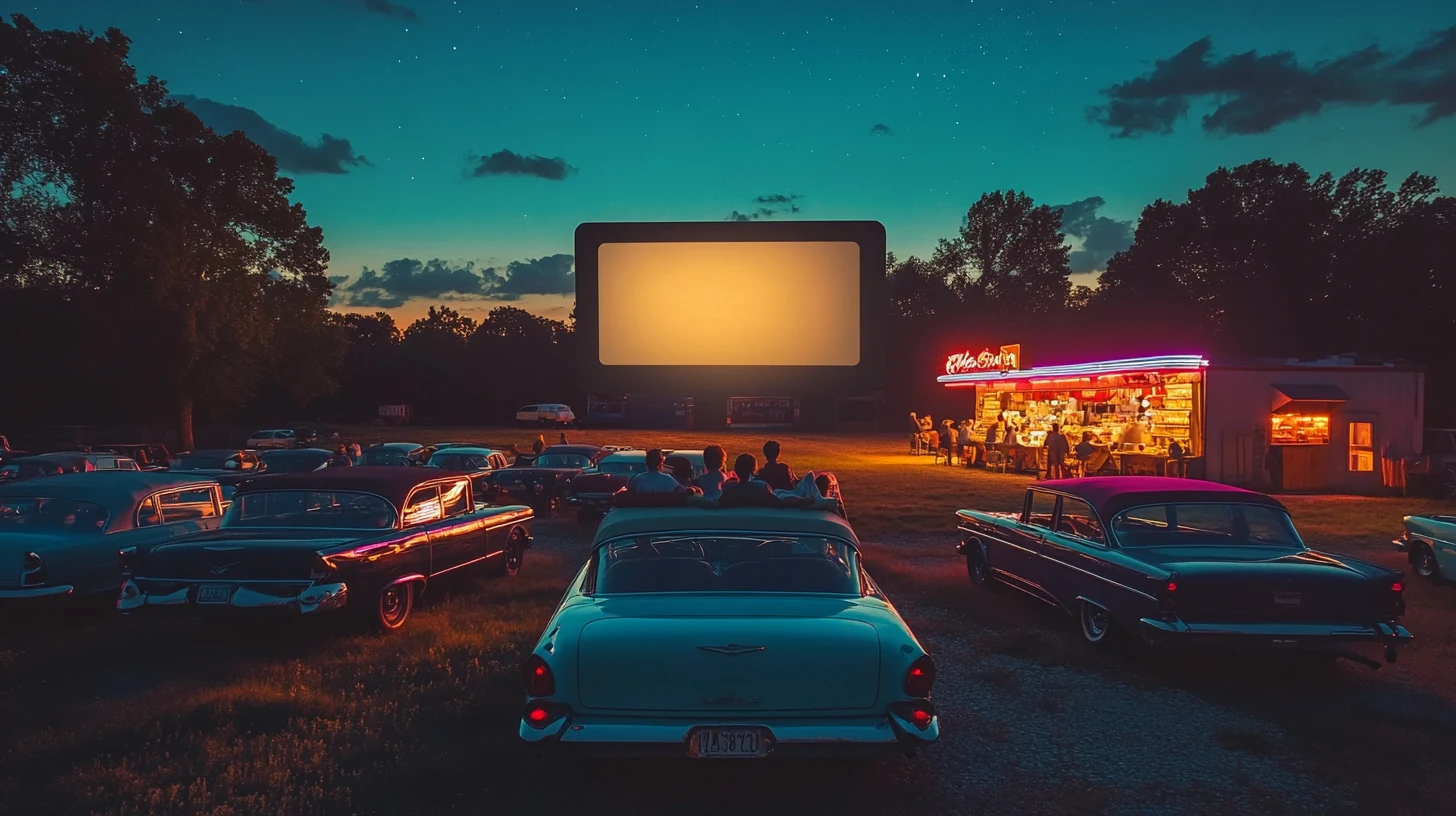
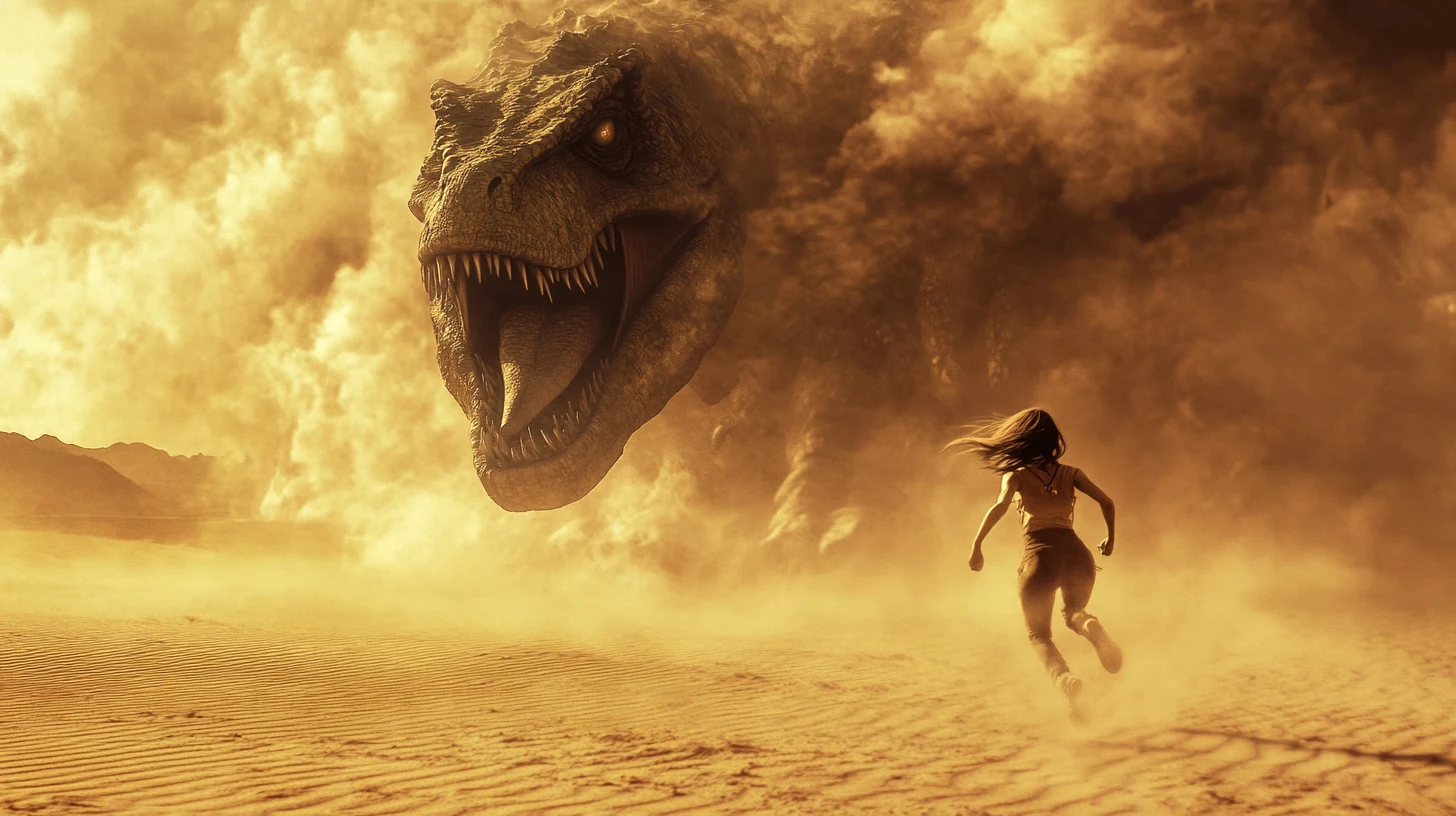
Create with Midjourney v6.1 in Wizmade. Explore coherent scenes with precise details and textures by shaping each image with a descriptive text prompt.

New accounts receive 60 free starter credits — review the live quote in the workbench before generating.

What makes Midjourney different?

Create with Midjourney v6.1 in Wizmade. Explore coherent scenes with precise details and textures by shaping each image with a descriptive text prompt.

How to use Midjourney

Generate or refine Midjourney images in three steps inside the workbench above.

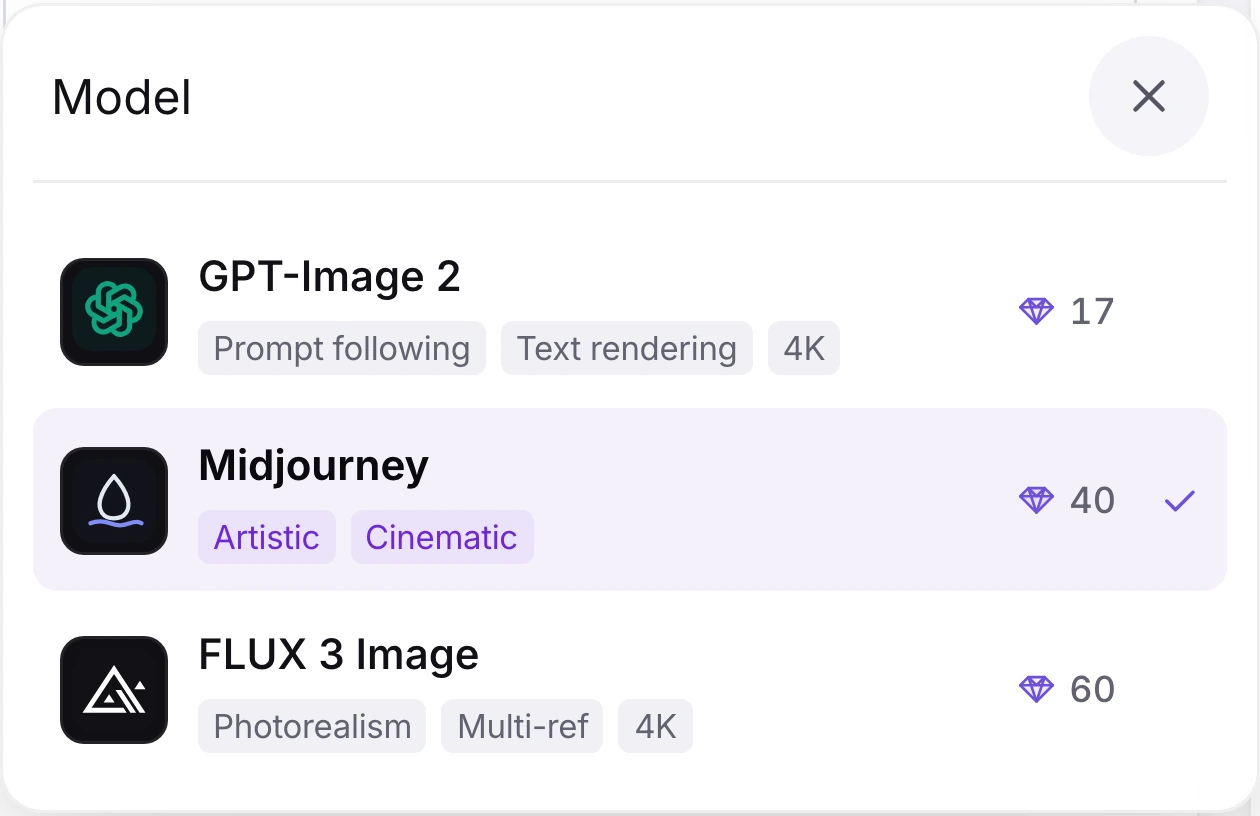
Wizmade model menu with Midjourney selected
1

Select Midjourney

Choose Midjourney in the model menu before entering your prompt. The model selection stays under your control.

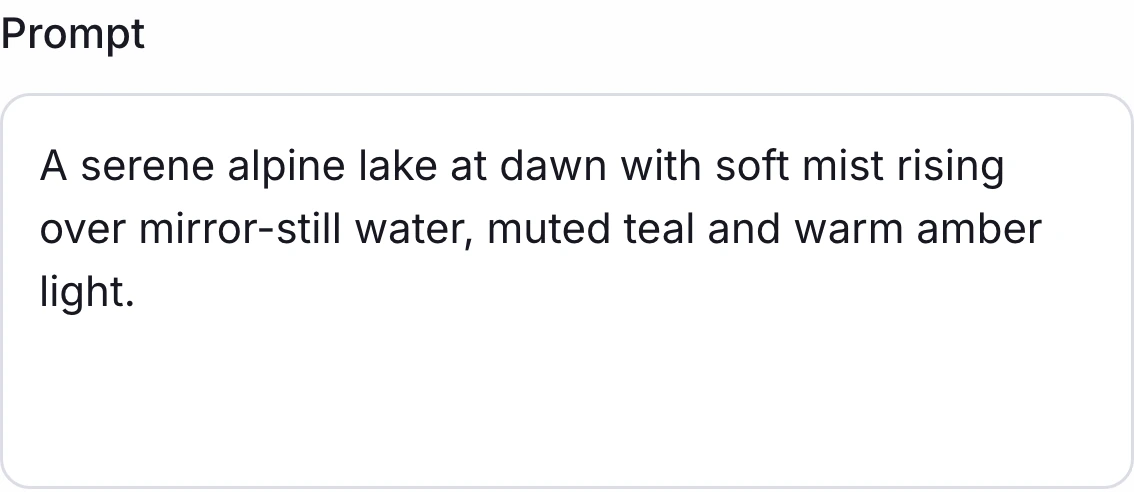
Wizmade image composer ready for a text prompt
2

Write a visual brief

Enter a text prompt describing the subject, style, setting, and details you want to explore.

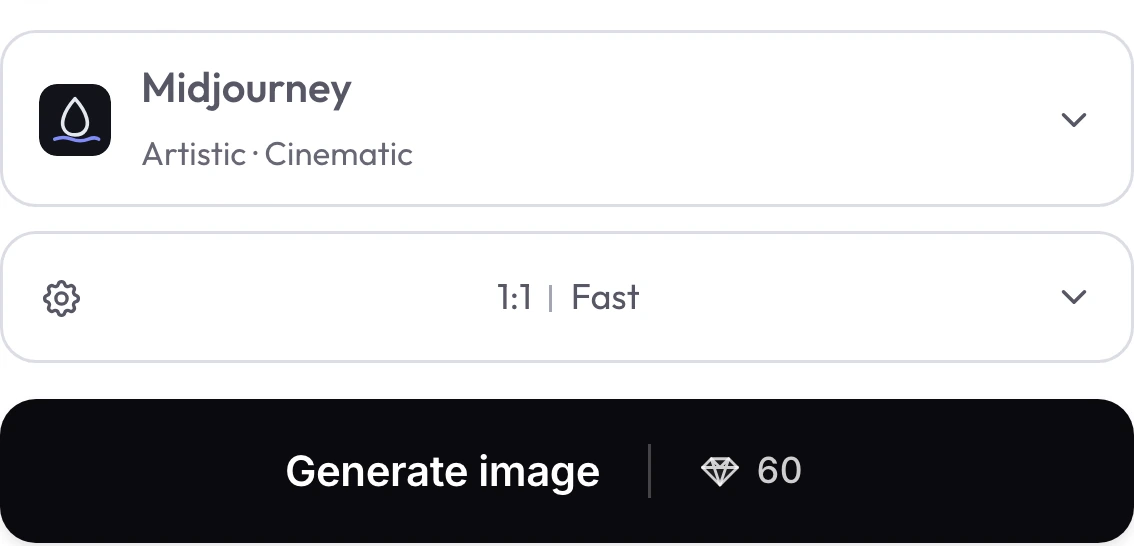
Wizmade generation bar with Midjourney, 1:1 aspect ratio, Fast speed, and a live credit quote
3

Choose settings and review the quote

Set an aspect ratio and speed, then review the current credit quote in the workbench before you choose to generate.

Midjourney settings in Wizmade

Review the live parameters exposed by the Midjourney configuration in the Wizmade workbench.

SettingAvailable options
WorkflowsText to Image; Image to Image (in-page workbench)
SpeedRelaxed, Fast, Turbo
Aspect ratios1:1, 9:16, 16:9, 3:2, 2:3, 4:3, 3:4, 5:4, 4:5, 21:9, auto
Outputs1 four-image grid per request
Reference images1 reference image in Image to Image mode
CreditsReview the live 💎 quote inside the workbench before generating.

Midjourney FAQs

Answers about Midjourney capabilities, settings, reference uploads and credits in Wizmade.

Which Midjourney version does Wizmade use?

The Wizmade Midjourney integration uses version 6.1. Midjourney’s documentation lists V6.1 as a distinct model version; this page describes the version configured in Wizmade.

What does a Midjourney request return?

One request returns one four-image exploration grid. Review the live credit quote in the workbench before generating.

Can I choose the image speed and size?

Choose Relaxed, Fast, or Turbo speed and an aspect ratio. The Wizmade controls do not offer numeric resolution selection for Midjourney; review the live quote before generating.

Can I use a reference image with Midjourney?

Yes. Switch to Image to Image and attach one reference image. The six prompts on this page are text-to-image examples.

How can I include words in an image prompt?

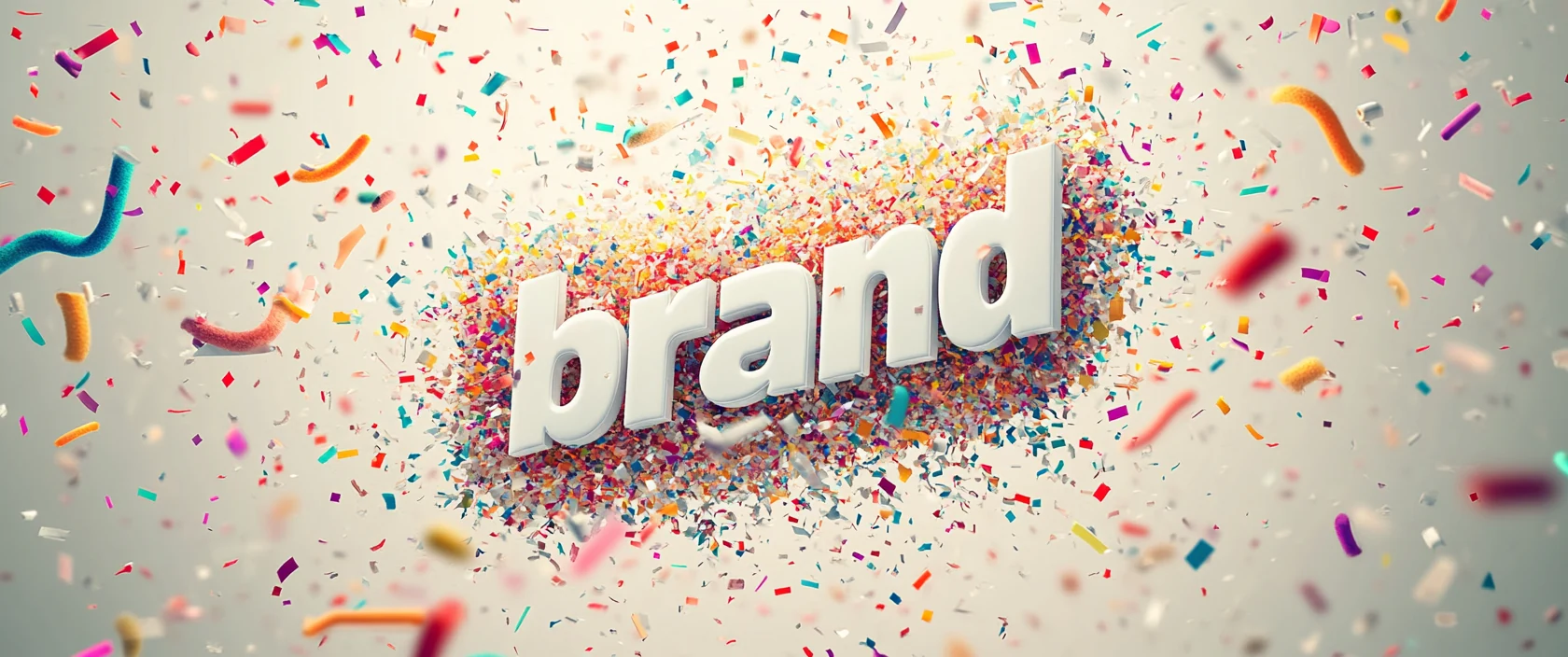
Midjourney’s text-generation guide recommends putting requested words or phrases in double quotation marks. Add a short phrase and describe the surrounding scene.

Which aspect ratios can I select?

Wizmade offers 1:1, 9:16, 16:9, 3:2, 2:3, 4:3, 3:4, 5:4, 4:5, and 21:9, plus Auto.

Create your next image with Midjourney

Write your prompt, adjust aspect ratio and speed tier, or switch to Image to Image with your own references in the workbench above. New accounts include 60 free starter credits with live 💎 quotes before every generation.