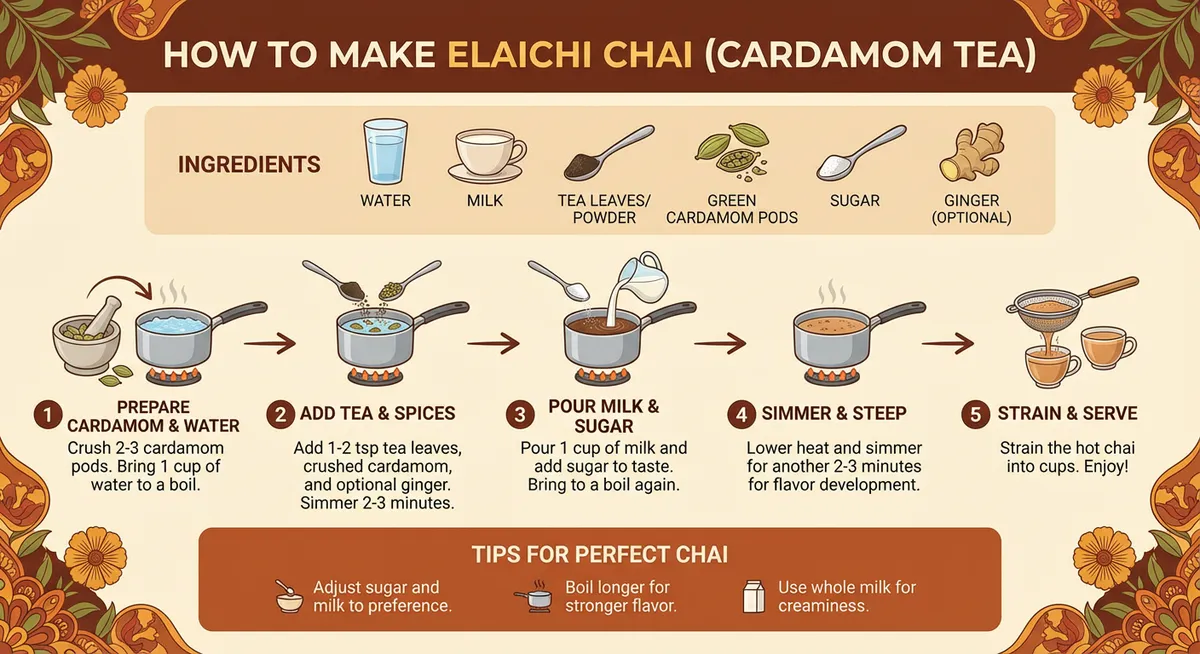
Cardamom tea recipe infographic
Ingredients, numbered steps and practical tips form one readable recipe.
Example prompt
“Create an infographic that shows how to make elaichi chai”
Create with Google’s Gemini 3 Pro Image in Wizmade. Improved text rendering, stronger visual reasoning and precise editing help you build detailed designs.
See how Nano Banana Pro renders clearer text, combines reference images, and makes targeted edits. Select a feature to see an example.
Turn structured ideas and supplied information into diagrams and visual explanations.
Integrate readable wording and deliberate typography into designed images.
Adapt the language in a design while retaining its visual identity.
Combine references while keeping subjects and visual details connected.
Adjust light, focus and selected visual details with targeted instructions.
Adapt one composition to portrait, square and widescreen formats.
Carry a visual identity into packaging, products and campaign designs.
Turn the information you supply into structured diagrams and visual explanations, with clearer relationships between labels, objects and steps.
Ingredients, numbered steps and practical tips form one readable recipe.
Example prompt
“Create an infographic that shows how to make elaichi chai”
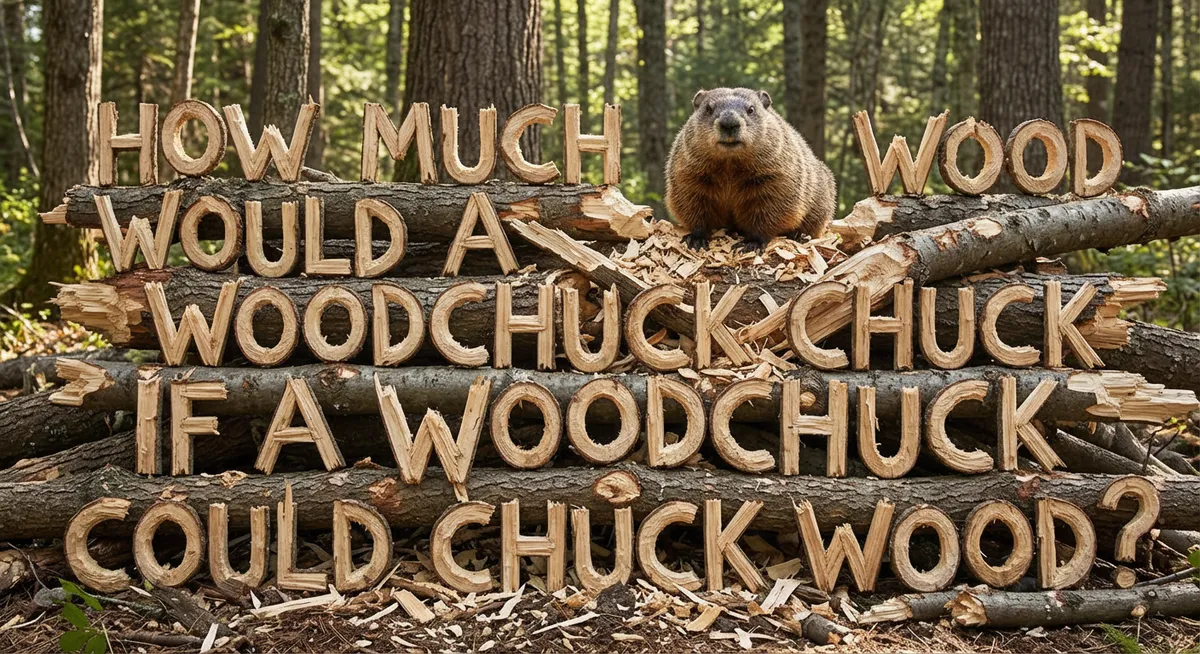
Create readable lettering inside a scene, with typography that follows its materials, perspective and lighting.
A complete tongue twister takes shape as wooden lettering in a woodland scene.
Example prompt
“Create an image showing the phrase "How much wood would a woodchuck chuck if a woodchuck could chuck wood" made out of wood chucked by a woodchuck.”
Translate the words. Keep the design. Use a reference to localize packaging, posters and other text-led visuals.
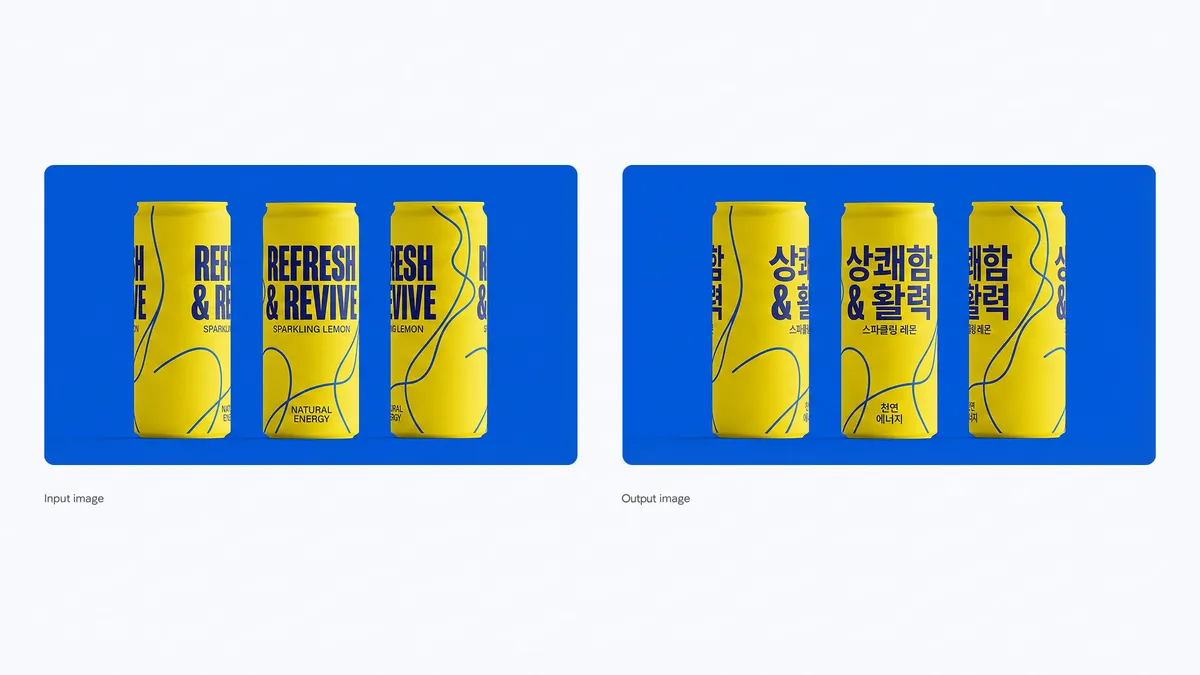
English on the left, Korean on the right: compare the language, layout and shared visual identity.
Example prompt
“Translate all the English text on the three yellow and blue cans into Korean, while keeping everything else the same”
Blend character, wardrobe, pet, prop and setting references into one scene. Wizmade’s Image to Image mode accepts up to 8 reference images per generation.
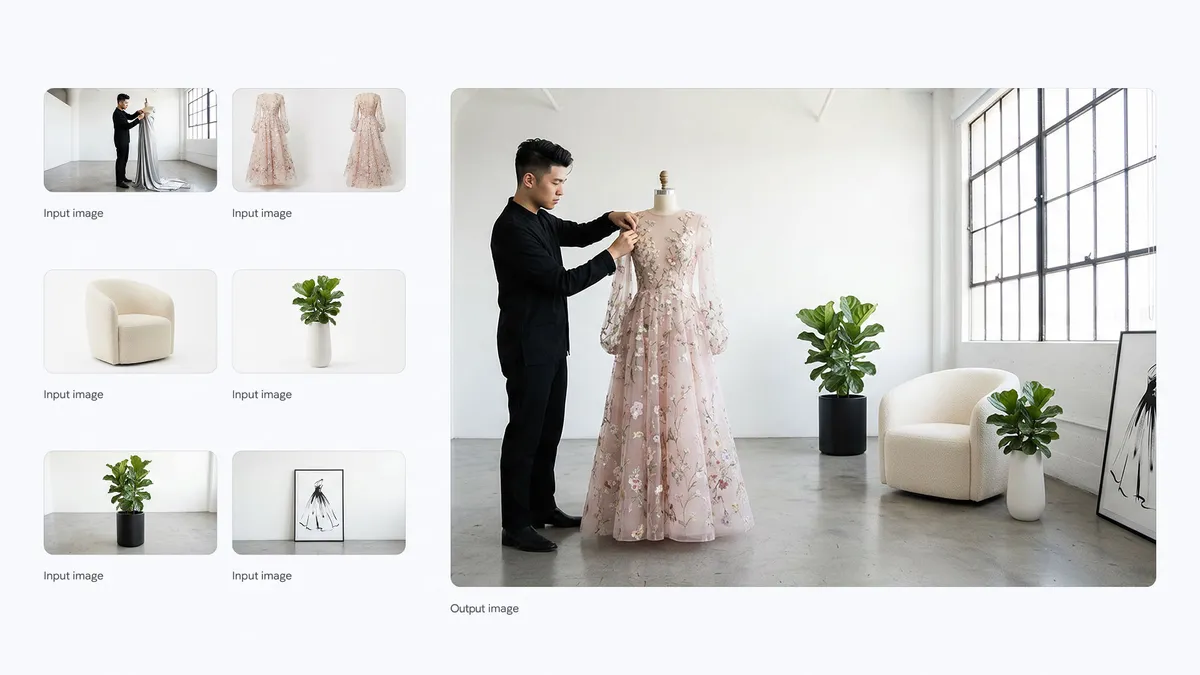
Six input references become one atelier scene: compare the gown, furniture, plants and subject with the result.
Example prompt
“Combine these images into one appropriately arranged cinematic image in 16:9 format and change the dress on the mannequin to the dress in the image.”
Use an edit instruction to change scene atmosphere, time of day or focal emphasis, and describe the subject details and composition you want to retain.
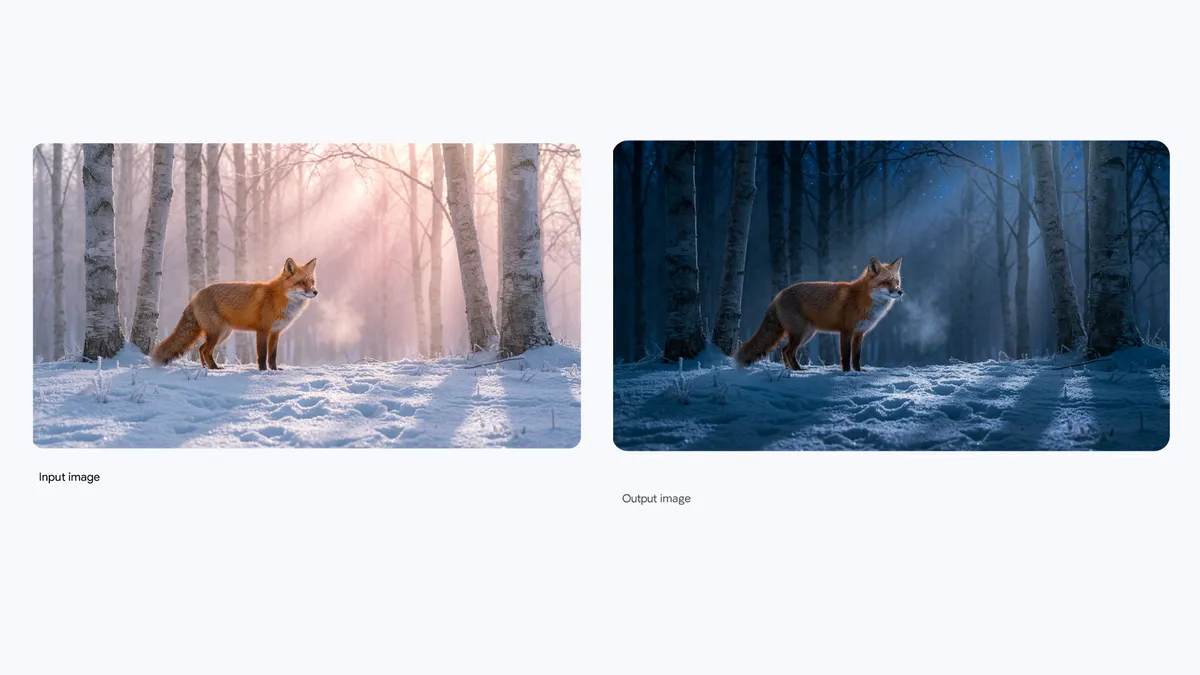
Daylight becomes moonlight. Compare the fox, trees and snow as the scene lighting changes.
Example prompt
“Turn this scene into nighttime”
Recompose the image for a new canvas instead of simply cropping it. Give portraits, square posts and wide banners their own framing.
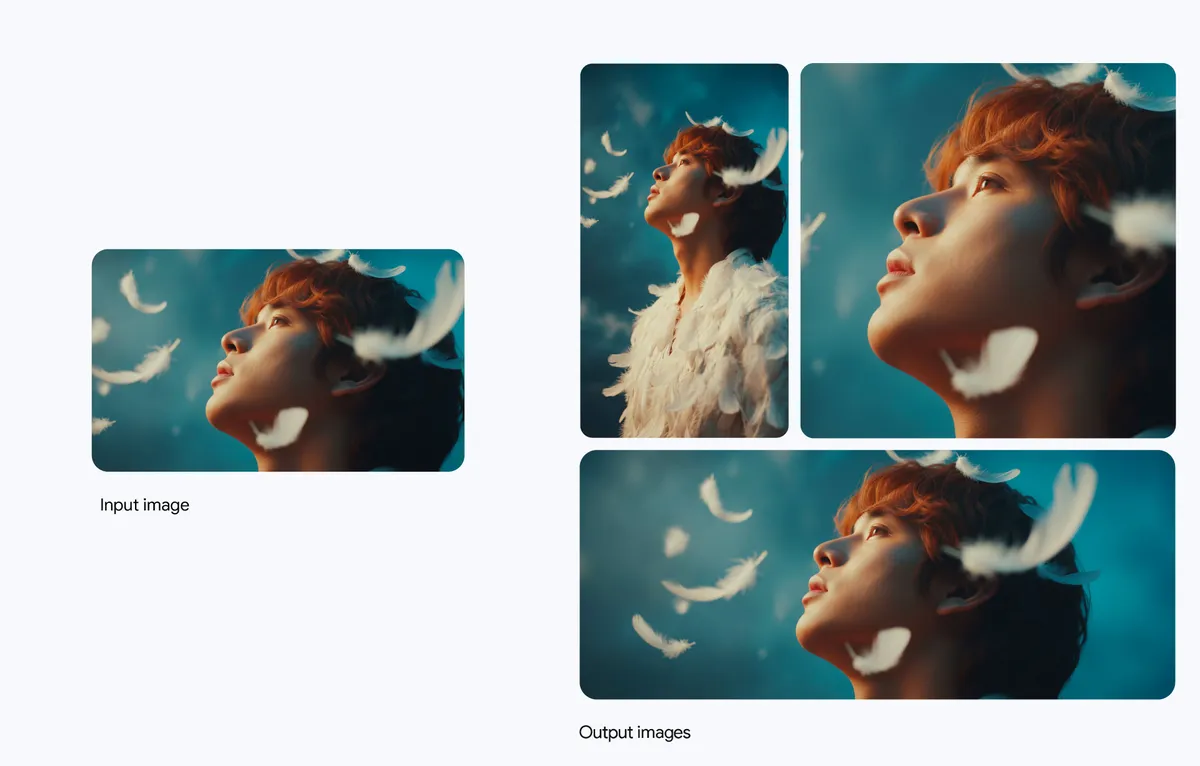
A horizontal portrait input on the left becomes vertical, 1:1 and 21:9 compositions with the same subject and feather motif.
Example prompt
“Extend and recompose the horizontal feathered portrait reference into vertical portrait, 1:1 square and ultra-wide 21:9 aspect ratios while keeping the red-haired subject’s profile, floating white feathers and teal studio backdrop consistent.”
Apply reference artwork and a consistent visual style to products, packaging and campaign mockups.
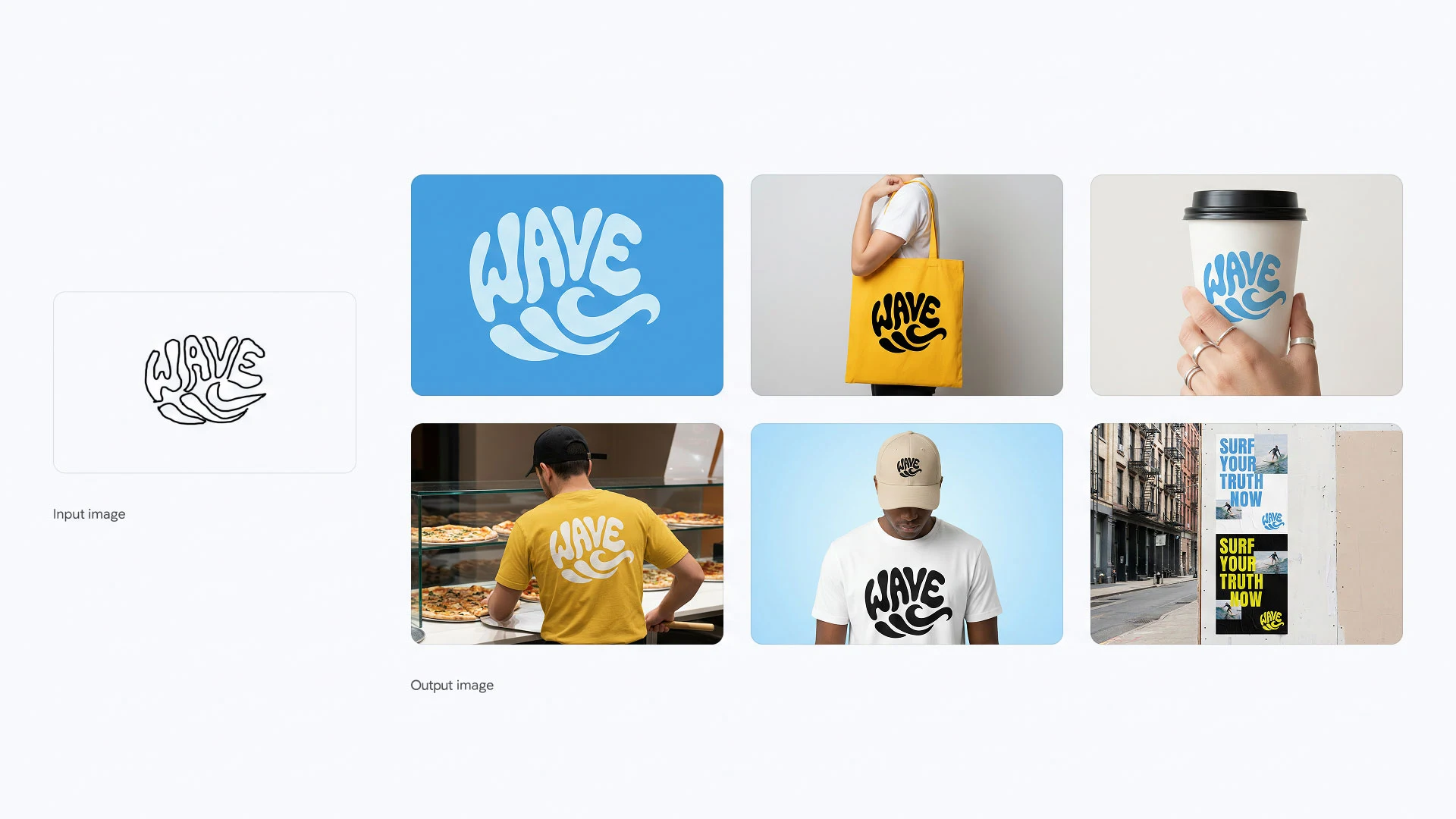
Follow the sketch, finished lettering and its applications across a coordinated brand system.
Compare the models available in Wizmade. Pro emphasizes detailed creative control; Nano Banana 2 brings the Flash family’s faster iteration workflow.
Model positioning: Google: Nano Banana Pro · Google: Nano Banana 2. Settings reflect Wizmade’s current model configuration. Checked November 17, 2026.
| Compare | Nano Banana Pro | Nano Banana 2 |
|---|---|---|
| Google model | Gemini 3 Pro Image | Gemini 3.1 Flash Image |
| Design focus | Detailed typography, localization and controlled edits | Everyday creation and rapid iteration |
| Resolution in Wizmade | 1K / 2K / 4K | 0.5K / 1K / 2K / 4K |
| Reference images in Wizmade | Up to 8 | Up to 8 |
| Aspect ratio choices | 10 + Auto | 14 + Auto |
| Outputs per request | 1 | 1 |
| Credits | Live 💎 quote in the workbench | Live 💎 quote in the workbench |
Generate or refine Nano Banana Pro images in three steps inside the workbench above.
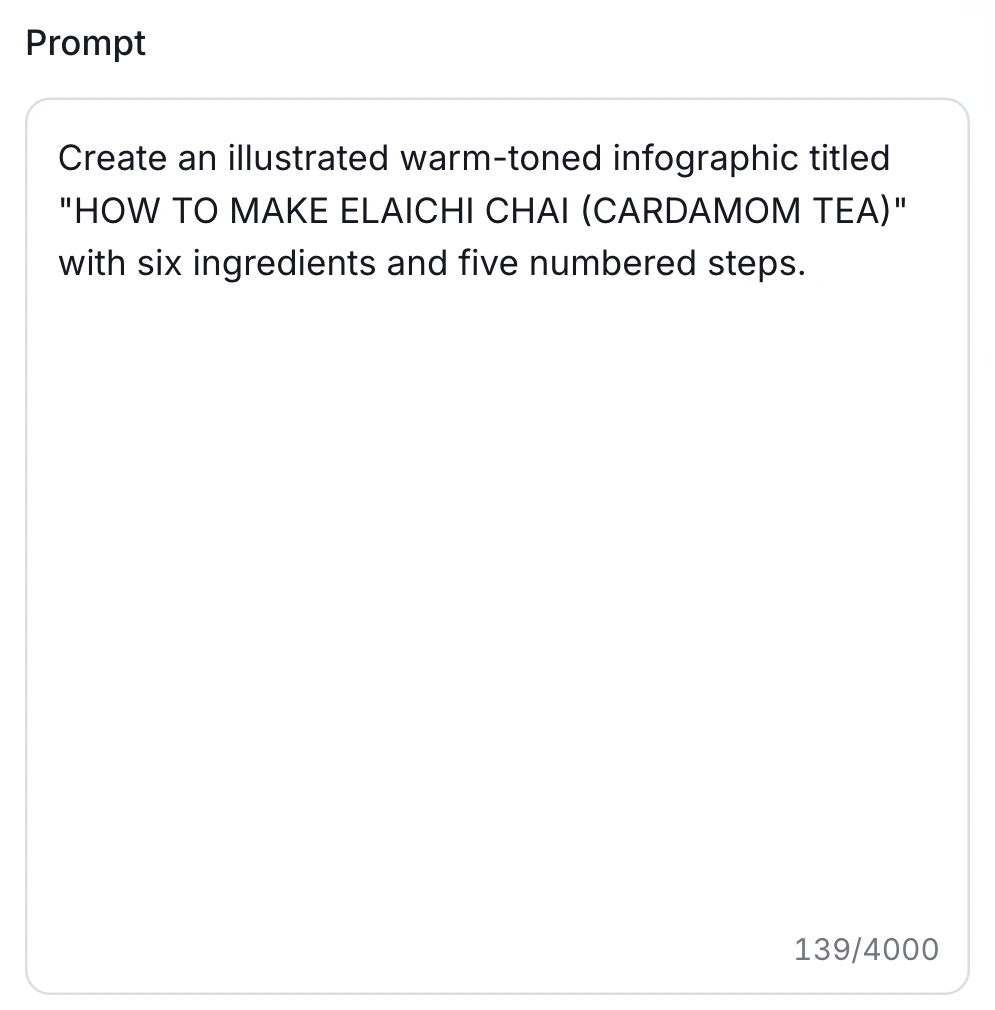
Write your subject, layout and exact wording. For an edit, switch to Image to Image and add your references.
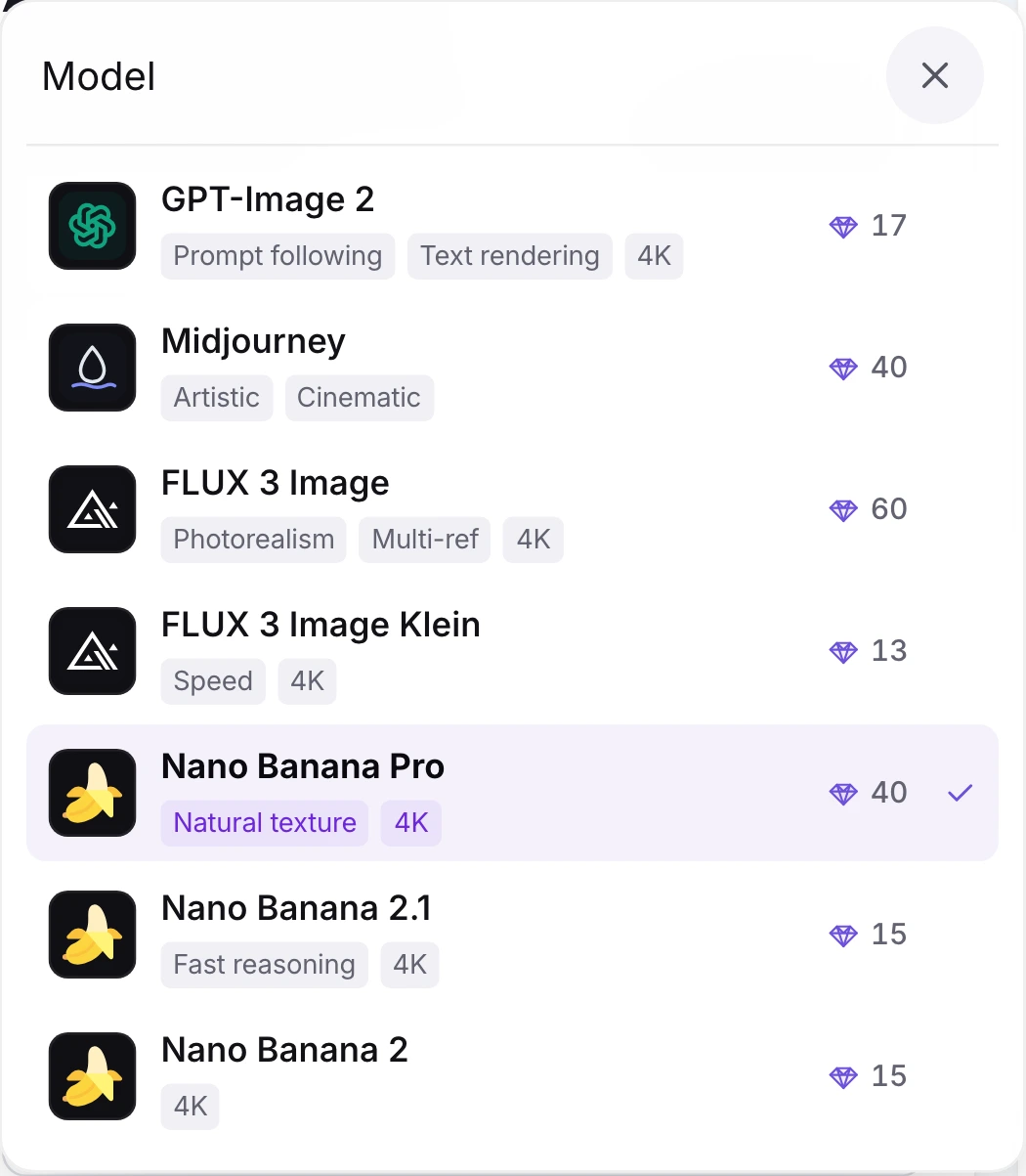
Choose Nano Banana Pro, then set your aspect ratio and resolution for the image you need.
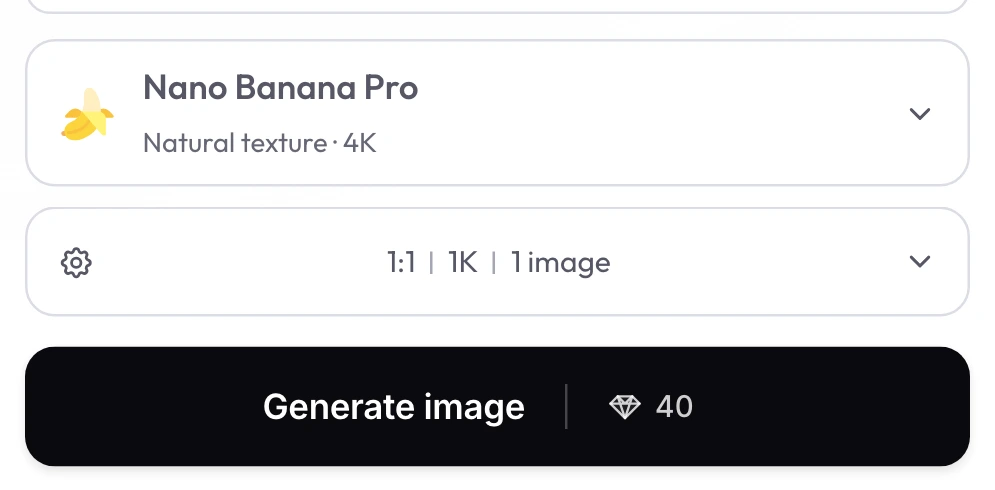
Choose an available aspect ratio and resolution, review the diamond quote, then select Generate image.
Review the live parameters exposed by the Nano Banana Pro configuration in the Wizmade workbench.
| Setting | Available options |
|---|---|
| Workflows | Text to Image; Image to Image |
| Resolution | 1K, 2K, 4K |
| Aspect ratios | 1:1, 9:16, 16:9, 3:2, 2:3, 4:3, 3:4, 5:4, 4:5, 21:9, auto |
| Outputs | Up to 1 per request |
| Reference images | Up to 8 reference images in Image to Image mode |
| Credits | Review the live 💎 quote inside the workbench before generating. |
Explore popular tutorials on typography, image editing and creative workflows with Nano Banana Pro.
Flagship Gemini 3 Pro Image model built for precision typography, multi-language layouts and multi-reference edits.
Balanced next-gen image generation across 0.5K to 4K resolutions and multi-reference everyday workflows.
Fast reasoning-guided generation tuned for rapid visual drafts and responsive concept iterations.
Answers about Gemini 3 Pro Image capabilities, settings, reference uploads and credits in Wizmade.
Nano Banana Pro is Google’s Gemini 3 Pro Image model for image generation and editing. It improves text rendering, visual reasoning and creative control, including multilingual design and reference-led edits.
Nano Banana Pro is built on Gemini 3 Pro Image and emphasizes detailed creative control. Nano Banana 2 uses Gemini 3.1 Flash Image for faster iteration. Both offer up to 4K in Wizmade; compare their available settings above and check the quote for your chosen configuration.
New Wizmade accounts receive 60 starter credits. Each generation uses the amount shown in the live 💎 quote. You can prepare a prompt and explore settings before signing in to generate.
Yes. Nano Banana Pro can render text in posters, packaging, signs and infographics. Put the exact words in quotation marks and describe their placement and visual style. Review important wording in the finished image.
Yes. Generate text in your chosen language, or upload a design in Image to Image and ask to translate its text. Specify the target language and the colors, layout and details you want to retain.
Yes. In Image to Image, add up to 8 reference images. Explain what each image contributes and what should stay consistent, then describe the edit or composition you want.
Wizmade offers 1K, 2K, 4K and these aspect ratios: 1:1, 9:16, 16:9, 3:2, 2:3, 4:3, 3:4, 5:4, 4:5, 21:9, auto. Choose the format in settings before generating. Each request produces 1 image.
The live 💎 quote beside Generate image shows the cost for your selected model and settings before you submit. Browsing, preparing a prompt and copying an example do not use generation credits.
Describe the subject, setting, composition and style. Quote any exact text. When editing, name what should change and what should stay; with multiple references, give each image a clear role.
Commercial use depends on the applicable provider and model terms, your input rights, and Wizmade’s Terms and Acceptable Use Policy. Check those terms for your intended use and make sure you have permission to use uploaded references.
For designers, creators and teams
Start with a prompt or your own images. Create right here in Wizmade.
We use essential cookies and analytics to understand site usage and improve your experience on Wizmade. Read our Privacy Policy for details.