Nano Banana 2 AI Image Generator

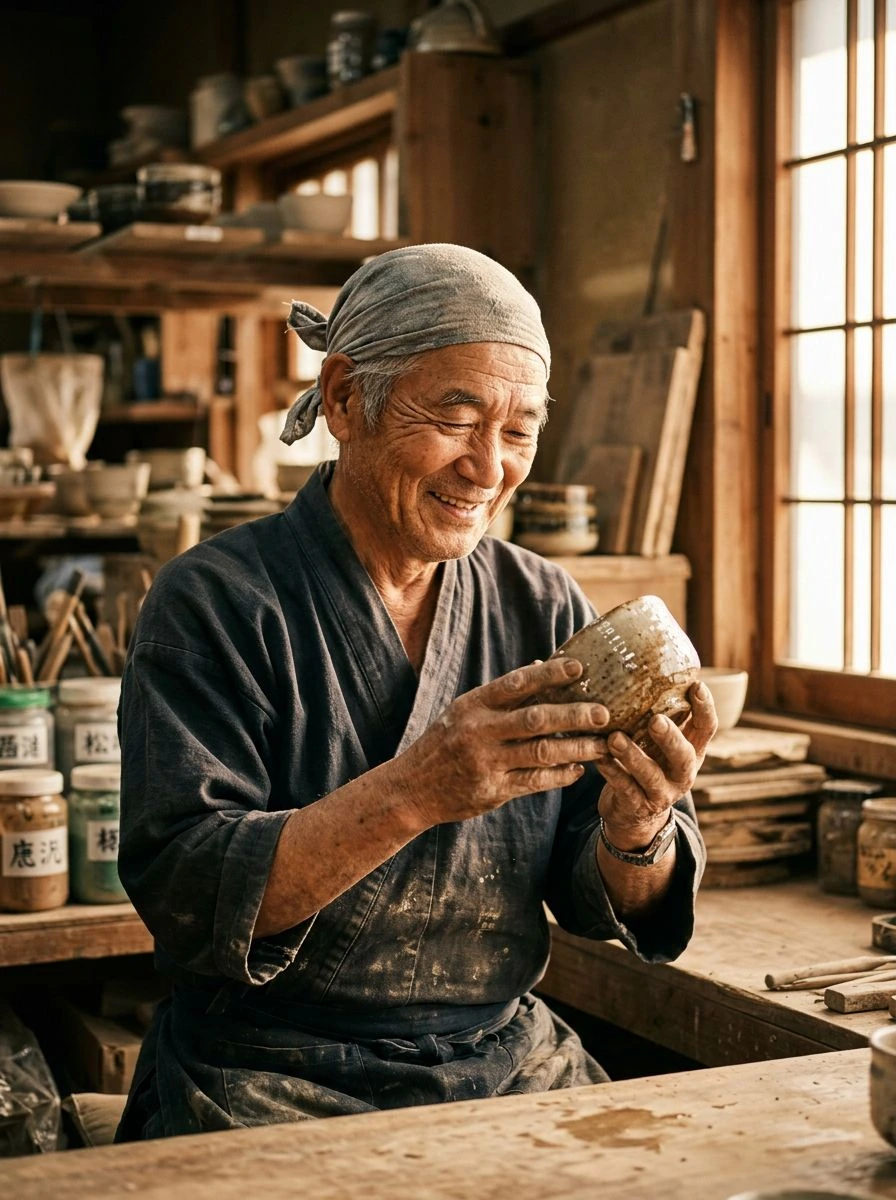
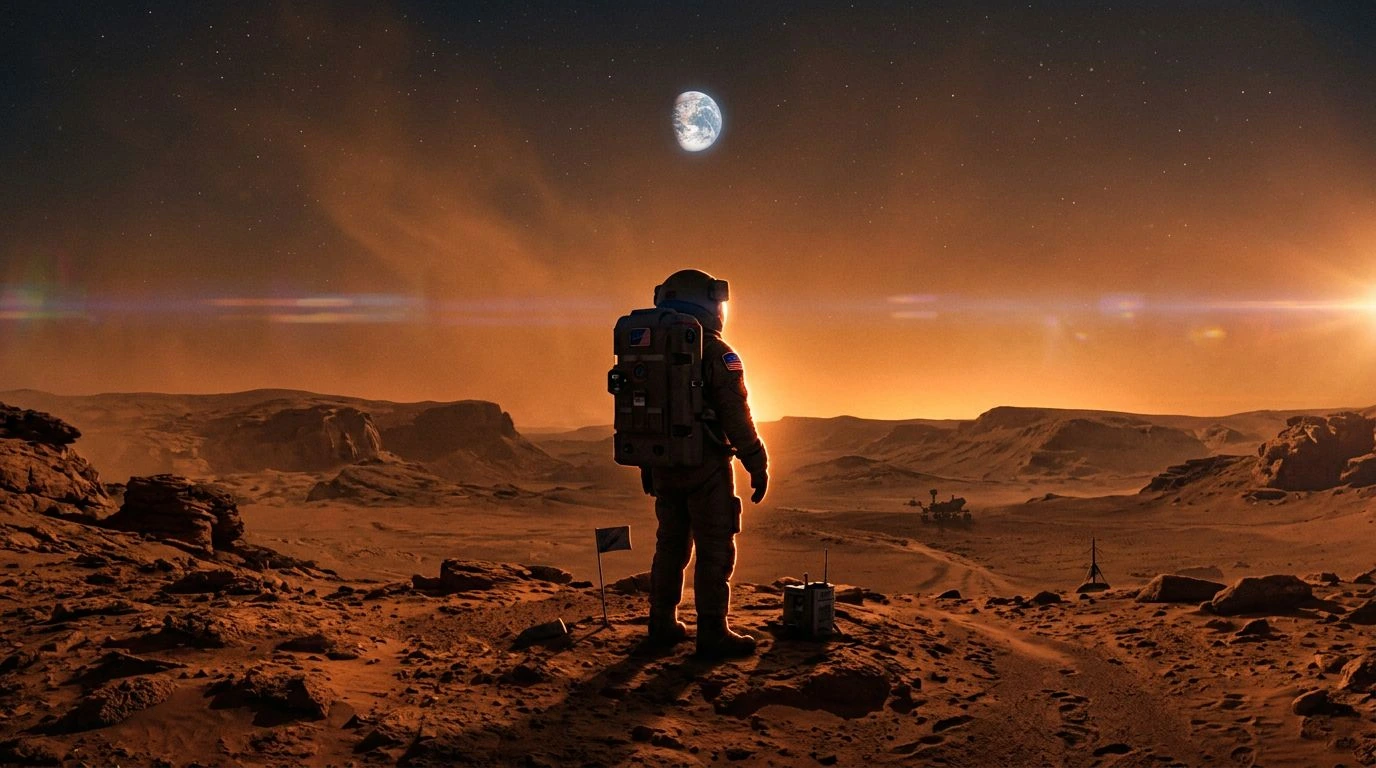
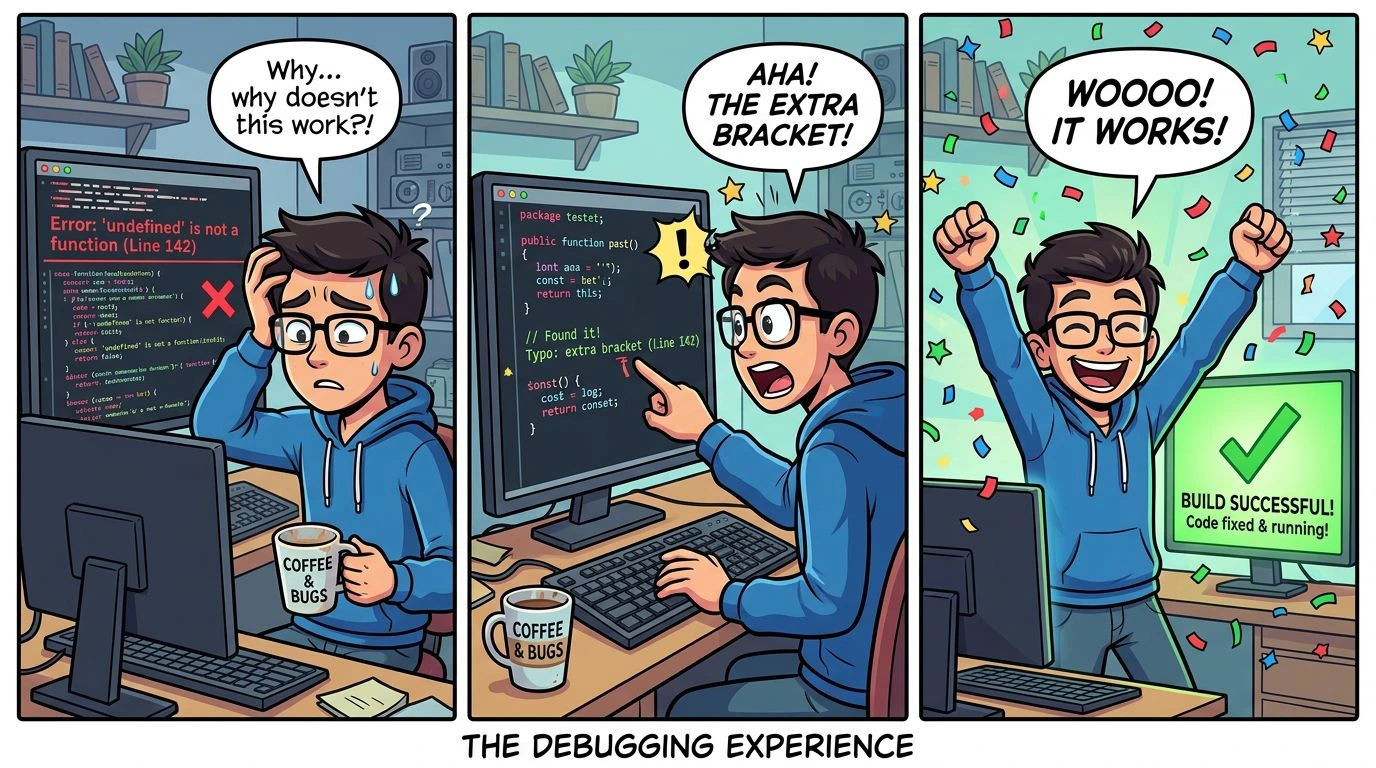
Create and edit images with Nano Banana 2, Google’s Gemini 3.1 Flash Image model. Explore text rendering, multi-panel scenes, and reference-based editing in Wizmade.

New accounts receive 60 free starter credits — review the live quote in the workbench before generating.

What makes Nano Banana 2 different?

Create and edit images with Nano Banana 2, Google’s Gemini 3.1 Flash Image model. Explore text rendering, multi-panel scenes, and reference-based editing in Wizmade.

How to use Nano Banana 2

Generate or refine Nano Banana 2 images in three steps inside the workbench above.

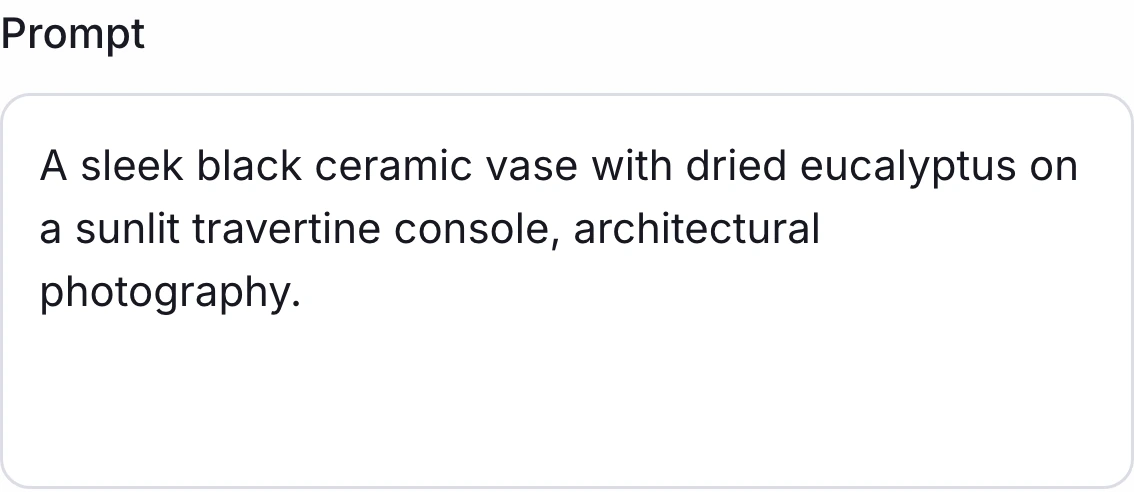
Wizmade prompt field with a text prompt entered
1

Write a prompt or add a reference image

Enter a prompt in the workbench. For an edit, switch to Image to Image and add a reference image.

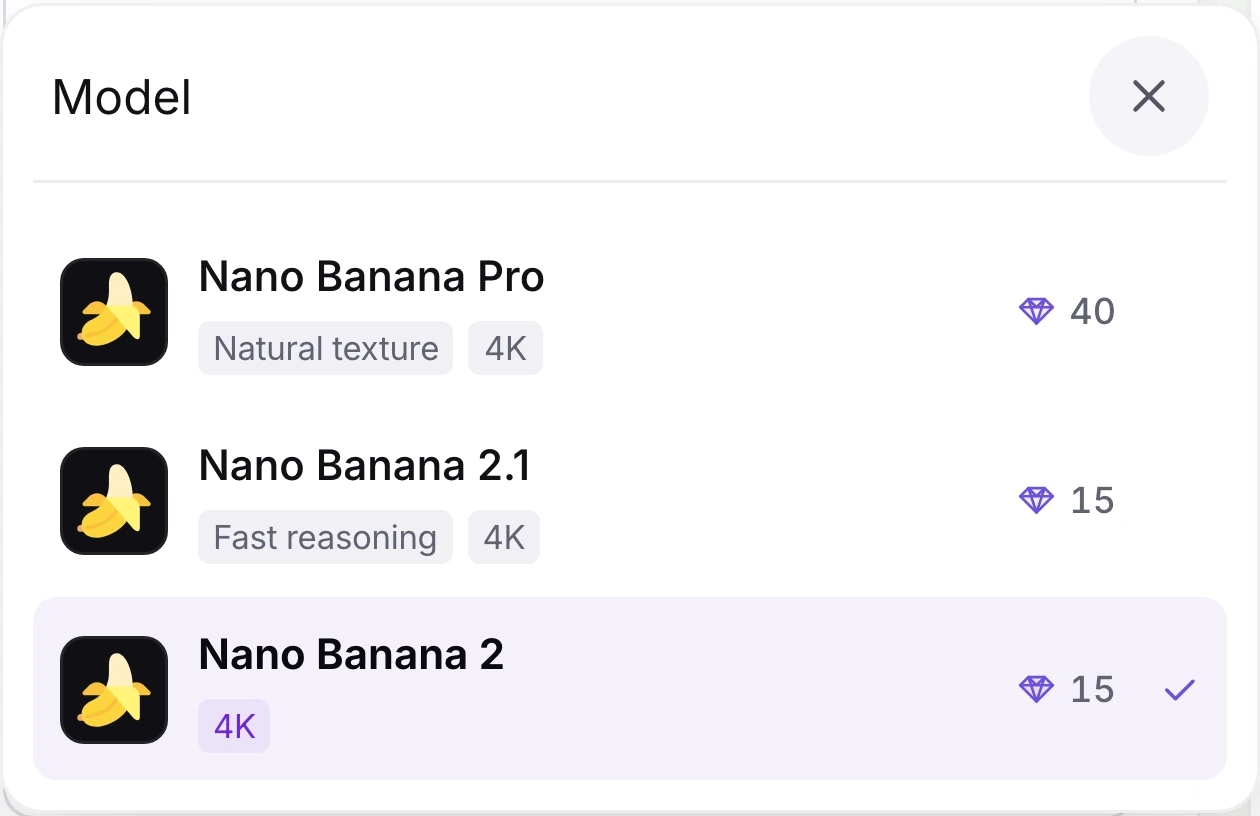
Wizmade model selector with Nano Banana 2 selected
2

Verify Nano Banana 2 inside the selector

Open the model menu to switch between Nano Banana 2, Nano Banana 2.1, and flagship Nano Banana Pro without leaving your draft.

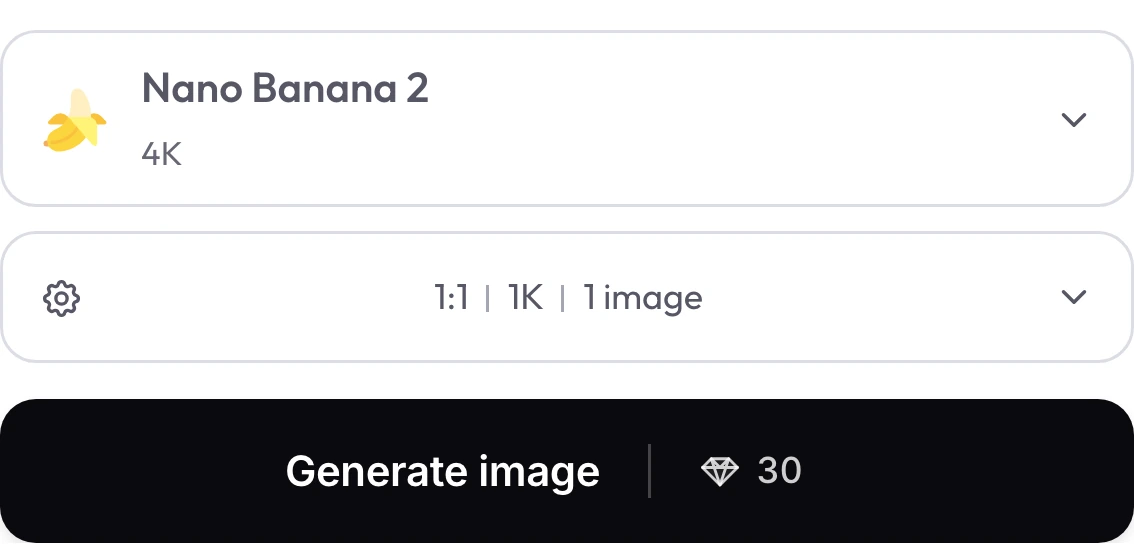
Wizmade generation controls showing Nano Banana 2, a 1:1 ratio, 1K resolution, and a live diamond quote
3

Choose a resolution and review the live quote

Set the output ratio and resolution, then review the 💎 quote on Generate image before you submit.

Nano Banana 2 settings in Wizmade

Review the live parameters exposed by the Nano Banana 2 configuration in the Wizmade workbench.

SettingAvailable options
WorkflowsText to Image; Image to Image (in-page workbench)
Resolution0.5K, 1K, 2K, 4K
Aspect ratios1:1, 9:16, 16:9, 3:2, 2:3, 4:3, 3:4, 5:4, 4:5, 21:9, 1:4, 4:1, 1:8, 8:1, auto
Outputs1 per request
Reference imagesUp to 8 reference images in Image to Image mode
CreditsReview the live 💎 quote inside the workbench before generating.

Nano Banana 2 FAQs

Answers about Nano Banana 2 capabilities, settings, reference uploads and credits in Wizmade.

Which resolutions can I choose?

The workbench offers Nano Banana 2 output from 0.5K through 4K. Review the live 💎 quote for your chosen settings before submitting.

How many reference images can I upload with Nano Banana 2?

Add up to 8 reference images in Image to Image. The workbench will show the limit as you add them.

When should I pick Nano Banana 2 instead of Nano Banana 2.1 or Pro?

Nano Banana 2 is the balanced everyday option. Compare the current settings and live quote with Nano Banana 2.1 for fast iteration or Nano Banana Pro for flagship work.

Which aspect ratios are available?

Choose from the ratios shown in the Nano Banana 2 workbench settings, including landscape, portrait, and square formats.

Can Nano Banana 2 render text in images?

Google highlights text rendering and localization as Nano Banana 2 capabilities. Review the generated lettering and make any needed edits before use.

Does clicking Try or Copy run a paid generation?

No. Try populates the top workbench draft with Nano Banana 2 selected so you can inspect or refine parameters before clicking Generate.

Create your next image with Nano Banana 2

Write your prompt, adjust aspect ratio and resolution, or switch to Image to Image with your own references in the workbench above. New accounts include 60 free starter credits with live 💎 quotes before every generation.